
How to match GS1 XML and EANCOM GTIN padding
Keep the GS1 XML value as 14 digits and the GS1 EANCOM value with leading zeros removed. Build every left-padded form of the same core, from its own length through 14, and look those up together. A matching check digit only proves the number is well formed.
Treat both feeds as one core number
Do not pick one padding rule for both feeds. GS1 XML and GS1 EANCOM describe the same GTIN with opposite rules for leading zeros.
Store the digits you received, then search with every legal pad of the same core. An exact string match will miss the other feed.
A GTIN can be 8, 12, 13, or 14 digits before a partner pads or strips it. The product identity sits in the significant digits, not in the zeros on the left.
What each standard does with zeros
In GS1 XML the GTIN pattern is 14 numeric characters. A 13-digit, 12-digit, or 8-digit number is right justified and filled with zeros until it is 14 digits. Those leading zeros stay in the XML value.
GS1 EANCOM defines the GTIN as numeric and up to 14 digits. The EDIFACT suppression rule says non-significant leading zeros should be removed when the element has variable length and no other restriction. So the same item can arrive in EANCOM without the zeros XML kept.
GS1 published this split on 2 September 2024. XML retains or adds the zeros. EANCOM suppresses them. Neither file is wrong. They are just not equal as strings.
If you import XML into a field that already holds EANCOM values, a 14-digit string will not equal the shorter string. The reverse import fails the same way.
Build the lookup list before you match
Start with the raw value from the file. Strip leading zeros to get the core. If the core is empty, the value was only zeros, so keep the original string and stop.
Otherwise collect the original value, the core, and every left-pad of the core from the core's own length through 14 digits. Drop duplicates. One indexed lookup on that list covers XML's 14-digit form and EANCOM's stripped form.
Use a stable display value after the match. If the core is 12 digits or shorter, pad it back to 12. If it is longer, keep the core with no leading zeros. That gives one public form for a UPC-style 12-digit number and leaves a 13-digit or 14-digit core unpadded.
Label the type from that canonical length, not from a stored type column. Length 12 reads UPC. Length 13 reads EAN. Length 14 reads GTIN-14. Anything else reads GTIN. A stored type can say GTIN-13 when the row is really a 12-digit UPC saved with one extra zero.
- Strip leading zeros from the incoming GTIN.
- Add the raw value, the core, and each left-pad through 14 digits.
- Look up that unique list in one query.
- Save the canonical 12-digit pad, or the longer core with zeros removed.
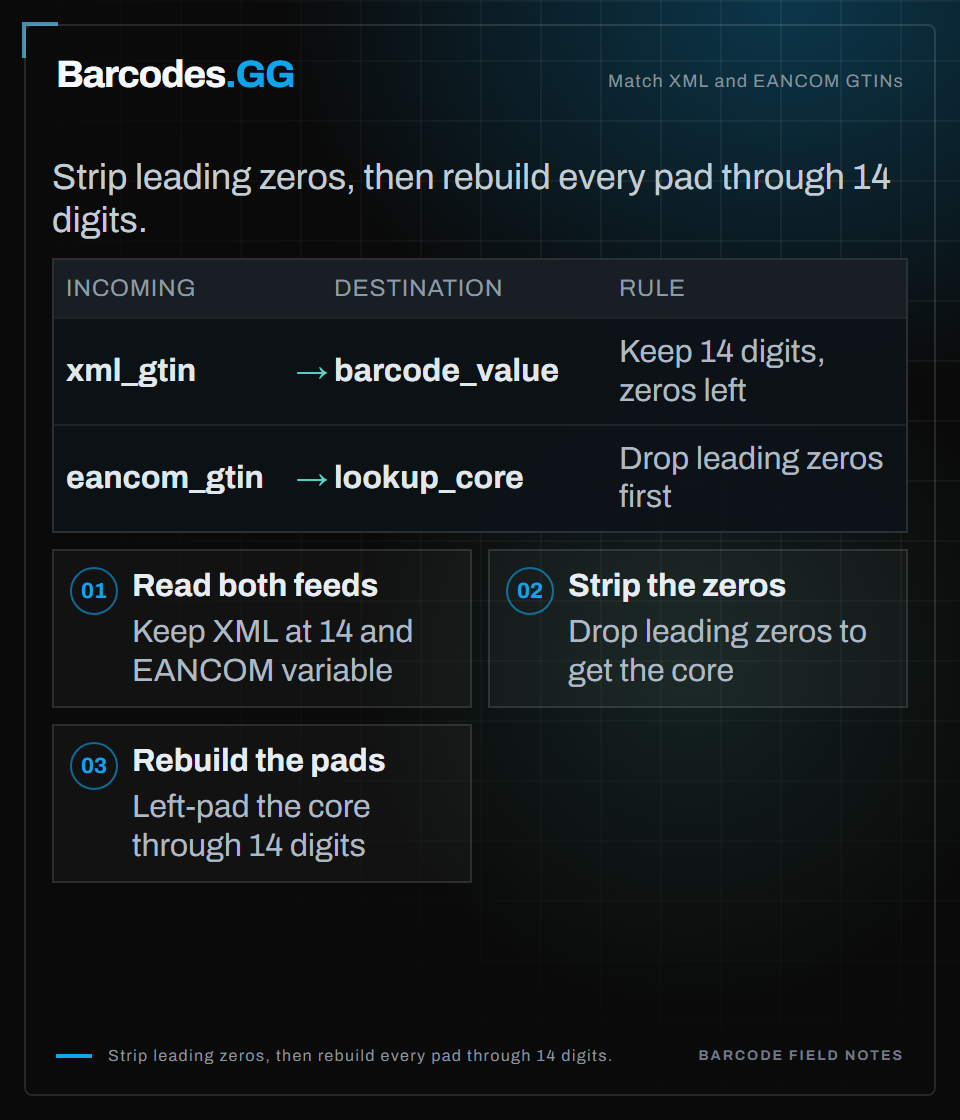
Text version
Match XML and EANCOM GTINs Strip leading zeros, then rebuild every pad through 14 digits. Section: Build the lookup list before you match Step 1: Read both feeds. Keep XML at 14 and EANCOM variable Step 2: Strip the zeros. Drop leading zeros to get the core Step 3: Rebuild the pads. Left-pad the core through 14 digits Import mappings: xml_gtin to barcode_value: Keep 14 digits, zeros left; eancom_gtin to lookup_core: Drop leading zeros first
When several rows match
A padded search can hit more than one stored row. If you get fewer than two matches, use the only row.
If you get two or more, collect the style codes on those rows. Look up those codes, including the uppercase copies, against the product file. Return the barcode row whose style code exists on a product.
If none of the style codes exist, or the matches have no style code, take the first barcode row. Do not invent a second identifier to break the tie.
This still does not prove the shoe in the carton is the catalog row. It only says which stored barcode string shares the same significant digits.
Check the digit on the canonical form
Run the GS1 modulo-10 check on the canonical digits, not on a randomly padded copy. Accept only digit strings of length 12, 13, or 14.
Reverse the digits except the last one. From the right, multiply positions by 3, then 1, then 3, then 1. The check digit is the amount that takes the sum up to the next multiple of 10. A remainder of 0 means the check digit is 0.
A pass means the number is well formed. It does not mean a partner assigned it, and it does not mean your catalog has a product for it.
Skip sitemap listing when the check fails. Also skip restricted-circulation numbers: a 13-digit canonical value that starts with 2, and a 12-digit value that starts with 2 or 4. Those prefixes are for use inside one company, not as a global trade item number.
Before the next import, run the raw XML value and the raw EANCOM value through the same candidate list. If both resolve to one canonical string and the check digit passes, store that canonical string and keep the original feed value beside it.
Frequently asked questions
Should I store every GTIN as 14 digits?
Store the 14-digit form when the source is GS1 XML, because that standard requires it. Do not overwrite an EANCOM value with those zeros. Keep the received string, and search with every pad of the core through 14 digits.
Does a valid check digit mean the feeds describe one product?
No. The check digit only shows the canonical digits follow the modulo-10 rule. You still need the candidate match, and a catalog row, before you treat the feeds as the same item.
Try the tools
Related reading
What is a GTIN? UPC, EAN & GS1 barcode standards
A GTIN is the GS1 Global Trade Item Number that sits above UPC, EAN and the 14-digit case code as one shared product identifier.
GTIN-14 explained: cases, cartons & pallets
GTIN-14 identifies a packaging level such as a case or carton by adding an indicator digit in front of the base product GTIN.
How to validate a barcode: UPC, EAN & GTIN
A practical guide to checking that a UPC, EAN, or GTIN is well formed before you trust it.