How a price-comparison site is built on barcode data
A retail comparison site looks like a pricing product. Underneath, almost all of the difficulty is identity: deciding that a row from one shop and a row from another describe the same item. This article shows how product identifiers do that work, with a live sneaker comparison site as the example.
The problem is identity, not price
Collecting prices is the easy half. Every retailer publishes them, and a feed is a feed. The hard half is deciding that this row from shop A and that row from shop B are the same product. Until you can do that, you have a list of prices and not a comparison.
Names will not do it. The same shoe appears as "Nike Air Max 95 Premium", "Air Max 95 Premium (Men's)" and "NIKE AIR MAX 95 PREMIUM GREEDY" depending on who typed it. Those three strings have to collapse to one product. Colour words differ, gender markers come and go, and half the catalogue has the brand name repeated inside the product name. Fuzzy matching on names fails in the way you would expect: it confidently merges things that are not the same item.
What does work is an identifier the manufacturer assigned. For groceries that is the GTIN printed as a barcode. For footwear and apparel it is usually the manufacturer style code, with the GTIN available per size where the retailer publishes it.
Style codes and GTINs do different jobs
The two identifiers sit at different levels, and mixing them up causes real damage.
| Identifier | Identifies | Example shape | Good for |
|---|---|---|---|
| Manufacturer style code | The product and colourway, across all sizes | IM2211-001 | Matching one shop's listing to another's |
| GTIN / EAN-13 | One size of one colourway | 0195244394159 | Matching a specific size, scanning a box |
A comparison page is about the colourway: you want every shop that sells that shoe on one page. So the style code is the natural key. The GTIN then resolves the level below it: this shop has EU 42 in stock, that one does not. Use the GTIN as the page key and you get forty near-identical pages, one per size. Use the style code as the size key and you cannot tell sizes apart at all.
Key the product page on the style code, key stock and availability on the GTIN. They are not competing identifiers; they are two levels of the same hierarchy.
Normalise before you compare
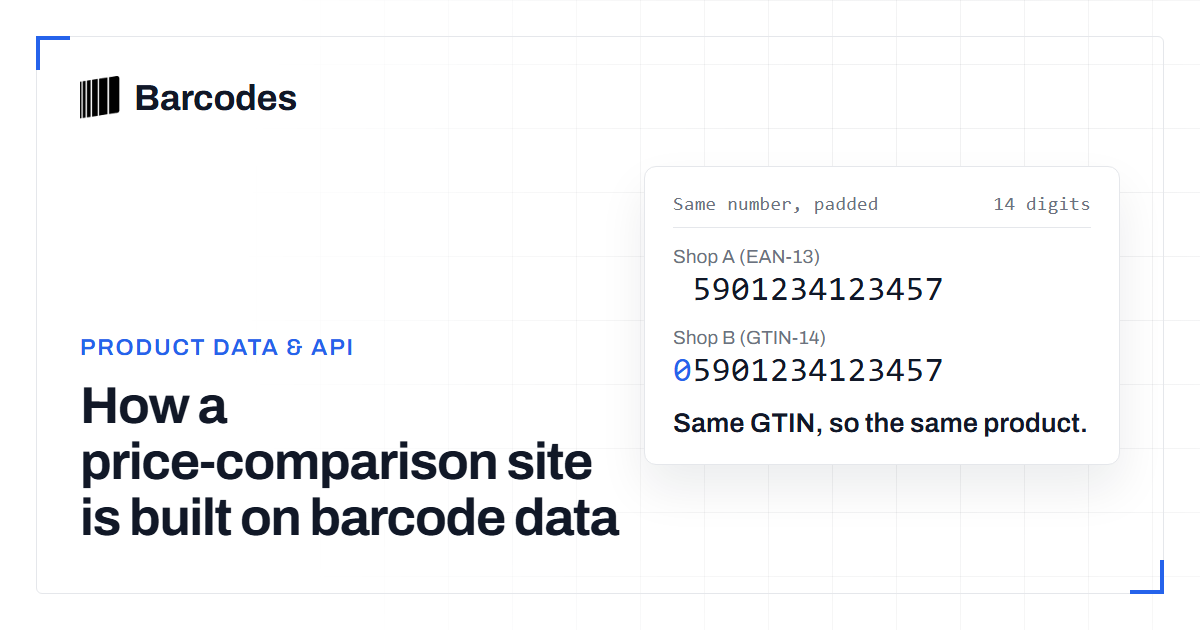
Identifiers only match if you compare them in the same shape, and retailers do not agree on shape. The same style code appears as IM2211-001, IM2211/001, im2211 001 and sometimes as the colourway suffix alone. GTINs arrive as 12, 13 or 14 digits depending on where the product was listed. A 12-digit UPC is the same number as the 13-digit EAN that carries one leading zero.
So both identifiers need a canonical form before they are used as keys. Strip separators and case from style codes, and left-pad GTINs to 14 digits. People skip that second rule. The result is duplicate catalogue entries for one product: a UPC row and an EAN row that never meet. The GTIN converter shows the padding, and the barcode validation tool catches the truncated and mistyped values that would otherwise become their own phantom products.
Check digits are useful here. A feed value that fails its check digit is a typo, not a new product. Rejecting it at intake is far cheaper than finding it as a duplicate later.
A worked example
HYPEIBIZA is a European sneaker price-comparison site. It is a clear example because the whole site depends on getting identity right. A product page there shows every retailer carrying that colourway, each one's price, its stock state and the sizes it still holds. That is only possible because the rows from dozens of separate retailers have already been folded onto one style code.
Two consequences of that design are visible from the outside. First, the product page is per colourway, not per size. The sizes appear as a filter over the offers and not as separate pages. Second, the site can look a product up from the barcode on the box. Scan the EAN and you arrive at the page for that colourway, because the size-level identifier resolves upward to the product-level one.
The failure is just as visible on any comparison site that skips this work. The same shoe is listed twice under slightly different names, each with half the retailers, so neither page tells you where it is cheapest.
Identity also decides the picture
Once identity is solved, everything else attaches to it. A catalogue built from many retailers inherits many images of varying quality. The identifier lets you pick one per product instead of showing whichever shop came first. The same applies to descriptions, release dates and colourway names.
This is why product data and pricing are the same project. A price without a confident product identity is a number with nothing to attach to. An image without one belongs to no page in particular. If you are building this and not buying it, the API documentation covers how to look identifiers up from code. Any GTIN lookup page shows the shape of a resolved record.
Frequently asked questions
Why not just match products by name?
Because retailers write names differently: gender markers, repeated brand names, colour spellings and punctuation all vary. Name matching either misses genuine duplicates or merges products that are not the same item. A manufacturer-assigned identifier avoids both.
Should a comparison page be keyed on the GTIN or the style code?
The style code, because a comparison page is about a colourway across all its sizes. The GTIN identifies a single size and is the right key for stock and availability underneath that page.
Can one product have several GTINs?
Yes. Each size of each colourway gets its own GTIN, so a single shoe in ten sizes carries ten GTINs, all sharing one manufacturer style code.
Try the tools
Related reading
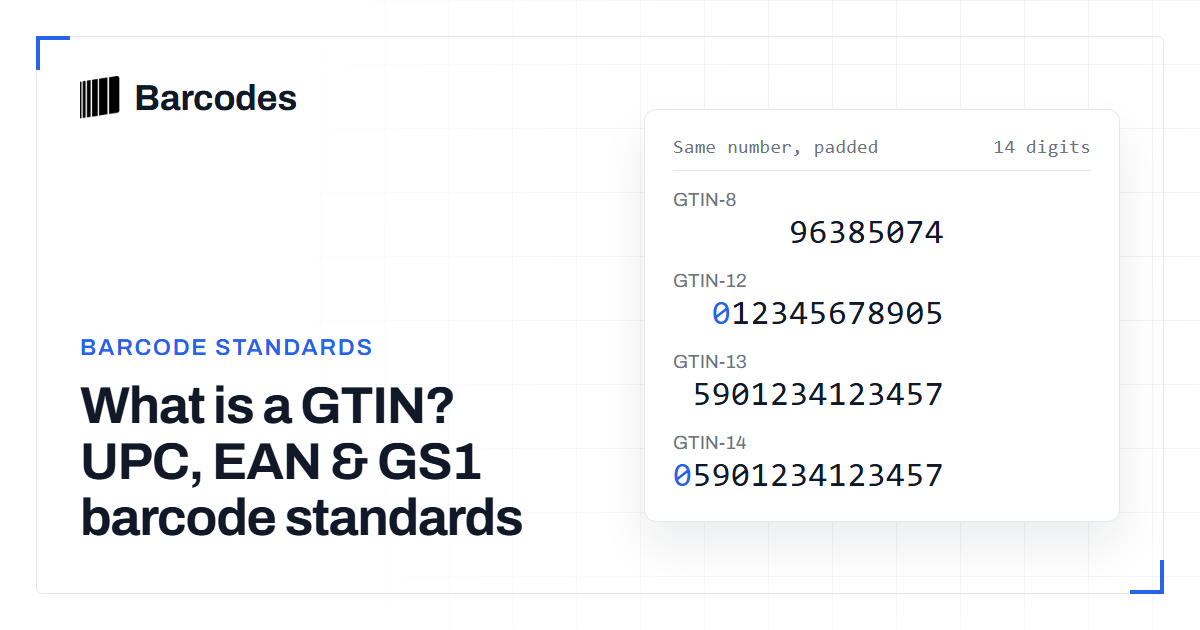
What is a GTIN? UPC, EAN & GS1 barcode standards
A GTIN is the GS1 Global Trade Item Number that sits above UPC, EAN and the 14-digit case code as one shared product identifier.
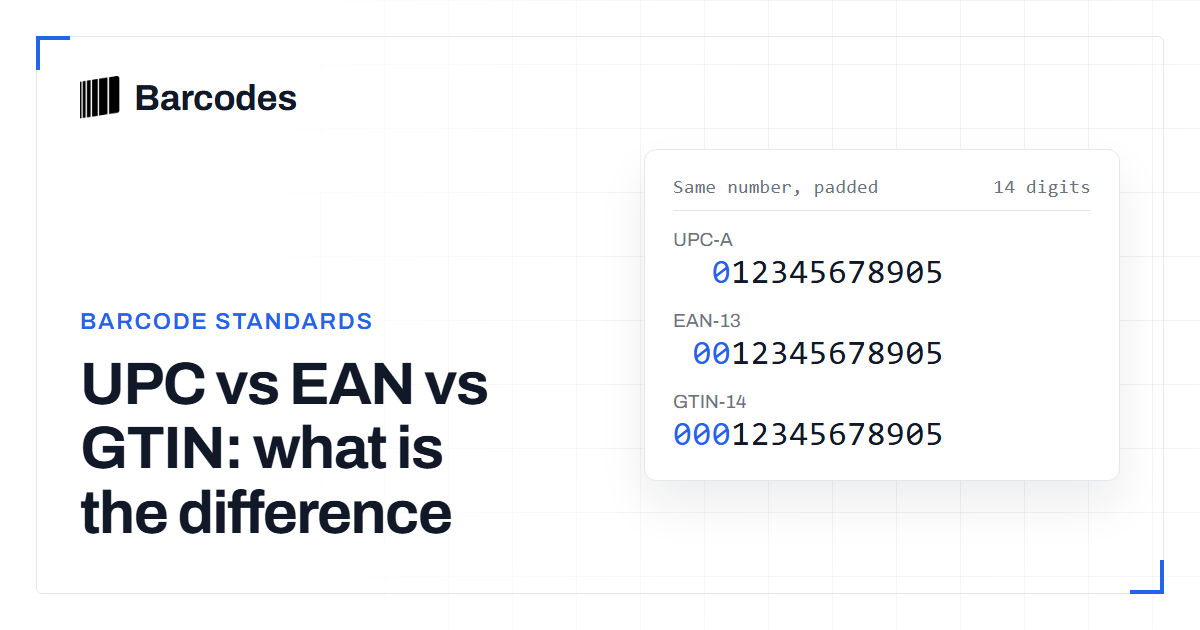
UPC vs EAN vs GTIN: what is the difference
UPC is not an alternative to GTIN. A UPC-A barcode carries a 12-digit GTIN-12, so UPC is one member of the wider GTIN family.
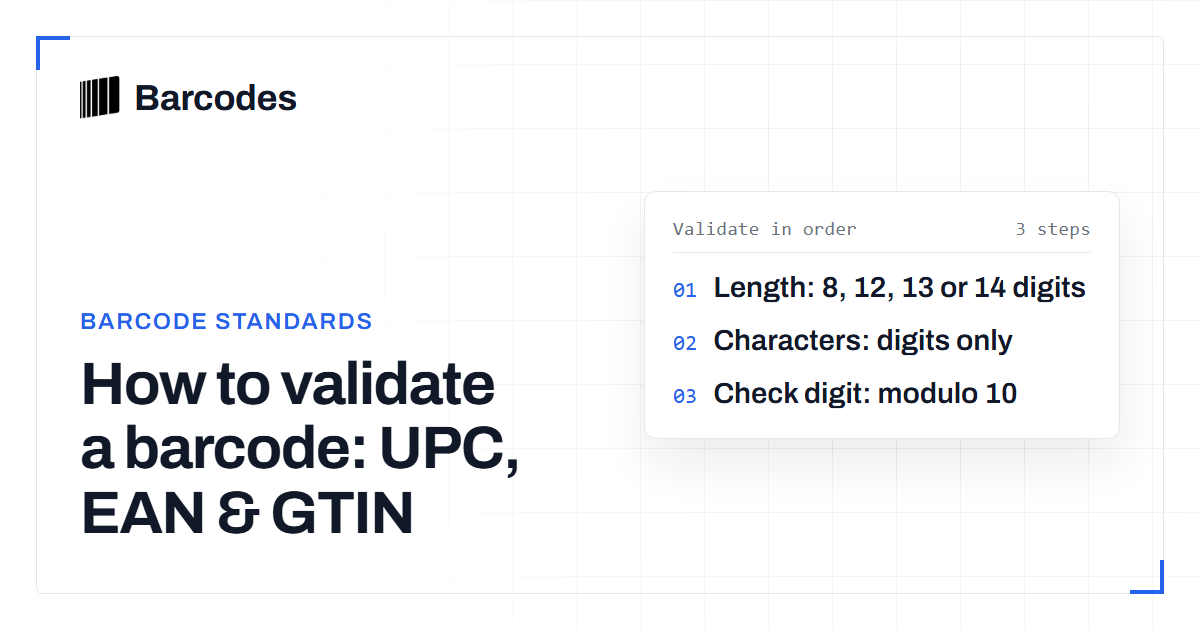
How to validate a barcode: UPC, EAN & GTIN
A practical guide to checking that a UPC, EAN, or GTIN is well formed before you trust it.