Price-drop alerts on GTIN data: a developer guide
A price-drop alert watches a list of barcodes and tells you when a resale price falls far enough to matter. This guide builds one on the Barcodes.gg API. It reads the price for each GTIN, stores it, and alerts only when the data is fresh and the drop is real.
What the watcher does
The watcher runs on a schedule, for example once an hour. On each run, it reads the current price for every GTIN on your list. It compares that price with a stored baseline. When the price falls past your threshold, it sends one alert to email, Slack or a webhook.
Start with clean identifiers. A UPC-A, its EAN-13 form and its GTIN-14 form identify the same product. Store each code once, at one width, or one shoe becomes two watch entries. The GTIN converter shows the padding rules. If your list holds manufacturer style codes and no barcodes, the catalogue enrichment tool turns a style code CSV into one row for each size and barcode.
Read the price for one GTIN
The sneaker price API has a barcode route: GET /api/v2/prices/barcode/{barcode}. It takes a UPC or EAN with 8 to 14 digits. It returns StockX and Alias prices for the size of that barcode only, so you do not map sizes yourself. Send your API token as a Bearer token in the Authorization header. The token needs the prices ability.
Three parts of the response matter here. On a StockX row, sizes[].price is the lowest ask, or null when the size has no ask. Each size has its own as_of time. The top-level is_stale is true when the newest price is older than 24 hours. A product without prices answers HTTP 200 with "error": true, and that request costs nothing. The resale prices documentation lists every parameter and field.
The price route does not return a product name. For the alert text, call GET /api/v2/barcode/lookup/{barcode}?fields=product.product_name once when you add a GTIN, and store the name. That call needs the lookup-barcode ability. The barcode lookup documentation lists the other fields.
A short example
This Node.js 18 example keeps its state in one object. Save that object to a file or a database table between runs.
const API = "https://barcodes.gg/api/v2";
const headers = { Authorization: `Bearer ${process.env.BARCODES_TOKEN}` };
const RULE = { minDrop: 10, minPct: 5, cooldownH: 24, dailyCap: 20, maxAgeH: 6 };
async function get(path) {
try {
const res = await fetch(API + path, { headers });
const body = res.ok ? await res.json() : null;
return body?.error === false ? body : null;
} catch {
return null;
}
}
async function add(state, gtin) {
const body = await get(`/barcode/lookup/${gtin}?fields=product.product_name`);
state.watch[gtin] = { name: body?.product_name ?? gtin, base: null, alertedAt: 0 };
}
// Lowest StockX ask (EUR, EU market) for the size of this GTIN, or null.
async function ask(gtin) {
const body = await get(`/prices/barcode/${gtin}?sites=stockx¤cy=EUR&market=EU`);
const row = body?.results.sites.find((s) => s.market === "EU" && !s.is_consign);
const size = row?.sizes[0];
if (!size || size.price === null || body.results.is_stale) return null;
if (Date.now() - Date.parse(size.as_of) > RULE.maxAgeH * 3600e3) return null;
return size.price;
}
function shouldAlert(state, gtin, price, now = Date.now()) {
const w = state.watch[gtin];
if (price === null) return false; // missing or stale: keep the baseline
if (w.base === null || price > w.base) { w.base = price; return false; }
const drop = w.base - price;
if (drop < RULE.minDrop || drop < (w.base * RULE.minPct) / 100) return false;
if (now - w.alertedAt < RULE.cooldownH * 3600e3) return false;
const day = new Date(now).toISOString().slice(0, 10);
if (state.day !== day) Object.assign(state, { day, sent: 0 });
if (state.sent >= RULE.dailyCap) return false;
state.sent++;
w.alertedAt = now;
w.base = price;
return true;
}
async function run(state, notify) {
for (const gtin of Object.keys(state.watch)) {
const price = await ask(gtin);
if (shouldAlert(state, gtin, price)) notify(`${state.watch[gtin].name}: ${price} EUR`);
}
}The example reads one market in one currency. To watch Alias, use sites=alias and read ask in place of price. Alias prices are in USD in every region.
Guardrails against noisy alerts
A watcher without rules sends too many alerts, and people stop reading them. Each rule in the example has one job.
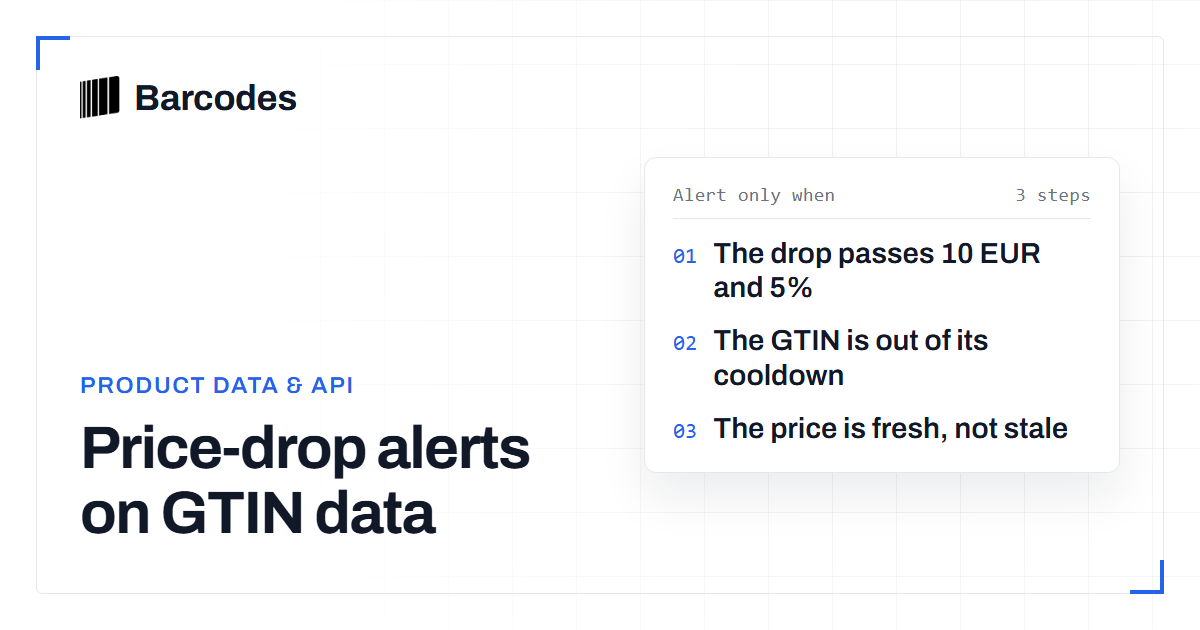
- Minimum drop. The drop must pass an amount and a percentage, for example 10 EUR and 5%. One rule alone fires on cheap pairs or misses expensive ones.
- Baseline. The code compares the price with the price of the last alert, not with the last reading. A rise moves the baseline up. A slow fall of 2 EUR an hour then still alerts when it passes the threshold.
- Cooldown for each GTIN. One GTIN gets at most one alert in 24 hours. Asks move up and down, and one product must not flood the channel.
- Daily cap. The watcher stops after 20 alerts a day. A bad import or a move across the whole market then cannot send hundreds of messages.
- No alert on missing or stale data. The code skips a GTIN when the request fails, when the response has
"error": true, when the price isnull, whenis_staleistrue, or whenas_ofis older than six hours. The baseline stays. A missing price is not a price of zero.
Run it on a schedule
Each answered price request costs one API call. A request without prices costs nothing. A list of 100 GTINs checked every hour uses up to 2,400 calls a day, so match the interval to your plan. Add fresh=cache when speed matters more than age. The API then answers from its cache and does not wait for a live pull. Your as_of check still rejects old prices.
Log every skipped GTIN with its reason. If most codes skip for stale data, use a longer interval or another market. Do not lower the threshold to get more alerts.
Frequently asked questions
Can I watch a GTIN-14 or an EAN-13 with a leading zero?
Yes. The barcode route takes 8 to 14 digits. Store each product at one width in your own list, so that one product does not become two watch entries.
Why did a product with a price get no alert?
Check the guardrails first. The drop may be under the minimum, the GTIN may be in its cooldown, the daily cap may be full, or the price may be stale or older than your age limit.
Does a GTIN without prices cost an API call?
No. A price request that finds no matching prices answers with error true and costs nothing. Each answered request costs one API call.
Try the tools
Read our guides first in Google results: add Barcodes.gg as a preferred source.
Related reading
How a price-comparison site is built on barcode data
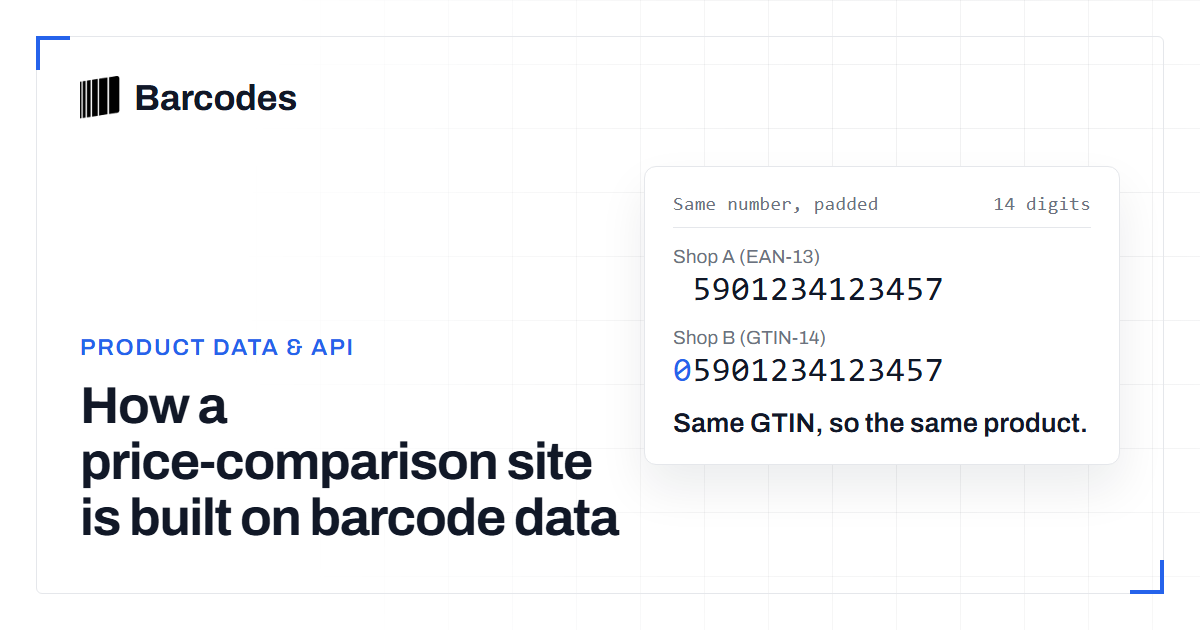
Comparing one product across forty shops only works if every shop is talking about the same product. That identity problem is a barcode and style-code problem before it is a pricing one.
Getting started with the Barcodes.gg API
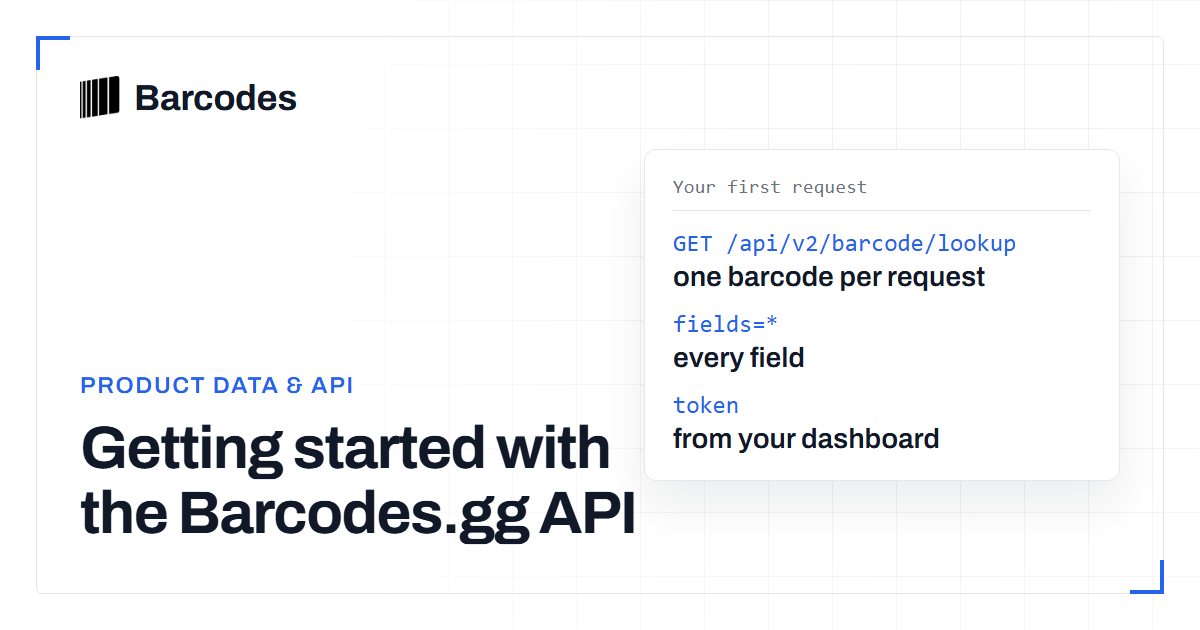
The Barcodes.gg API turns a barcode into a structured product record with one authenticated GET request. This guide takes you from token to first response.
HTTP 200 with error true: how to read barcode lookup failures
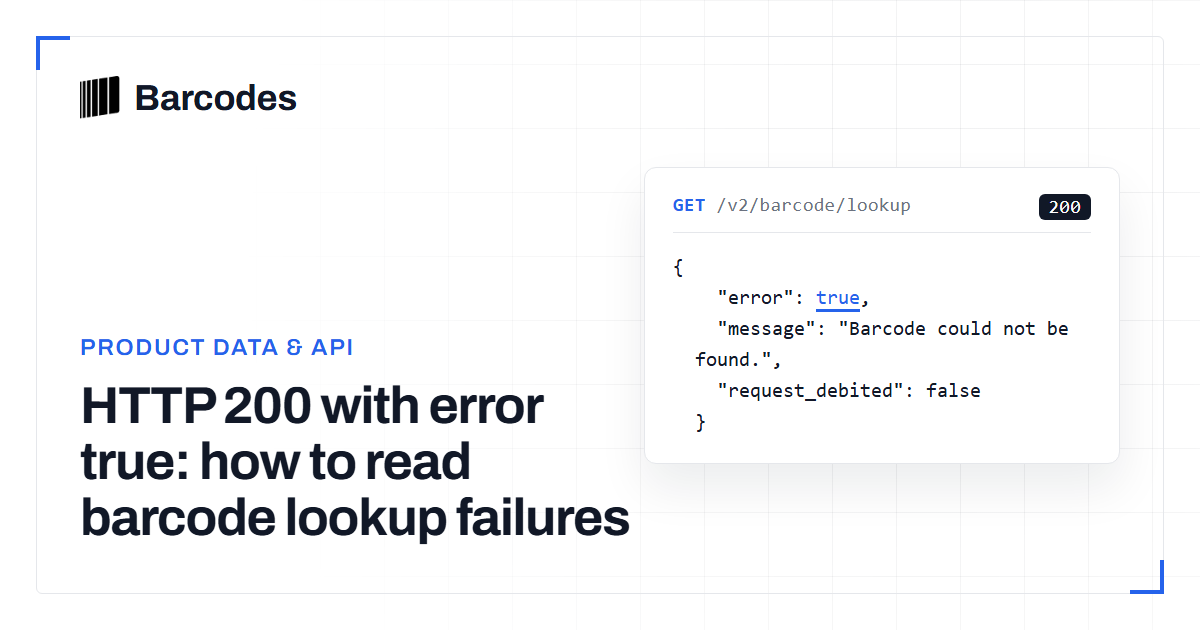
A 200 status is not a successful product match. Learn how to branch on status, the error flag, and the message so you do not treat every miss as a 4xx or as coverage.