Getting started with the Barcodes.gg API
If you have never called the Barcodes.gg API before, this is the shortest path from an empty terminal to a full product record. You create a token, send one authenticated request, and read the structured fields that come back.
What the API does
The Barcodes.gg API turns a barcode into structured product data. You send a GTIN, and the response is a record with name, brand, category, style code, colorway, release date, retail price, sizing and an image. It comes from the same catalog as the public lookup pages. The difference is that the API gives you every field as JSON, so an application can act on it.
It is the version of the free public barcode lookup made for software. The public page is for a person checking a single code. The API is for software that needs to resolve many codes into product records without a person involved.
Everything below uses the version 2 endpoints. The API documentation is the full reference for parameters and fields. This article is a guided first pass.
Create a token
Every request is authenticated with a bearer token. Create one from the tokens section of your dashboard, then send it in an Authorization header on each call.
Tokens carry abilities. An ability is permission to call one family of endpoints. The barcode lookup, for example, requires the lookup-barcode ability. Grant a token only the abilities it needs, and keep it server-side. A token embedded in a mobile binary or a front-end bundle can be extracted and drained, so proxy your calls through a backend you control.
Treat a token like a password. Do not commit it to a repository, ship it in an app, or paste it into client-side code. Rotate it from the dashboard if it is ever exposed.
Your first request
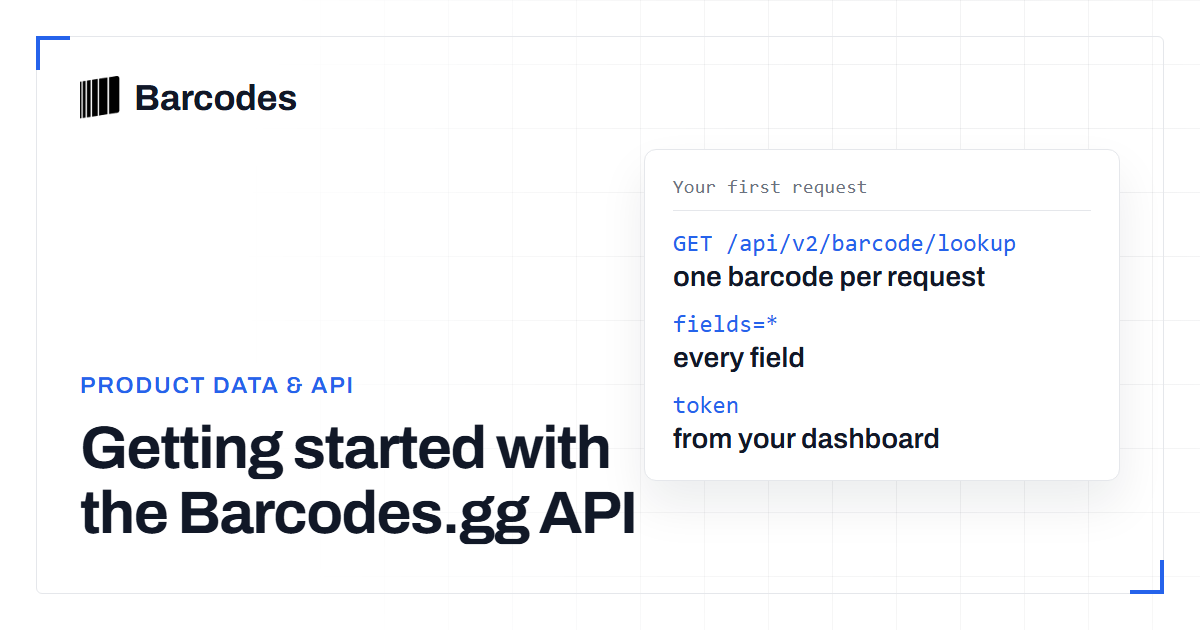
A lookup is a single GET request. You pass the barcode in the path and a fields parameter that selects which columns you want back. Use fields=* to receive everything, or a comma-separated list to receive only what you need and keep the payload small.
curl -H "Authorization: Bearer YOUR_TOKEN" \
  "https://barcodes.gg/api/v2/barcode/lookup/0198963114985?fields=*"
That is the whole call. The path segment is the GTIN you are resolving, and the header carries the token you created. If you are unsure about a code, run it through the barcode validation tool first. A mistyped digit then does not cost you a lookup.
Reading the response
A successful response is JSON split into three parts. Knowing the shape up front makes it easy to map into your own models.
- Product - the descriptive fields:
product_name,product_brand,product_category,product_style_code,product_colorway,product_release_date,product_retail_price,product_imageand sizing arrays such asproduct_sizesandus_sizes. - Barcode - facts about the code itself:
barcode_type,barcode_valueand, where a code maps to one size, aproduct_sizeblock with US, UK and EU mappings. - Metadata -
error,response_time,request_fulfilledandrequest_debited, which tells you whether the call counted against your quota.
A code that is not in the catalog returns HTTP 200 with "error": true and a message, not an empty product. Check the error field, not only the status code. Branch on the status and the error flag, and do not assume every call succeeds. We break the response down field by field in what data a barcode lookup API returns.
Beyond the lookup
The lookup is the entry point, but version 2 has endpoints for a full product-data workflow. These are the ones you use next:
| Endpoint | What it does |
|---|---|
| search-products | Find products by name or keyword when you do not have a code |
| reverse-barcode-lookup | Go from a known product back to its barcodes |
| product-details | Pull the full record for a product you have already identified |
| product-alternatives | Retrieve related or alternative products |
| get-image | Fetch the product image for a style code |
| latest-products and upcoming-products | Track new and upcoming releases |
| token-usage | Check how much of your quota a token has spent |
For the exact parameters, abilities and response schema of each, the API documentation is the source of truth. When you are ready to design the integration around these calls, the barcode API guide covers the architecture.
Frequently asked questions
Do I need a paid plan to use the API?
API access is authenticated with a token tied to your account, and each token carries the abilities and quota of your plan. You create and manage tokens from the tokens section of your dashboard.
What is the difference between the API and the public barcode page?
The public page resolves a single code for a person to read. The API returns the same product data as structured JSON so software can resolve codes in bulk and act on the fields.
What happens if a barcode is not found?
The API returns HTTP 200 with "error": true and a message saying the barcode could not be found. Check the error field, not only the status code. It does not return an empty record. Branch on the status code and the error flag so a miss is handled cleanly.
How do I control which fields come back?
Pass the fields parameter. Use fields=* for the full record, or a comma-separated list of field names to receive only the columns you need and keep responses small.
Try the tools
Related reading
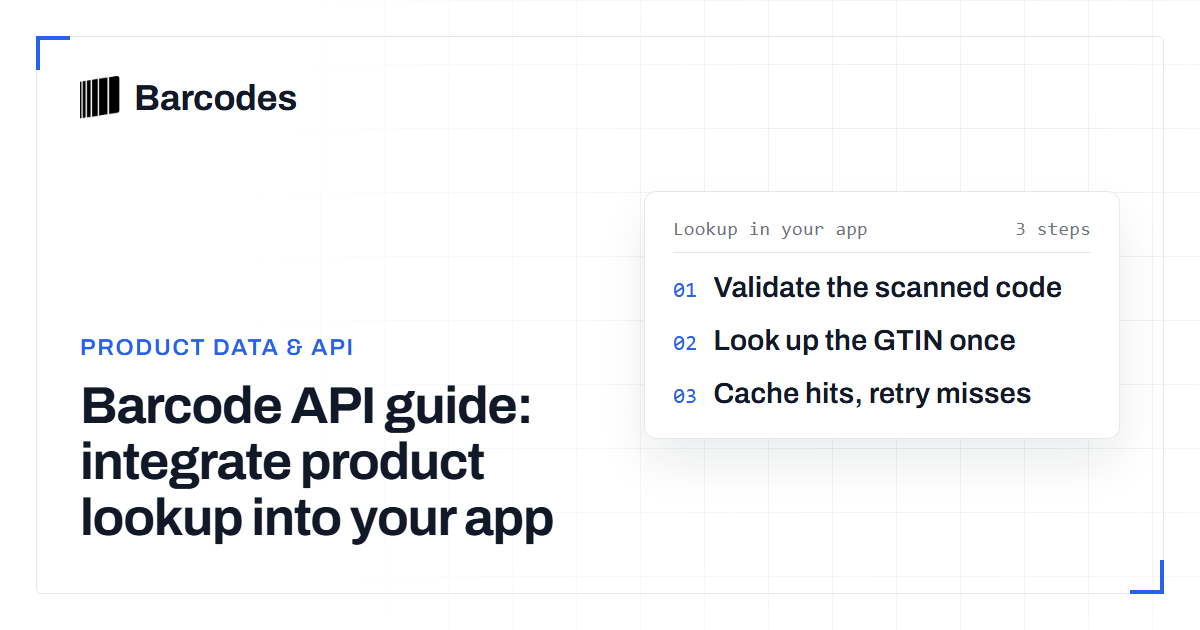
Barcode API guide: integrate product lookup into your app
A walkthrough for developers: how a barcode API turns a scanned GTIN into structured product data inside your application.
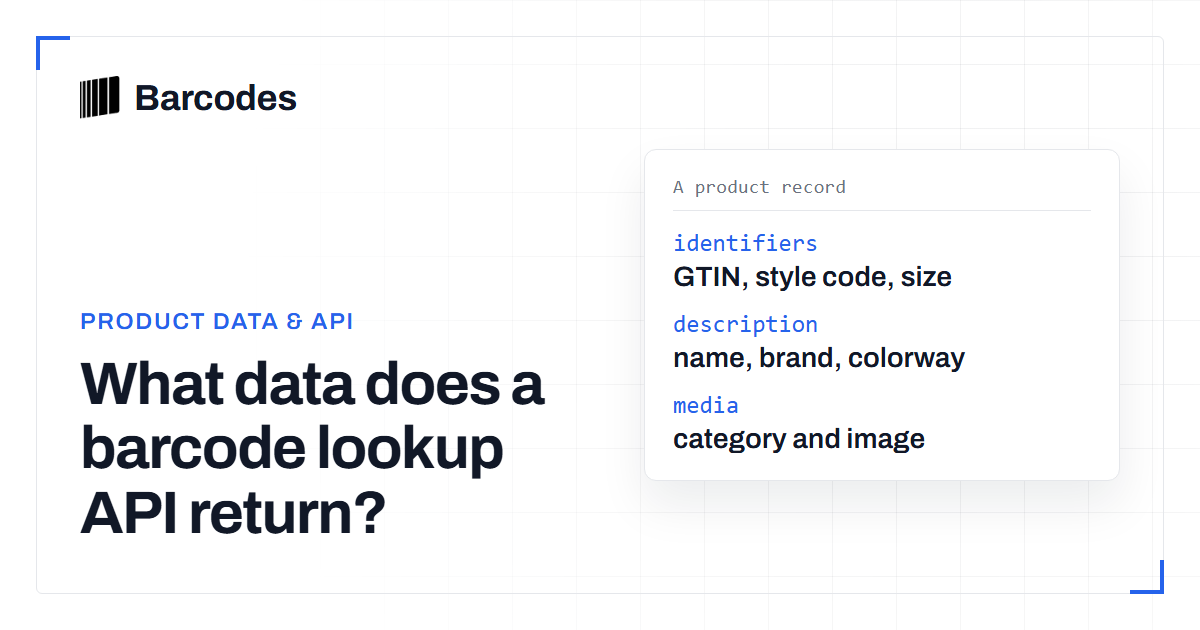
What data does a barcode lookup API return?
A field-by-field explanation of what you get back from a product-data barcode API and how to handle uneven results.
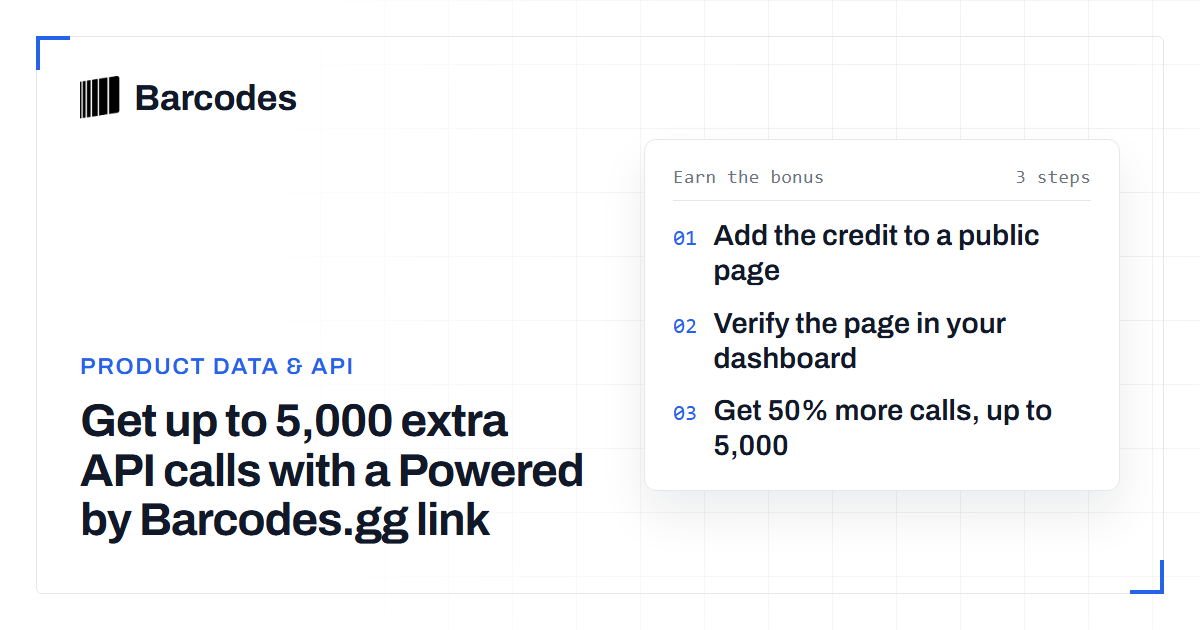
Get up to 5,000 extra API calls with a Powered by Barcodes.gg link
Add a Powered by Barcodes.gg link to a public page and your paid plan gets 50% more API calls each billing period, up to 5,000.