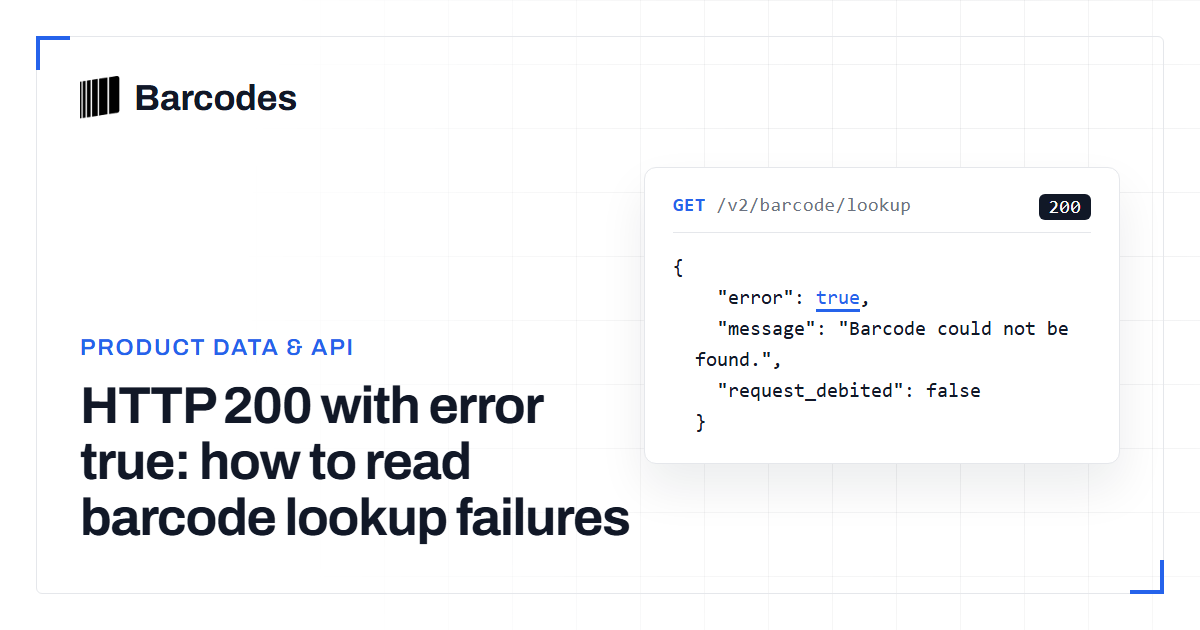
HTTP 200 with error true: how to read barcode lookup failures
Barcode lookup clients often assume HTTP 200 means the product was found. In production, a successful transport can still carry error true for a missing barcode, a barcode with no product record, or a search miss. Invalid input and a spent token use different status codes. Branch on all three signals before you retry, debit inventory, or log a coverage gap.
Do not treat HTTP 200 as a catalog hit
Read the JSON body on every lookup. A barcode lookup can return HTTP 200 with error true when the request was accepted but no usable product was returned. That is different from a 4xx, which means the request itself was rejected. If you only check the status code, you will log coverage problems as client bugs, or worse, write empty inventory rows.
Keep a small decision table in the client: status, error flag, and message. Then decide whether to retry, ask the user to re-scan, or record a miss. Pair this with how to validate a barcode so you never send a structurally broken number into lookup.
Invalid input and a spent token are not 200 misses
Invalid parameters return HTTP 400 with error true. When required fields fail, the message is a validation object. When the value contains letters, is shorter than 8 characters, or is longer than 15, the message is "Please enter a valid barcode." Leading zeros are stripped before lookup. A padded 12-digit UPC and its 11-digit form can still resolve if the remaining digits match a stored value.
A spent token returns HTTP 403 with error true and the message that the token has run out of usage and should be topped up. Do not retry that path as a catalog miss. Stop the batch, refresh quota, then resume. First-time wiring of tokens and routes is covered in the Barcodes.gg API getting started guide.
- 400: bad fields, letters in the barcode, or length outside 8–15.
- 403: remaining API calls are at or below zero.
- Do not map 400 or 403 to missing-catalog telemetry.
Two 200 error-true paths on barcode lookup
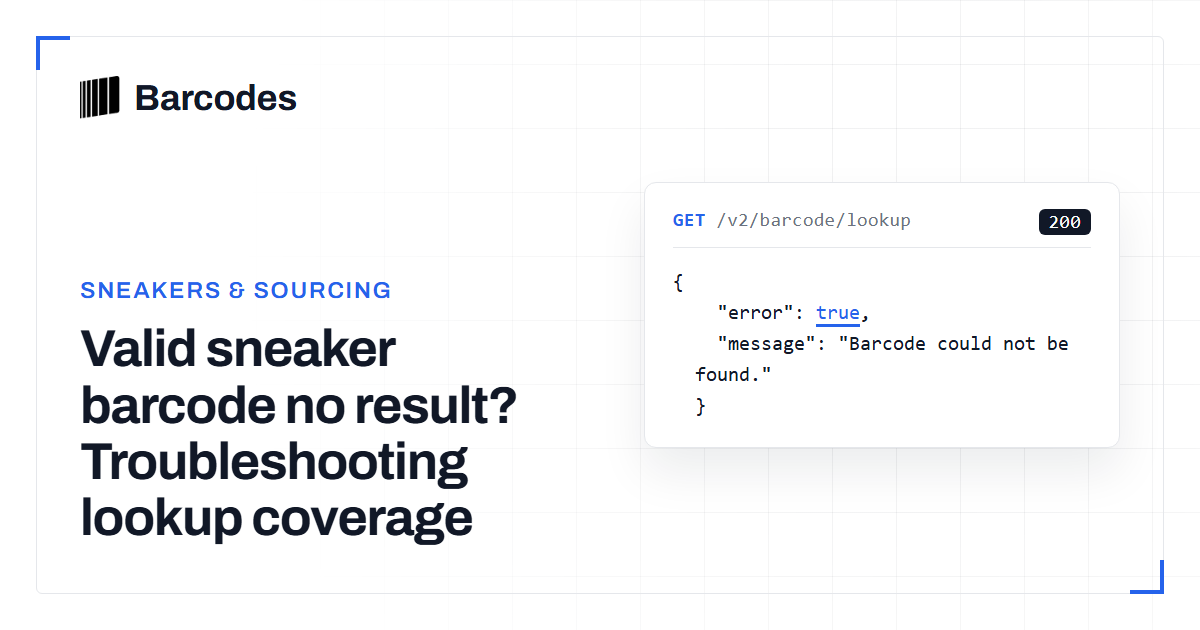
When the barcode is well formed and the token has quota, lookup still has two miss messages, both HTTP 200 with error true. "Barcode could not be found." means no barcode row matched the candidates for that number. "We do not hold any product information for this barcode." means a barcode row exists, including a style code, but no product record was attached. Those are not the same operational problem.
Treat the first as an identifier that is not in the barcode index. Treat the second as an identifier that is known but incomplete. Do not replace the scanned number in either case unless you independently confirm a typing error. A match still does not prove authenticity; it only means identity data was or was not held.
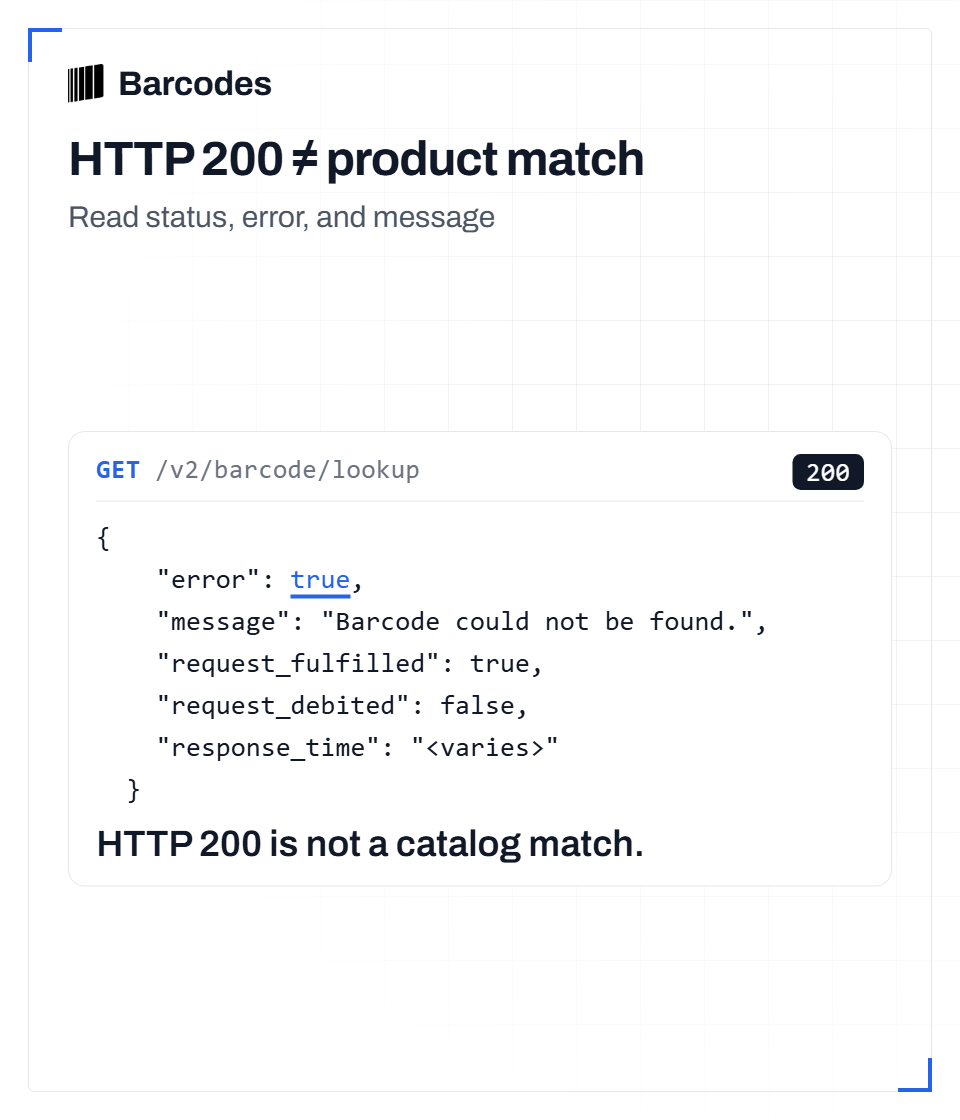
Text version
GET /api/v2/barcode/lookup/{barcode}?fields=* with a valid token and an unknown, well-formed barcode returns HTTP 200. Fixed response fields: {"error":true,"message":"Barcode could not be found.","request_fulfilled":true,"request_debited":false}. response_time is also present and varies per request. Read error and message before consuming product data; keep the original identifier.
Style-code and unique-id lookups use a different miss message
Product lookup by style code or unique id also uses HTTP 200 with error true when nothing is found. The message is "No product could be found for this search query." Style-code lookup can return many variant rows when it hits. Unique-id lookup returns at most one. Empty results are still 200, not 404.
If you mix barcode lookup and style-code lookup in one pipeline, key your logs on the route and the exact message. A style-code miss is not evidence that a box barcode is invalid. When a valid sneaker barcode still yields no product, follow the valid barcode with no result checklist before you assume coverage.
A production branch you can ship
Parse JSON even on 200. If error is false, use the product and barcode fields you requested. If error is true, switch on status first, then the message string. On 403, pause and top up. On 400, fix input or re-scan. On 200 plus barcode not found, log a barcode miss. On 200 plus no product information, log an incomplete product miss. On 200 plus no product for this search query, log a style-code or unique-id miss.
Do not invent catalog freshness from timestamps, and do not treat any of these paths as proof the physical item is genuine or fake. The goal is only to keep retries, user prompts, and coverage telemetry from collapsing into one bucket.
- Check HTTP status before the error flag.
- On 400, show the validation or valid-barcode message and stop.
- On 403, stop the job until quota is restored.
- On 200 with error true, store the exact message as the miss type.
- On 200 with error false, persist identity fields without treating the match as authenticity.
Try the tools
Related reading
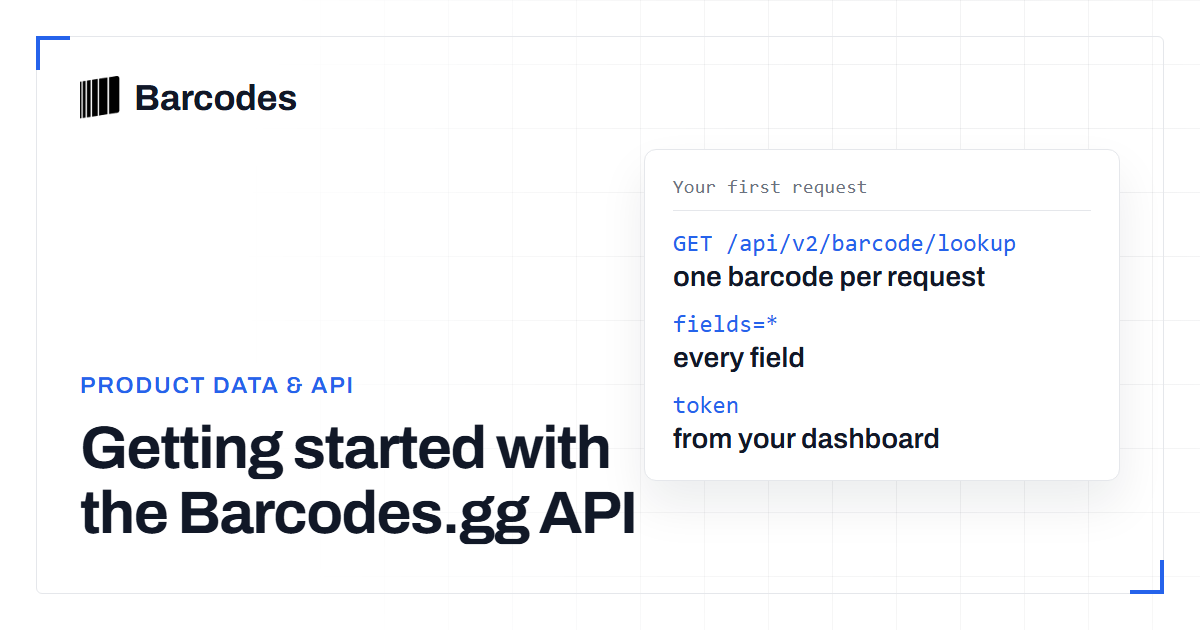
Getting started with the Barcodes.gg API
The Barcodes.gg API turns a barcode into a structured product record with one authenticated GET request. This guide takes you from token to first response.
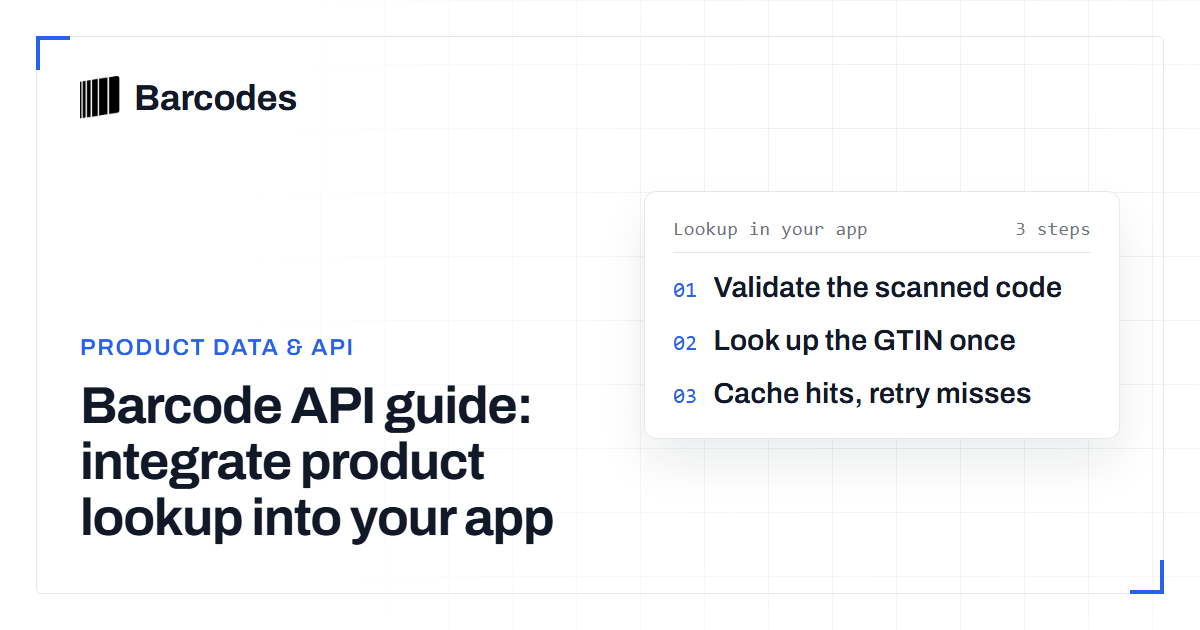
Barcode API guide: integrate product lookup into your app
A walkthrough for developers: how a barcode API turns a scanned GTIN into structured product data inside your application.
Valid sneaker barcode no result? Troubleshooting lookup coverage
A barcode can pass validation and still return no product result. Learn how to separate input errors, normalization issues and catalog misses before accepting or replacing the number.