Google Merchant Center GTIN for sneakers: gtin, mpn, brand and identifier_exists
Sneaker feeds fail in Merchant Center for a small set of identifier reasons. They are a missing GTIN, one GTIN copied across sizes, a number in a restricted range, and identifier_exists set to no on a branded shoe. This guide covers the four attributes and each fix, using Google documentation only.
What Google asks for on a branded shoe
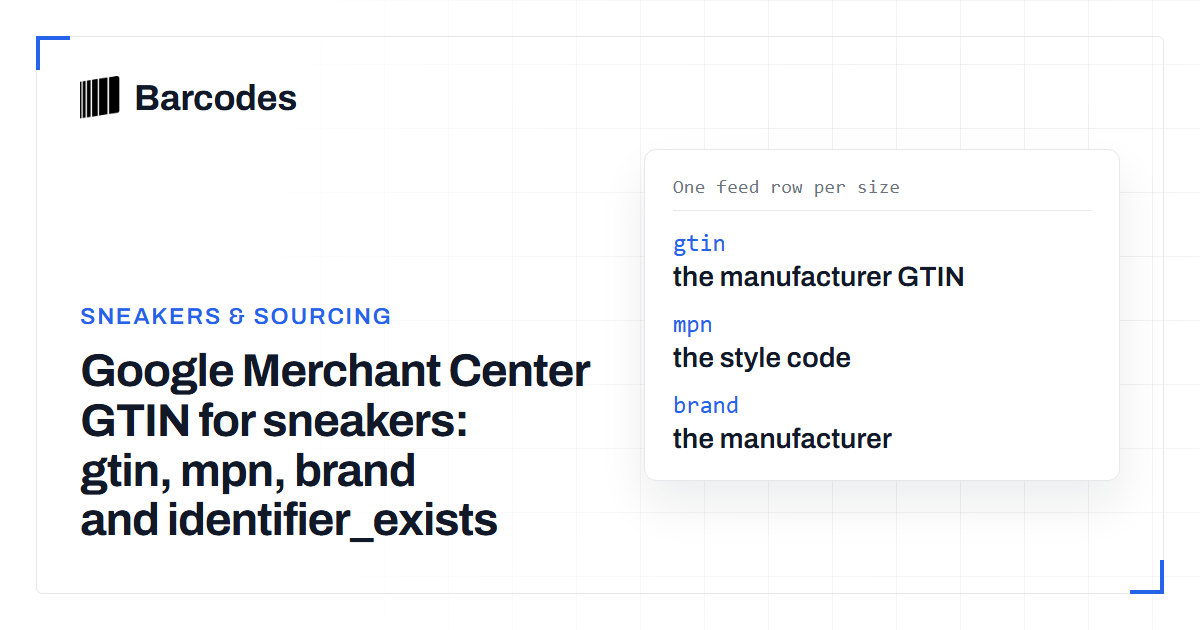
For a branded sneaker, submit three identifiers on every size: gtin, brand and mpn. Google calls these unique product identifiers and says of products that have a GTIN: always include them to ensure best performance (About unique product identifiers).
The gtin attribute page marks the attribute as recommended for all products with a GTIN assigned by the manufacturer. That wording sounds optional, but the same page describes two consequences. Products with missing or incorrect GTIN attributes may have limited visibility. If the product does have a GTIN assigned and you do not submit it, the product could be disapproved. Nike, adidas, New Balance and the other major footwear brands print a UPC or EAN on every box. So a new pair of branded sneakers is a product with a manufacturer GTIN.
| Attribute | When Google requires it | Format | For a sneaker |
|---|---|---|---|
gtin | Expected for all products with a manufacturer GTIN | UPC 12 digits, EAN 13 digits, JAN 8 or 13 digits, ITF-14 14 digits | The number under the barcode on the box label of that size |
mpn | Required for all products without a manufacturer GTIN | 1 to 70 characters | The manufacturer style code |
brand | Required for each product with a clearly associated brand | 1 to 70 characters | The brand name shoppers recognise |
identifier_exists | Optional | yes or no (true or false) | Leave it out, or set yes, for branded shoes |
The gtin attribute: rules that apply to shoes
The value must be the manufacturer number, complete and with a correct check digit. Google lists these requirements on the gtin page:
- Supported types are UPC (GTIN-12), EAN (GTIN-13), JAN, ISBN and ITF-14.
- The check digit must be present and correct.
- Do not submit a GTIN in the restricted ranges, which have the prefixes 02, 04 or 2.
- Do not submit a GTIN in the coupon ranges, which Google lists as the GS1 prefixes 05, 98 and 99.
- Each product and each variant, meaning different colors or sizes, has its own GTIN.
Before a feed goes out, run the column through the barcode validation tool to catch wrong lengths and bad check digits. Use the check digit calculator on any single value you typed from a label. If your export dropped a leading zero from a UPC, the GTIN converter restores the padded form.
When a product has no GTIN, Google's guidance is to leave the attribute blank. The unique product identifiers page says not to include incorrect identifiers, and a store SKU is not a GTIN.
Size variants: one row and one GTIN per size
Each size is its own product row with its own id and gtin, tied together by a shared item_group_id. Google states that if a product comes in multiple colors or sizes, you must have different unique product identifiers for each of these variants.
The mpn behaves differently. Google's mpn page says each variant typically has its own MPN. It then names the exception: different sizes of apparel products, where all sizes often have the same MPN. That fits sneakers. The style code is the same on every size of a colorway, and the GTIN is what changes.
item_group_id   one value per model and colorway
id              unique per size
brand           same on every row
mpn             style code, same on every size
size            the size of that row
gtin            the UPC or EAN from that size's box label

Size 8    id=...-8     gtin=(label of the size 8 box)
Size 8.5  id=...-8.5   gtin=(label of the size 8.5 box)
Size 9    id=...-9     gtin=(label of the size 9 box)
The product data specification is where Google sets out when item_group_id, size and color are required for apparel, which varies by country. Read that page for your target country before you finalise the feed.
Do not copy one GTIN across every size of a shoe. The number on a size 9 box identifies size 9 only. A feed that repeats it tells Google that every row is the same product.
mpn, brand and identifier_exists
mpn. Required for all products without a manufacturer-assigned GTIN, and optional when the product has no clearly associated MPN or is custom made. Google adds that if the product does have an MPN and you do not submit it, the product could be disapproved. For branded sneakers send the style code as mpn even when you also send the GTIN.
brand. Required for each product with a clearly associated brand or manufacturer, with a limit of 70 characters (brand attribute). Use the name shoppers recognise. If you make the product yourself or sell a private-label shoe, Google says to use your store name as the brand.
identifier_exists. This optional attribute tells Google that a product has no GTIN, MPN or brand. The identifier_exists page recommends it for products without those identifiers, such as custom goods or items made before GTINs existed. It says to set it to no only when you are certain the product has no assigned identifiers. Setting it to no on a branded sneaker is the wrong use. Google says products where the attribute is incorrectly set to no, and for which there is evidence that an identifier exists, will receive a warning.
Common GTIN issues and how to fix them
These are the identifier issues Google documents, with the fix from each help page. All of them appear under Products, in the Needs attention tab.
| Issue in Merchant Center | What Google says it means | Fix |
|---|---|---|
| Limited performance due to missing value: GTIN | The product is in a category Google suspects should have a GTIN, and none was provided. Visibility may be limited | Add the manufacturer GTIN for each affected size |
| Invalid value [gtin] | The value is not a valid GTIN. Google accepts 8, 12, 13 or 14 digits | Re-enter the number from the label and verify the check digit |
| Restricted GTIN | The value starts with 2, 02 or 04, a range Google describes as reserved | Replace it with the manufacturer GTIN. In-store labels often use these ranges |
| Unsupported GTIN | The value is one Google describes as reserved for bulk sales of the product | Submit the GTIN of the single saleable pair, not a case code |
| Missing or incorrect GTIN | An identifier value is missing or is not recognised as valid | Add a valid GTIN, or both mpn and brand |
| Incorrect product identifier | identifier_exists is set to false but Google believes the product has a GTIN | Remove identifier_exists or set it to true, and supply the GTIN |
The last row is the one that removes products from results. Google's page for that issue says offers without accurate identifiers will remain disapproved until the information is provided. The page for an invalid GTIN says changes can take 24 to 72 hours to show after you save them. Wait that long before you assume a fix did not work.
Two causes account for most of these on sneaker feeds. The first is a store that generated its own barcodes for stock control and exported them as gtin. The second is a spreadsheet that converted UPCs to numbers and lost a leading zero, which produces an 11-digit value that no longer validates.
Where a barcode database helps
A missing GTIN on a sneaker feed is usually a data collection problem. The store knows the style code and the sizes it holds but never recorded the number on each box. A barcode database maps a style code to the GTIN of each size, which is the shape a Merchant Center feed needs.
You can confirm a single value for free with the sneaker barcode lookup, which shows the product name, image and brand for a barcode. Looking up every size of a style code in bulk is an API feature on Plus plans and Enterprise. Treat the result as a way to fill gaps and to check typed values. Google decides whether a GTIN is correct for an offer, and the box label is the reference if the two disagree.
The same per-size GTINs satisfy other channels. See GTIN requirements by marketplace for the full comparison and eBay and Amazon UPC requirements for shoes for those two in detail.
Frequently asked questions
Is a GTIN required for shoes in Google Merchant Center?
Google marks the gtin attribute as recommended for all products with a manufacturer-assigned GTIN. It states that products submitted without one may have limited visibility and could be disapproved. Branded shoes have a manufacturer GTIN on the box, so submit it for every size.
Can all sizes of a sneaker share one GTIN in a Google feed?
No. Google states that each variant of a product, meaning different colors or sizes, has its own GTIN. Sizes can share the same mpn and item_group_id, but each size row needs the GTIN from its own box label.
When should identifier_exists be set to no?
Set identifier_exists to no only when the product has no GTIN, MPN or brand, such as a custom or one-of-a-kind item. On a branded sneaker Google treats that value as incorrect. Its help page for the resulting issue says the offer stays disapproved until accurate identifiers are provided.
What do I use as the MPN for sneakers?
Use the manufacturer style code as the MPN. Google notes that different sizes of an apparel product often share the same MPN, which matches how sneaker style codes work.
Try the tools
Barcode validation tool
Find invalid lengths and check digits in a GTIN column before you upload a feed.
Check digit calculator
Verify the last digit of an EAN-13 typed from a box label.
GTIN converter
Restore a dropped leading zero or pad a UPC to 13 or 14 digits.
Sneaker barcode lookup
Confirm which shoe a barcode belongs to before it goes into the feed.
Related reading
GTIN requirements by marketplace: where sneaker listings need a UPC or EAN
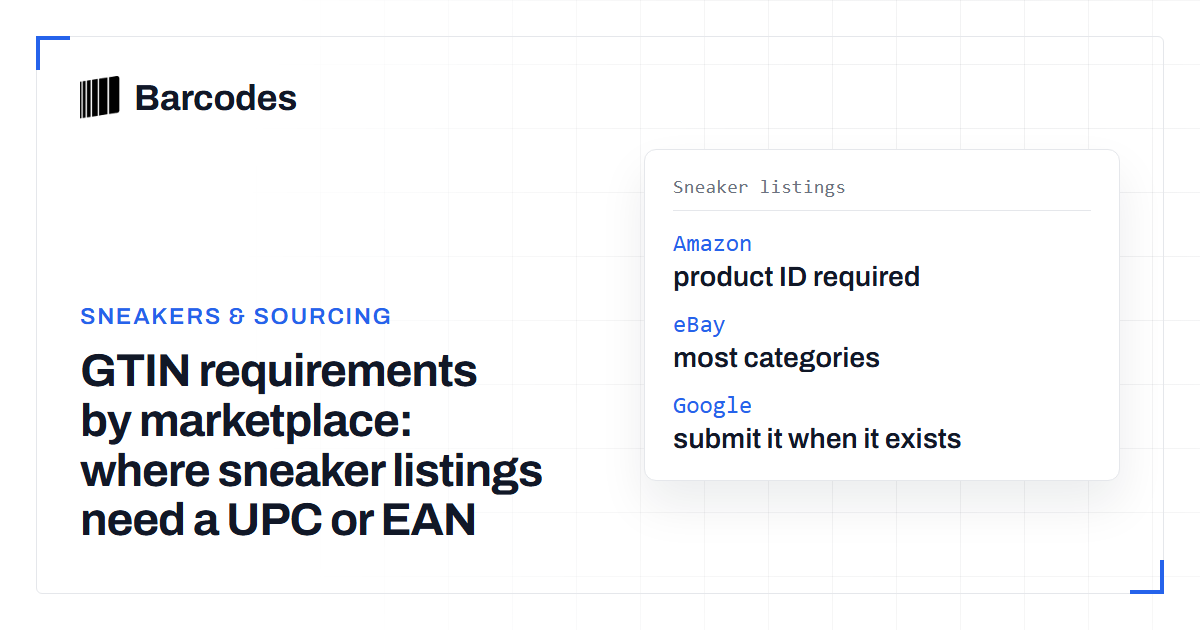
Amazon and Google ask for the manufacturer GTIN on branded shoes. eBay asks for it in most categories. StockX and GOAT list by catalog match or style code.
eBay and Amazon UPC requirements for shoes
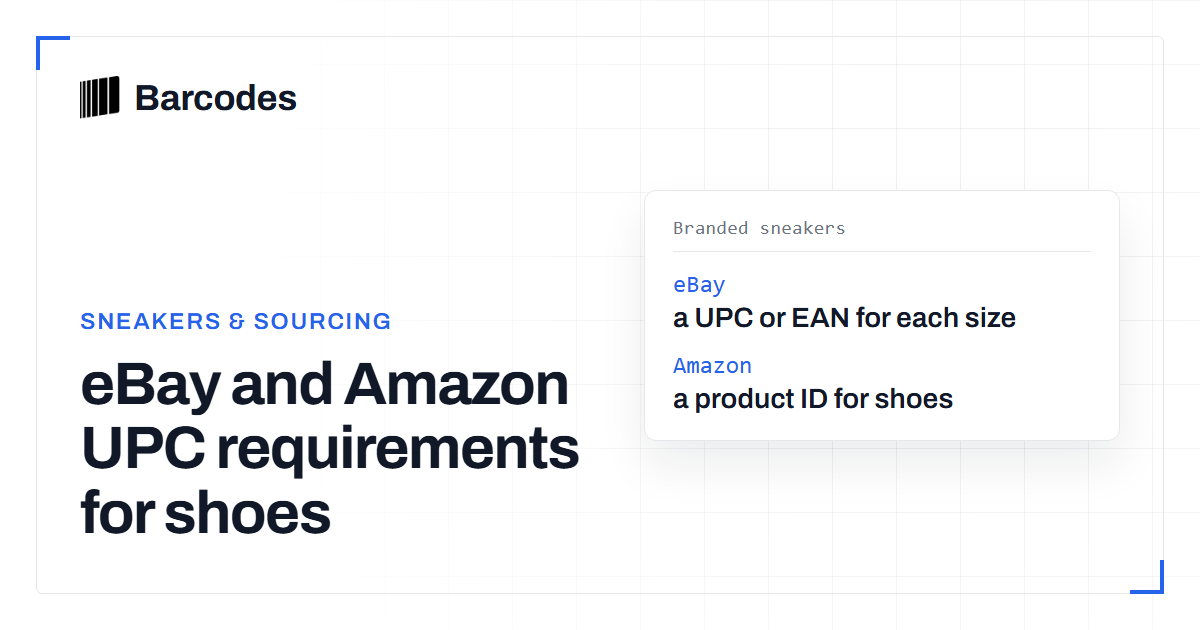
Amazon requires a product ID for shoes and lists no exception for the category. eBay requires identifiers in most categories and limits when "Does not apply" may be used.
How to validate a barcode: UPC, EAN & GTIN
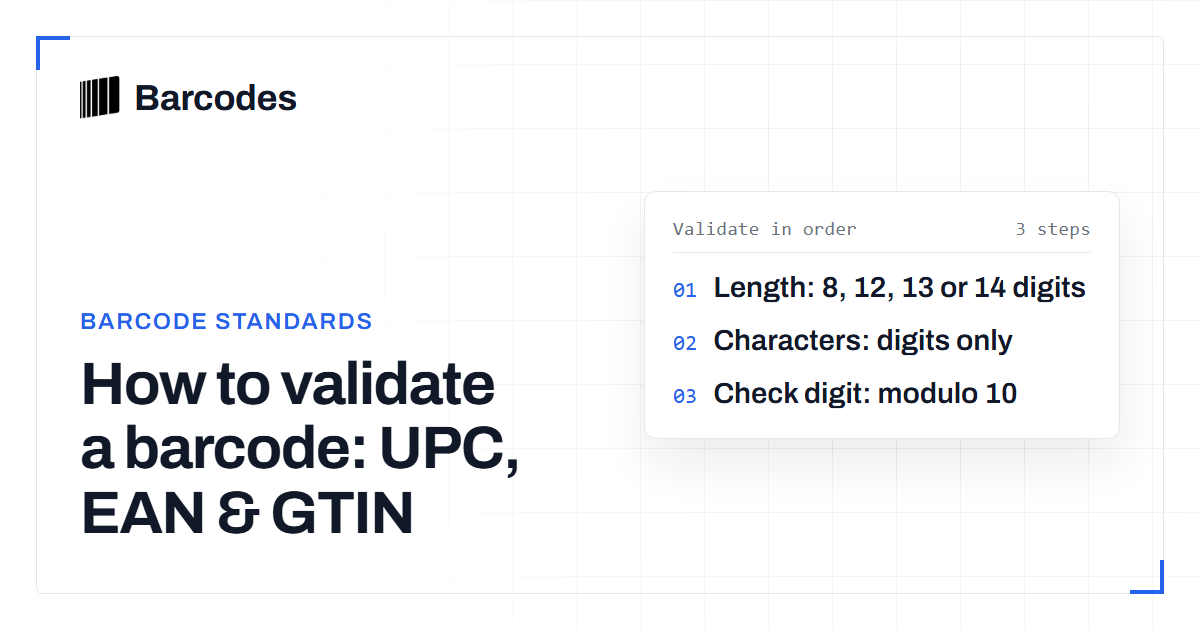
A practical guide to checking that a UPC, EAN, or GTIN is well formed before you trust it.
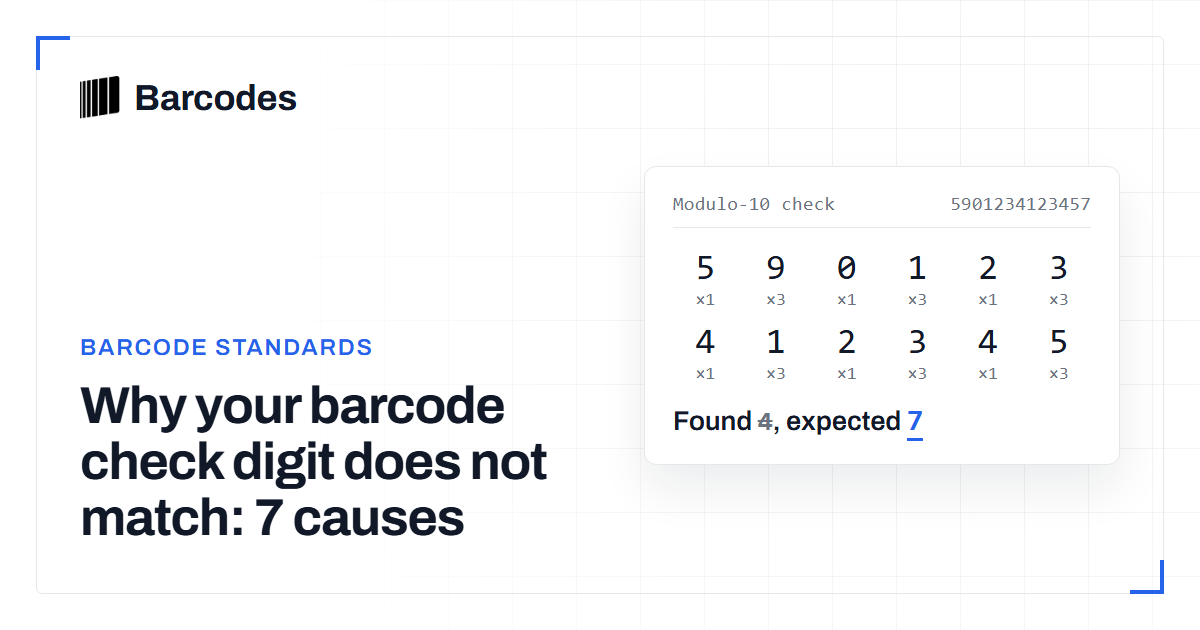
Why your barcode check digit does not match: 7 causes
The seven reasons a UPC or EAN check digit fails validation, and how to fix each one.