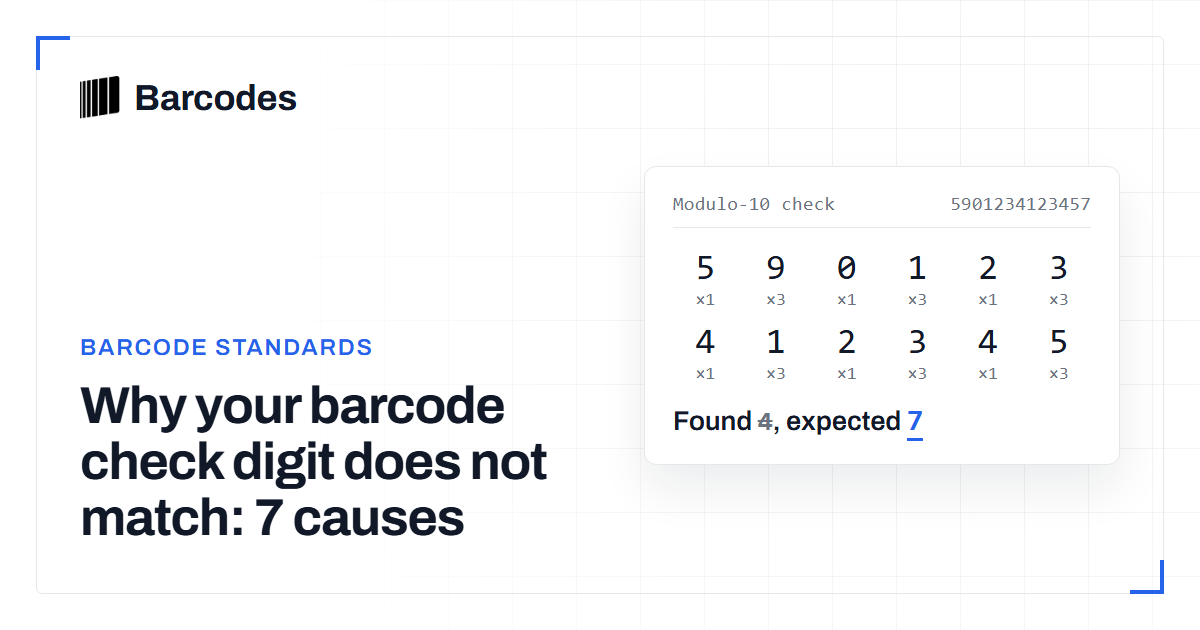
Why your barcode check digit does not match: 7 causes
A check digit that will not validate almost always points to one of a handful of data problems. Here is how to find which one you have.
Before you debug, recompute cleanly
When a check digit fails, do not edit the number yet. First recompute it from scratch with the barcode validation tool. You then know the mismatch is real and not a slip in your own arithmetic. If it still fails, one of the seven causes below is responsible. They are ordered from most to least common.
Change one thing at a time. When a number fails, do not edit digits and recompute in the same pass. You will not know which change fixed it, or whether you introduced a second error. Restore the number to exactly what the source shows, confirm the length, then recompute once. Most mismatches resolve at the length and format check before you ever touch the arithmetic.
Causes 1 and 2: transposed or miscounted digits
1. Transposed digits. Swapping two adjacent digits, such as typing 45 as 54, is the classic human error. The modulo-10 check digit is designed to catch most single transpositions, so a mismatch here is the algorithm doing its job. Re-read the source and retype the number.
2. A dropped or extra digit. Say the number is 11 or 13 digits when it should be 12, or 12 when it should be 13. Every weight then shifts by one position and the check digit cannot match. Confirm the length matches the symbology before anything else, using the reference in how to validate a barcode.
Causes 3 and 4: wrong math on the right numbers
3. Weighting from the wrong end. If you start the 3-1-3-1 pattern from the left instead of the right, you will get the wrong sum on any number with an odd shift. Always anchor the weight-3 on the rightmost data digit. The full method is in how to calculate a check digit by hand.
4. Including the check digit in the sum. The check digit is computed from the data digits only. Folding the existing check digit into the weighted sum guarantees a wrong result. Strip it off, compute, then compare.
Cause 5: format confusion between UPC-A and UPC-E
5. Validating a UPC-E as if it were UPC-A. A UPC-E is an 8-digit zero-suppressed form of a 12-digit UPC-A. Its check digit is derived from the expanded UPC-A, not from the 8 compressed digits directly. If you run the modulo-10 formula over the 8 UPC-E digits you will get a mismatch every time. Expand it to UPC-A first, then validate. See UPC-A vs UPC-E for the expansion rules.
The sign of this cause is the length. A raw UPC-E is 8 digits. Any modulo-10 routine will run over those 8 characters and return a digit that never matches the printed one. The printed digit belongs to the 12-digit expansion. If an 8-digit code fails every time while 12-digit numbers pass, you are almost certainly validating a compressed code in its compressed form. Expand it first with the GTIN converter, then validate the resulting UPC-A.
Causes 6 and 7: the data was corrupted before you saw it
6. Leading zeros stripped by a spreadsheet. Many tools treat a barcode as a number and silently drop leading zeros, turning 012345678905 into 12345678905. That shortens the number and shifts every weight, so the check digit fails. Store barcodes as text, and pad them back to the correct length with the GTIN converter.
7. A scan or OCR misread. Optical reads confuse similar shapes, most often 0 with 8, 1 with 7, and 5 with 6. A single flipped digit breaks the check digit. When you suspect a bad scan, re-scan or read the human-readable digits printed under the bars, then revalidate.
A repeatable fix workflow
Work through the causes in order. Confirm the length. Confirm the format is not a compressed UPC-E. Restore any stripped zeros. Then recompute the check digit over the data digits from the right. If you are cleaning a large file, validate on import so these problems are caught there and not at the shelf. The barcode API guide shows how to enforce it in a pipeline. To confirm a suspect product, look it up at the barcode lookup.
| Cause | Symptom | Fix |
|---|---|---|
| Transposed digits | Two adjacent digits swapped, check digit off | Re-read the source and retype |
| Dropped or extra digit | Length is one off for the symbology | Confirm the digit count, restore the missing digit |
| Weighting from the wrong end | Sum wrong on even-length bases | Anchor weight 3 on the rightmost data digit |
| Check digit folded into the sum | Result always one step off | Compute over the data digits only |
| UPC-E validated as UPC-A | An 8-digit code never validates | Expand to UPC-A first, then check |
| Leading zeros stripped | Number is short after a spreadsheet touched it | Store as text, pad with the GTIN converter |
| Scan or OCR misread | One digit flipped, 0 for 8 or 1 for 7 | Re-scan or read the printed digits |
Frequently asked questions
My number is correct but still fails. What now?
Confirm you are not validating a UPC-E as a UPC-A and that no leading zeros were stripped. Those two silent format problems cause most mismatches on numbers that look right at a glance.
Can a check digit mismatch be a real, valid barcode?
No. A correct check digit is part of the definition of a valid UPC or EAN. If it does not match, the number as stored is wrong, even if the intended product is real.
Why does the check digit catch transpositions?
The alternating 3 and 1 weights give adjacent positions different multipliers, so swapping two neighbors usually changes the weighted sum and breaks the match. It is deliberate error detection.
Try the tools
Related reading
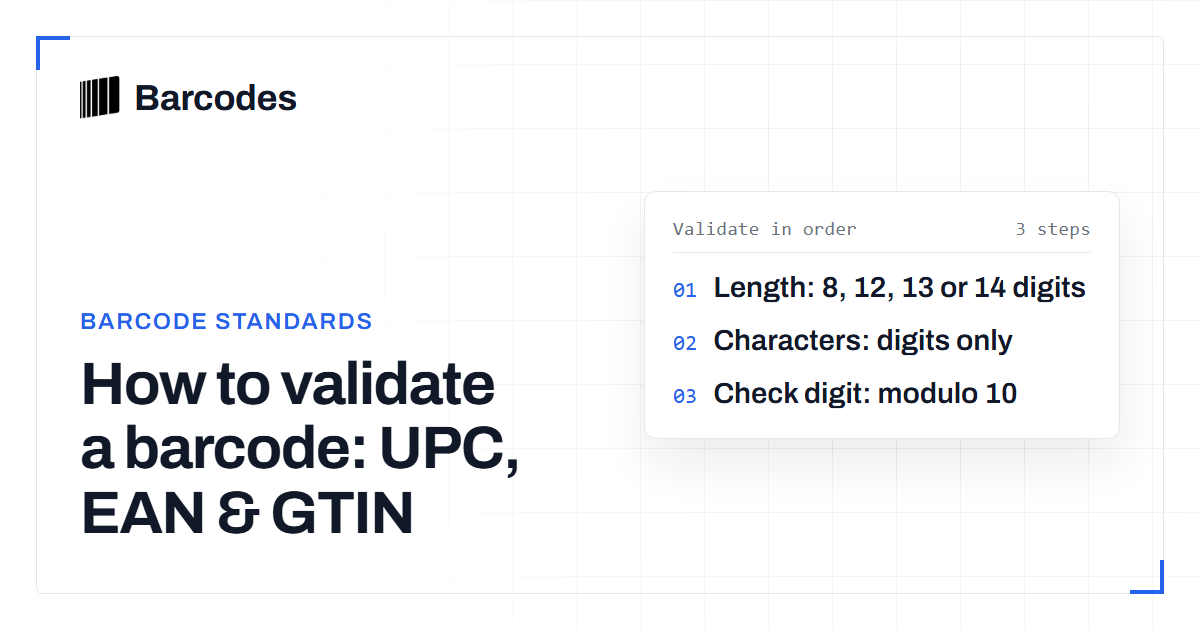
How to validate a barcode: UPC, EAN & GTIN
A practical guide to checking that a UPC, EAN, or GTIN is well formed before you trust it.
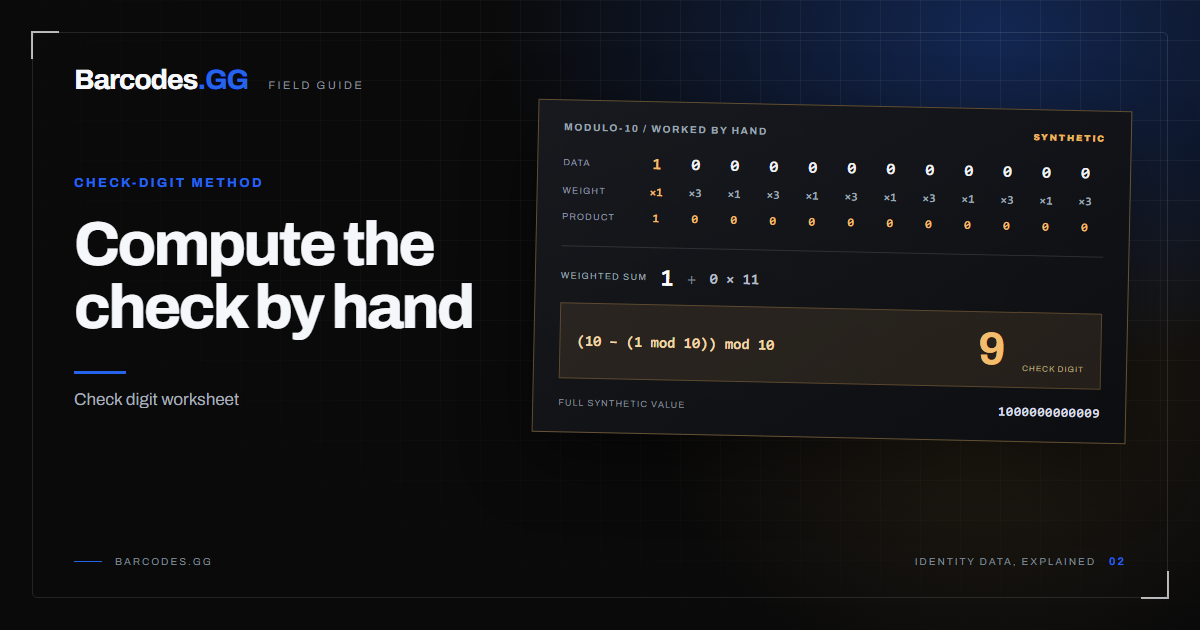
How to calculate a UPC/EAN check digit by hand
Compute the modulo-10 check digit for any UPC-A or EAN-13 with a pen, paper, and one small rule.
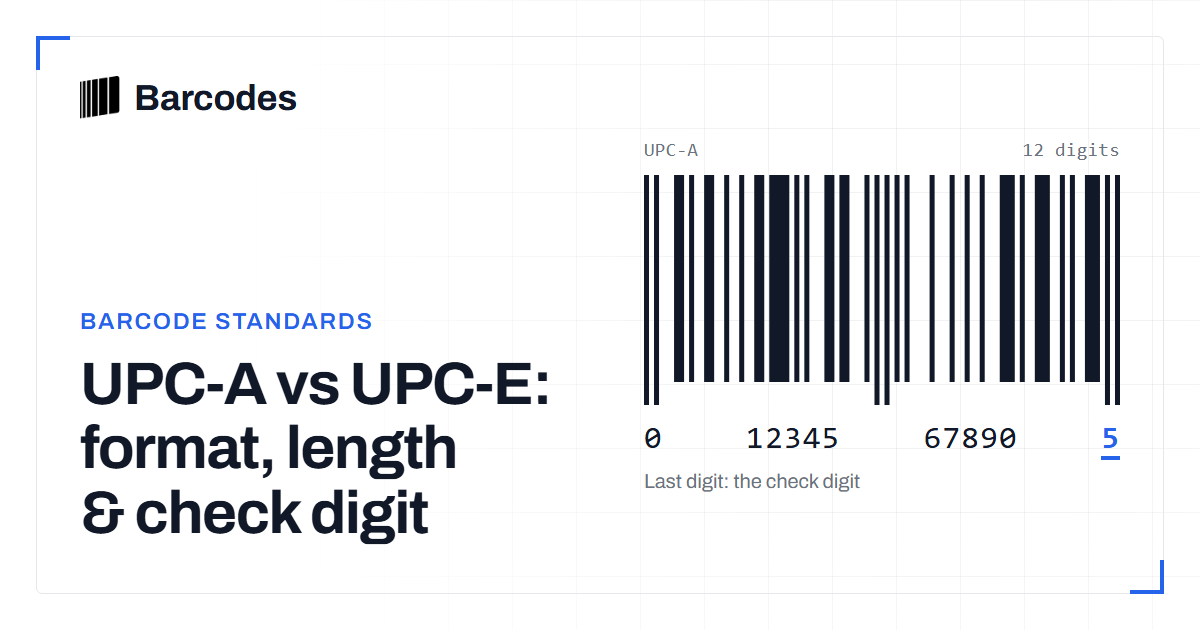
UPC-A vs UPC-E: format, length & check digit
How UPC-E compresses a 12-digit UPC-A into 8 digits, and why they share a check digit.