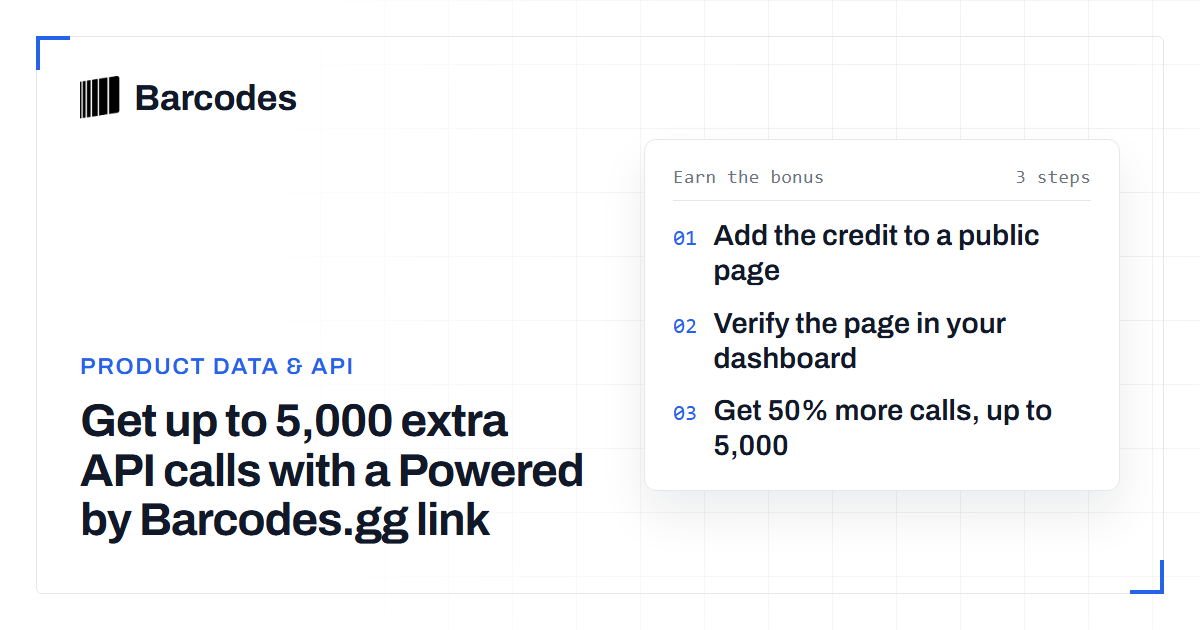
Get up to 5,000 extra API calls with a Powered by Barcodes.gg link
Every paid Barcodes.gg plan can earn extra API calls. Add a Powered by Barcodes.gg link to a public page you control, verify it in your dashboard, and your plan gets half its monthly calls again, up to 5,000 calls. The bonus renews with your plan for as long as the link stays live.
How the bonus works
The bonus is half of the API calls in your plan, with a cap of 5,000 calls for each billing period. You get it in the period when you verify your link. Each renewal adds it again while the link is live. Unused bonus calls do not carry over to the next period.
| Plan | Calls per period | Bonus | Total |
|---|---|---|---|
| Basic and Basic Plus | 2,000 | 1,000 | 3,000 |
| Standard and Standard Plus | 10,000 | 5,000 | 15,000 |
| Pro and Pro Plus | 50,000 | 5,000 | 55,000 |
| Enterprise | 200,000 | 5,000 | 205,000 |
The bonus needs an active paid plan. On the free trial you can add and verify the link already. The calls arrive when your first paid billing period starts.
Add the credit to a public page
Open your dashboard and select Extra API calls in the menu. Choose one of three credit styles: text only, logo only, or logo and text. All three earn the same bonus. Click Copy HTML and paste the code into a public page you control.
The code is a normal link to barcodes.gg with one extra attribute, data-barcodes-verification. Its value is a token for your account. Keep the attribute on the link, because the checker uses it to match the page to you.
Good places for the credit are the page that shows our data, your site footer or a credits page. Then paste the page URL into Verify the page and click Verify link.
What the checker looks for
The checker reads the public HTML of the page, as a visitor would get it. It accepts the link when all of these are true:
- The URL returns HTTP 200. The checker does not follow redirects, so submit the final URL of the page.
- The page is not marked noindex, in a meta tag or in an X-Robots-Tag header.
- The link points to barcodes.gg and carries your verification token.
- The link has no
relvalue of nofollow, sponsored or ugc. - No other account has already enrolled the same page.
When a check fails, the dashboard shows the reason, for example "The page is marked noindex." Fix the page and verify again. The form accepts three attempts per minute.
Keep the link live
We check every active link once a day. If the link is missing, you have seven days to restore it. After seven days, we remove the unused bonus calls and send you an email. You can fix the page at any time and verify it again from the dashboard.
A page redesign is the most common cause of a missing link. Keep the credit in a shared template, such as the footer, so a new page layout keeps it.
Show our data on your site with the same credit
Many customers show API results on their own public pages, for example a product page or an authenticity checker. Our terms of service allow that on every paid plan with the API data display licence. Each page that shows our data must also show a "Data by Barcodes.gg" or "Powered by Barcodes.gg" credit with a link to barcodes.gg.
One credit can do both jobs. If the verified link is on a page that shows our data, it meets the licence and earns the bonus. Bulk export or resale of the data needs a separate written agreement.
Frequently asked questions
Do free trial accounts get the bonus?
No. The bonus needs an active paid plan. You can add and verify the link during the trial, and the extra calls arrive when your first paid billing period starts.
Can I enrol more than one page?
No. Each account has one enrolled page, and each page can belong to one account only. To move the credit, verify the new page URL in the dashboard.
Does a logo-only credit count?
Yes. Text only, logo only, and logo and text earn the same bonus, as long as the link keeps its verification attribute and has no nofollow, sponsored or ugc value.
Try the tools
Related reading
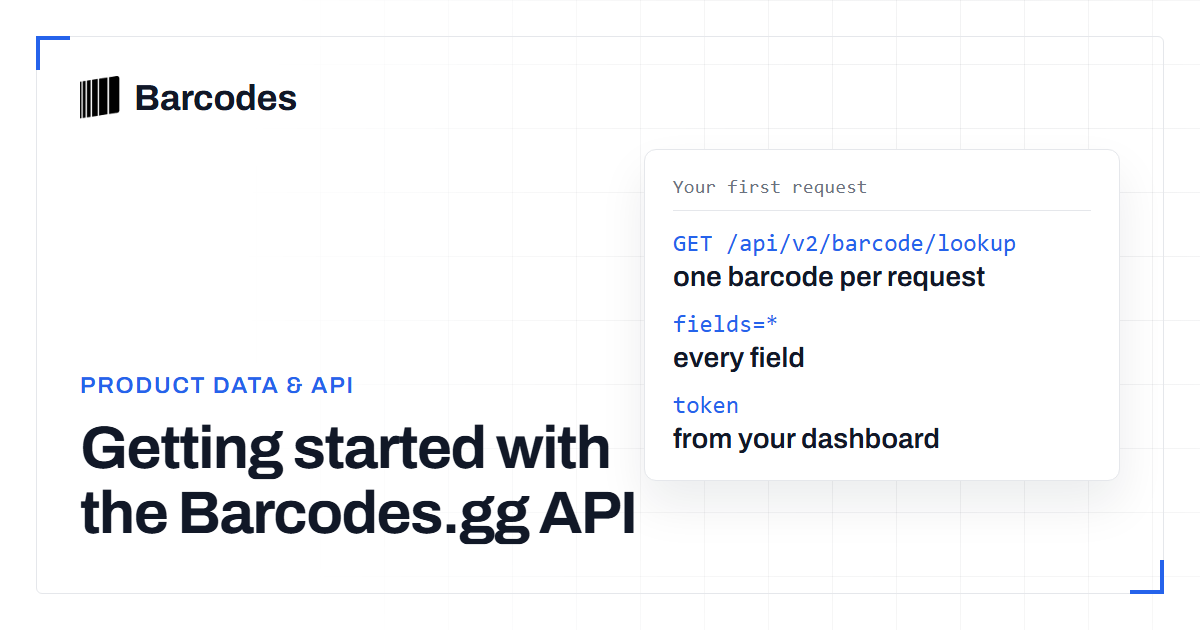
Getting started with the Barcodes.gg API
The Barcodes.gg API turns a barcode into a structured product record with one authenticated GET request. This guide takes you from token to first response.
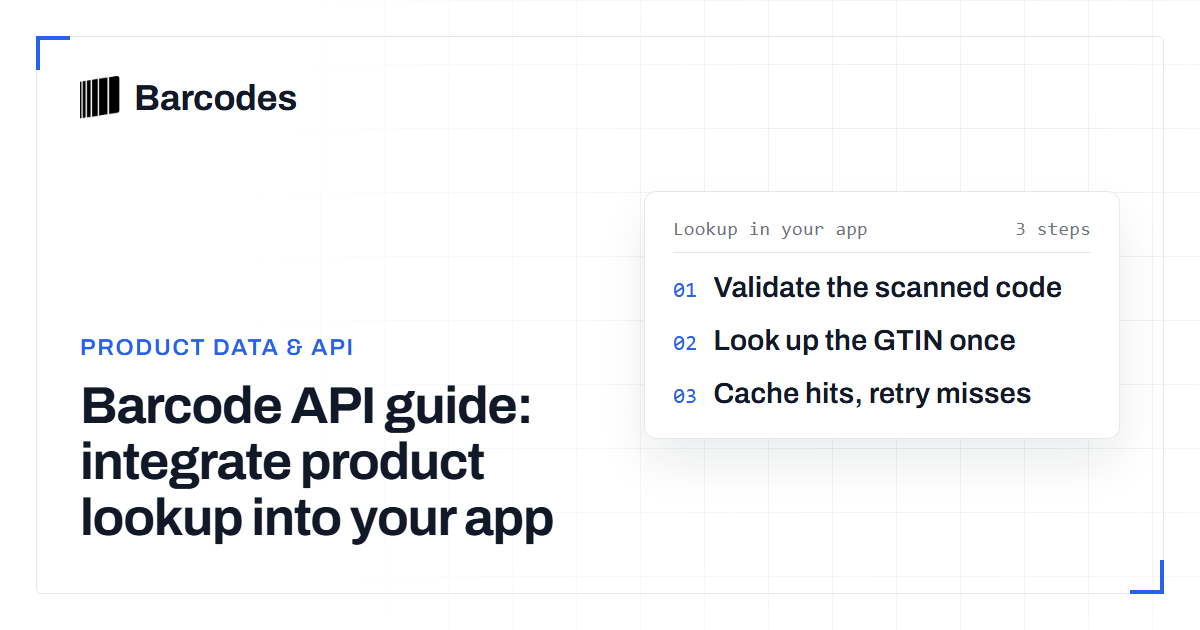
Barcode API guide: integrate product lookup into your app
A walkthrough for developers: how a barcode API turns a scanned GTIN into structured product data inside your application.
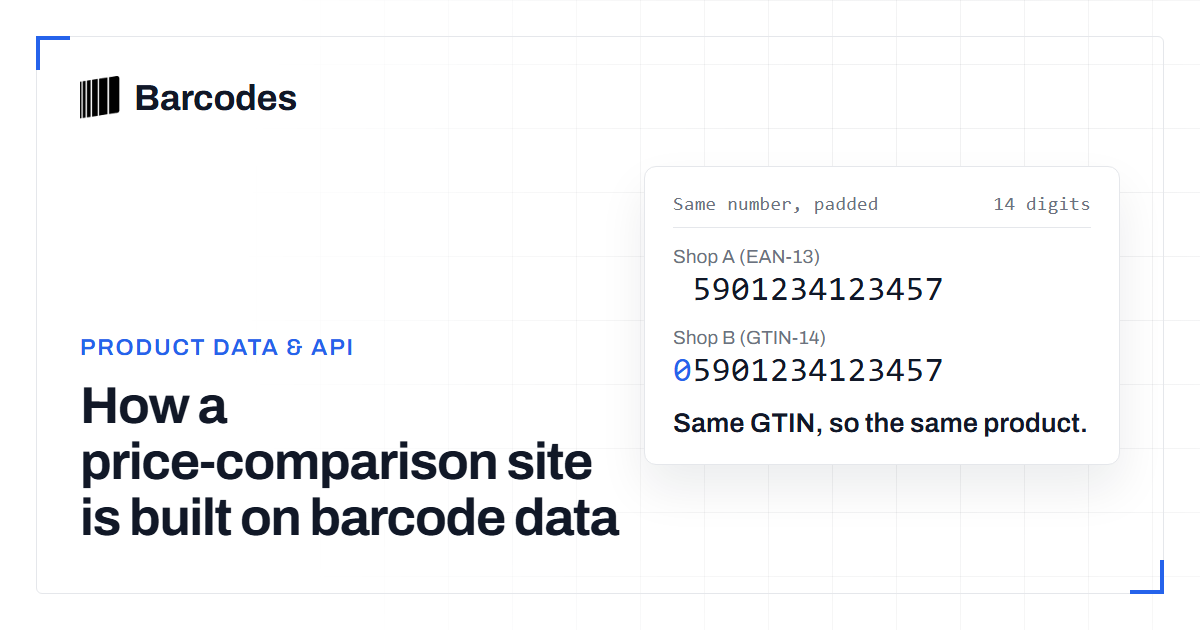
How a price-comparison site is built on barcode data
Comparing one product across forty shops only works if every shop is talking about the same product. That identity problem is a barcode and style-code problem before it is a pricing one.