Check the UPC check digit before a sneaker lookup
Yes. Check the last digit before you look up a sneaker box UPC you typed. The lookup will not fix a bad digit, so validate first and use the calculator only when that digit is missing or doubtful.
Check the last digit first
Yes. Check the UPC check digit before you look up a sneaker box code you typed by hand. A wrong last digit means at least one digit was misread. The lookup uses the digits you send, and it does not repair them.
The sneaker lookup accepts digits only, from 8 to 15 characters. Letters, spaces and a style code do not match. Check first so a typo is not stored as a missing shoe.
The last digit is a check, not a size. Leave it out and weight the other digits. It must bring the sum to the next multiple of ten. The validator checks length, then the prefix, then this sum.
A pass means the number is well formed. It does not mean the catalogue holds that shoe. It does not mean the pair is real. Search after the pass. Treat a miss as a separate result.
Copy digits from the size label
Read the size label on the shoe box, not the shipping carton. The label is usually on one end or on the lid. The digits you need are printed under the bars. A shop price sticker is a different code. Leave it out.
That label also shows a style code, the size and the colour. How to read a sneaker box label shows where each field sits. Look up the barcode digits. The style code is shared by every size. Each size has its own barcode.
Most boxes show a UPC of 12 digits or an EAN of 13 digits. A UPC of 12 digits plus one leading zero is the same trade item number. The lookup treats those two forms as one code. If an EAN of 13 digits starts with any digit but zero, it has no form of 12 digits. Type all 13 digits.
If the last digit is too faint to trust, copy the other digits and stop. Do not guess from the next size on the same label.
Validate the digits you typed
Open the barcode validation tool and paste the digits. Leave the type on auto unless you already know the format. Auto picks the type from the length.
A code of 12 digits is a UPC. A code of 13 digits is an EAN, unless it starts with 978 or 979. Those two prefixes mark a book number, not a shoe. A code of 14 digits is a case code. A code of 8 digits that starts with 0 or 1 is a compressed UPC. Any other code of 8 digits is a short retail code.
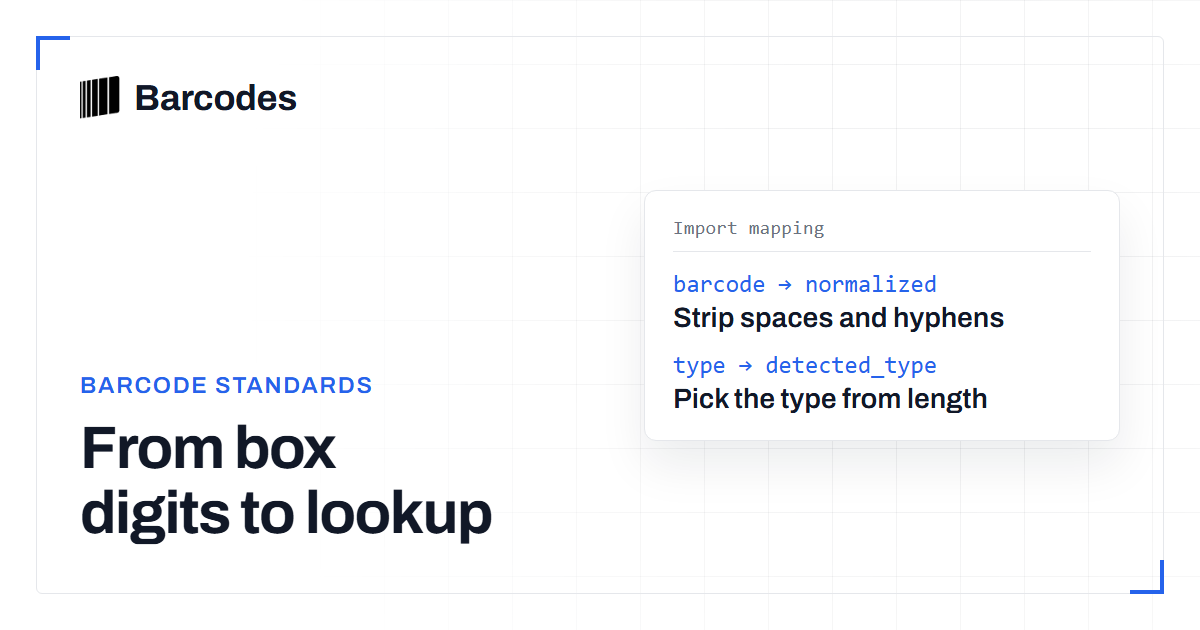
The tool strips spaces and hyphens, then checks the characters. A shoe code should be digits only. If it is not, the reason says the barcode contains invalid characters. A book number may end in the letter X. A shoe box code should not.
A bad check digit reason includes the digit the math expects. Hold that digit against the label. Change your typing only when the print agrees. Do not alter an earlier digit just to force a pass.
The weight runs from the right. Take the digits before the check digit and reverse them. The first digit in that reversed list is multiplied by three. The next is multiplied by one. Keep alternating, then add the results. The check digit is what makes the total end in zero. If the total already ends in zero, the check digit is zero.
Use the check digit calculator if the last digit is missing or doubtful. Enter only the digits that come before it. Write the result in the last place. Validate the full number again. Look up the code only when valid is true.
A pass returns status 200, valid true, and an empty reasons list. A fail returns status 422 and valid false. An empty field also returns 422 and asks you to enter a barcode. Do not call 422 a catalogue miss. Correct the digits, then search.
- Digits come from the shoe box size label, not a carton or a price sticker.
- Spaces and hyphens are gone, and only digits remain.
- Length is 12, 13 or 14 digits, or 8 digits with the right prefix.
- The validator returns valid true before you search.
- You search the normalized digits, not the style code.
Text version
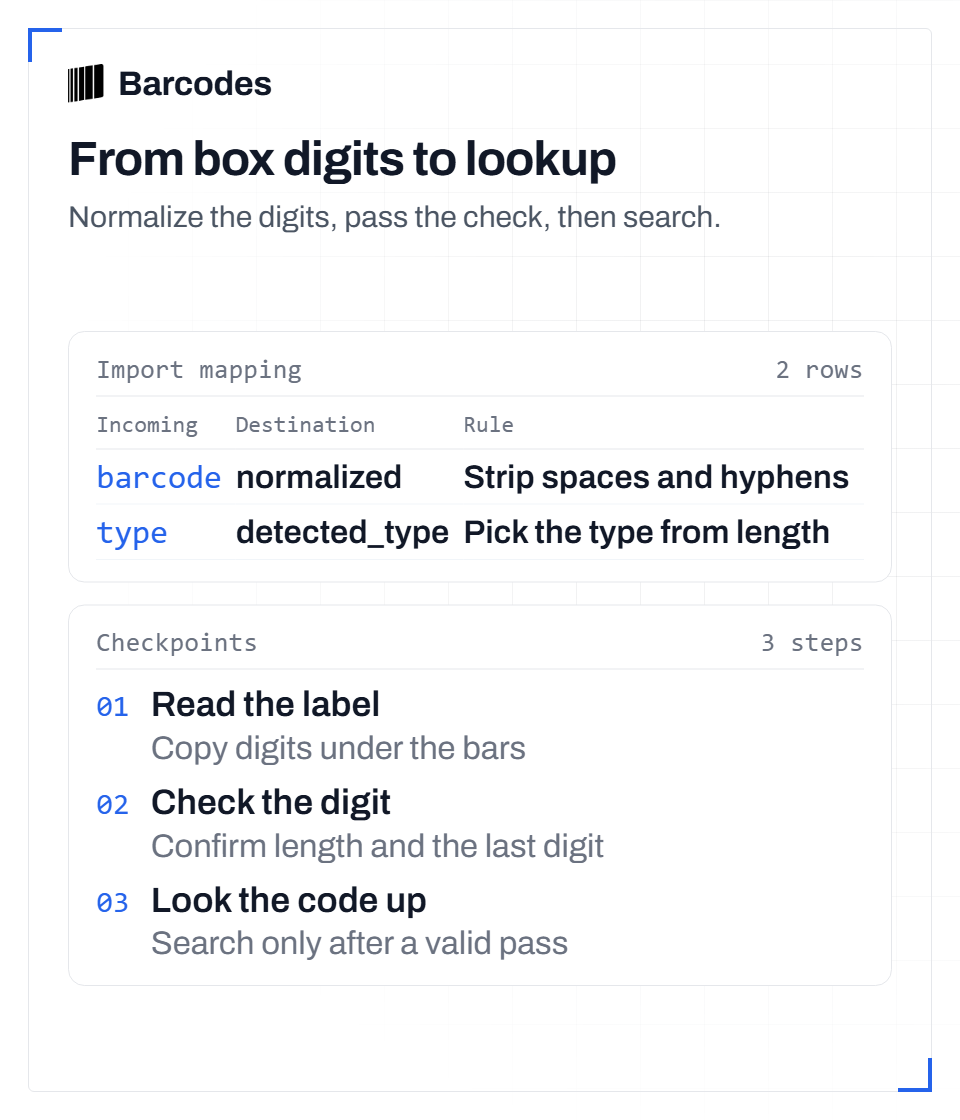
From box digits to lookup Normalize the digits, pass the check, then search. Section: Validate the digits you typed Step 1: Read the label. Copy digits under the bars Step 2: Check the digit. Confirm length and the last digit Step 3: Look the code up. Search only after a valid pass Import mappings: barcode to normalized: Strip spaces and hyphens; type to detected_type: Pick the type from length
Look up only a passing code
When valid is true, paste the normalized digits into the sneaker barcode lookup. For a held code, the free page can show the name, image, brand, barcode type, style code and colour. It also shows the size for that barcode. Category, release date and description appear when the record has them.
On 15 November 2026 the catalogue held 2,922,090 barcodes across 1,617,336 products. The set is centred on sneakers and streetwear. Each barcode is stored with its size. The count comes from the live database and is renewed every week.
The free page does not list every size. Other sizes of the same shoe need a paid plan or the free trial. The trial runs for 7 days and includes 100 requests. It does not need a payment method.
A valid code can still be missing. That is coverage, not a bad check digit. Read the size label once more. Then keep the number you validated. Do not borrow a barcode from another size to force a match.
- Copy the digits under the bars on the size label.
- Validate length, prefix and the check digit.
- If the last digit is doubtful, calculate it and validate again.
- Paste the normalized digits into lookup only after a pass.
Frequently asked questions
Does a passing check digit prove the sneakers are real?
No. A passing check digit only shows that the digits follow the length and sum rules. It does not show that the pair is genuine, and it does not show that the catalogue has a product for that number.
What should I do if the last digit on the box is unreadable?
Copy the other digits into the check digit calculator. Put the calculated digit in the last place, run the validator on the full number, and look it up only if valid is true.
Why did lookup find nothing after the validator said valid?
Validation and coverage are different tests. A valid number can still be absent from the catalogue. Re-read the size label, keep the normalized digits, and do not replace them with a code from another size.
Try the tools
Read our guides first in Google results: add Barcodes.gg as a preferred source.
Related reading
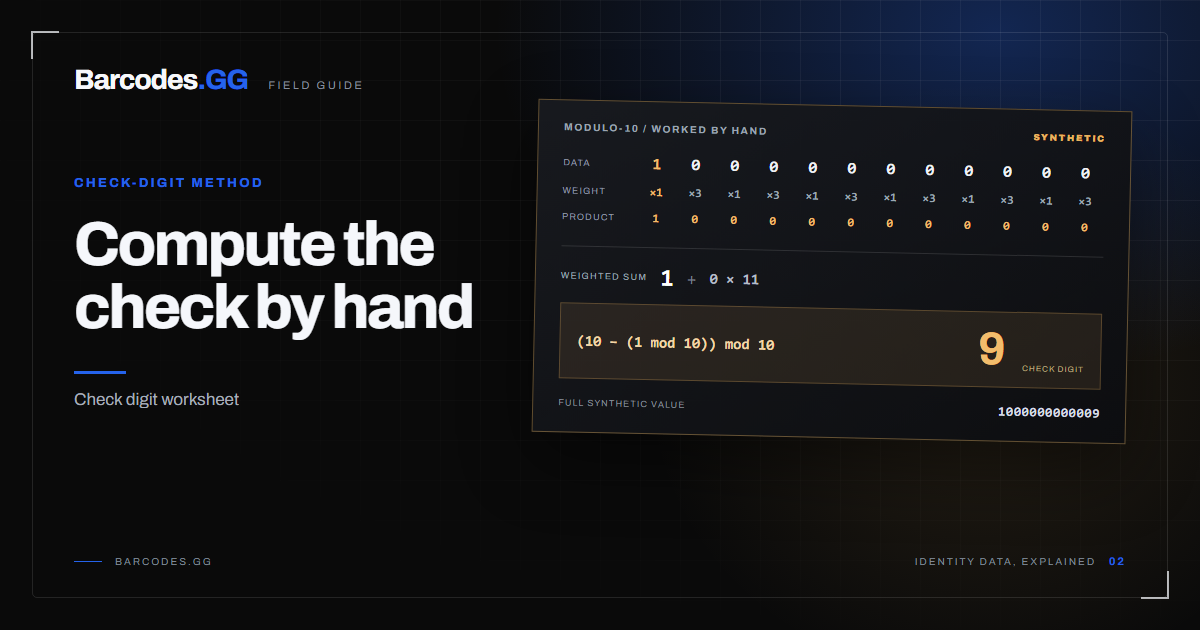
How to calculate a UPC/EAN check digit by hand
Compute the modulo-10 check digit for any UPC-A or EAN-13 with a pen, paper, and one small rule.
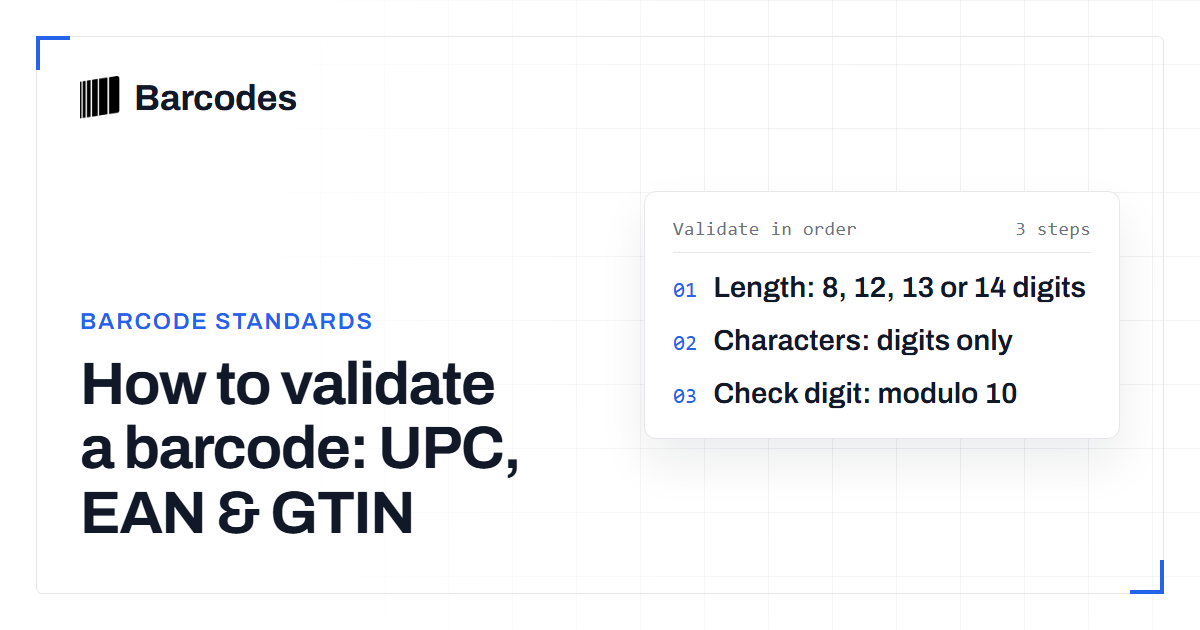
How to validate a barcode: UPC, EAN & GTIN
A practical guide to checking that a UPC, EAN, or GTIN is well formed before you trust it.
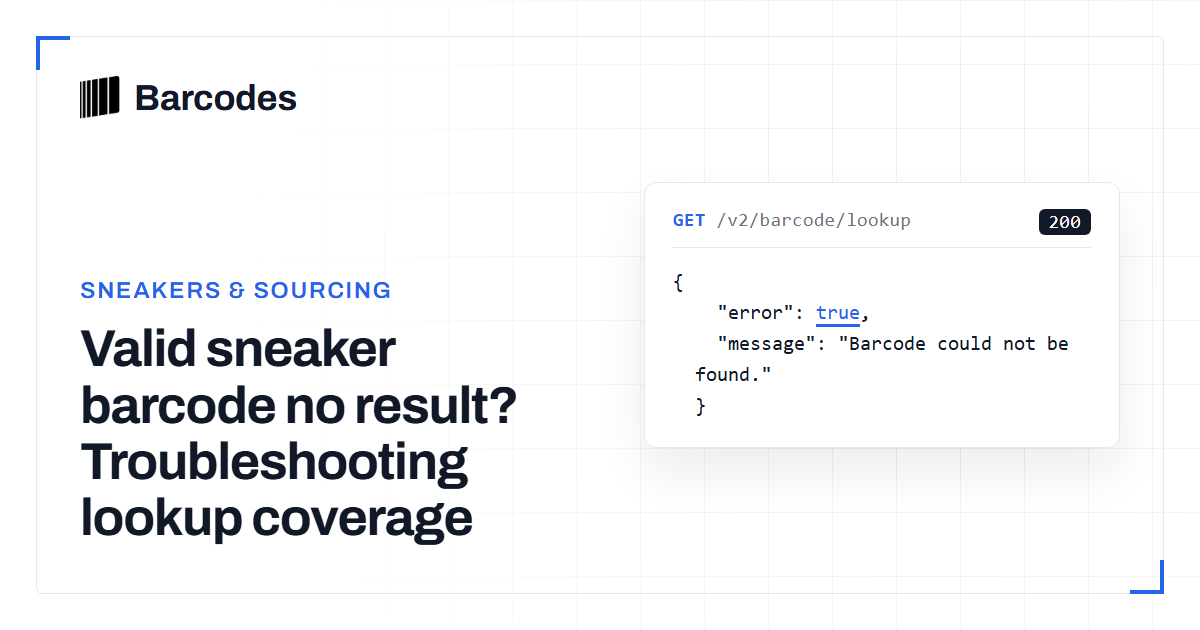
Valid sneaker barcode no result? Troubleshooting lookup coverage
A barcode can pass validation and still return no product result. Learn how to separate input errors, normalization issues and catalog misses before accepting or replacing the number.