Valid sneaker barcode no result? Troubleshooting lookup coverage
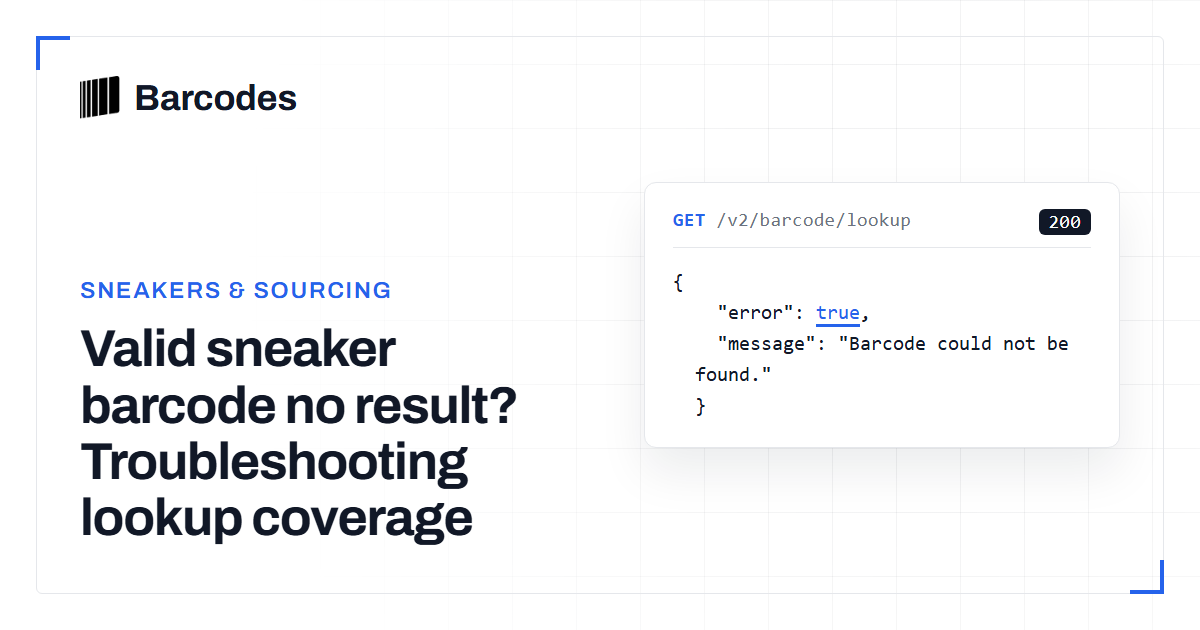
A structurally valid sneaker barcode can still produce no lookup result. The two checks are different. Validation confirms that the digits follow a supported format and check-digit rule. A catalog match depends on whether the identifier is held for a product. Follow a short checklist to identify where the lookup stopped.
First, distinguish validation from a lookup miss
A barcode can be valid without being present in the catalog. Validation checks the identifier's permitted length, format, prefix and check digit. A lookup answers a different question: whether a product record for that identifier is available. So a no-result response does not automatically mean the number was mistyped.
Start by validating the exact digits before searching again. This helps separate malformed input from a well-formed identifier that simply has no matching record. A valid result is still only an identity signal: it does not establish that the physical item is authentic.
Remove input problems before investigating coverage
Use the digits printed beneath the barcode, without spaces, letters or a style code. Check the number against the physical label rather than relying on a previous transcription. A scan or phone reader can introduce a character error even when the barcode symbol itself is readable.
Also check whether the number was entered at the expected width. Sneaker box lookup accepts digit strings, and UPC-A and EAN-13 values may be written at different widths. A UPC-A number and the same number with a leading zero are the same GTIN. If a 12-digit entry misses, retrying with the leading zero may be useful.
- Copy the digits directly from the label.
- Remove spaces, letters and style-code formatting.
- Confirm the length and run validation on the copied value.
- Try the equivalent leading-zero form where relevant.
Understand what a no-result response means
If the number validates but the lookup returns no result, the usual remaining explanation is that the identifier is not held for an available product record. Catalog coverage is not the same thing as barcode validity, and a missing result does not prove that the barcode was fabricated or incorrectly printed.
The lookup may also tell apart a missing barcode association and a barcode that is found without enough product information. Treat either outcome as unresolved identity, not as proof for or against a particular shoe. Keep the raw digits, validation result and lookup outcome in your intake notes so another identifier or a manual check can be attempted later.
Use a repeatable decision process
For inventory intake, validate once, normalize carefully, and then perform the product lookup. Compare the returned barcode, style code and size data with the label before attaching a result to stock. If the lookup returns several related barcodes, resolve the size and colorway separately. Do not select the first result. The related style-code variant workflow explains why one style can have several unit identifiers.
If the code still cannot be resolved, leave the item pending rather than forcing a product match. A barcode lookup is useful for product identity. Combine it with the label, packaging and physical inspection described in Can a Barcode Tell If Sneakers Are Real?.
- Validate the copied digits.
- Retry a normalized leading-zero form if the input is a UPC-A.
- Search again and record whether the barcode or product record is missing.
- Compare any returned identifiers with the label before importing.
- Hold unresolved inventory for manual review.
Try the tools
Related reading
SKU lookup vs barcode lookup for resellers
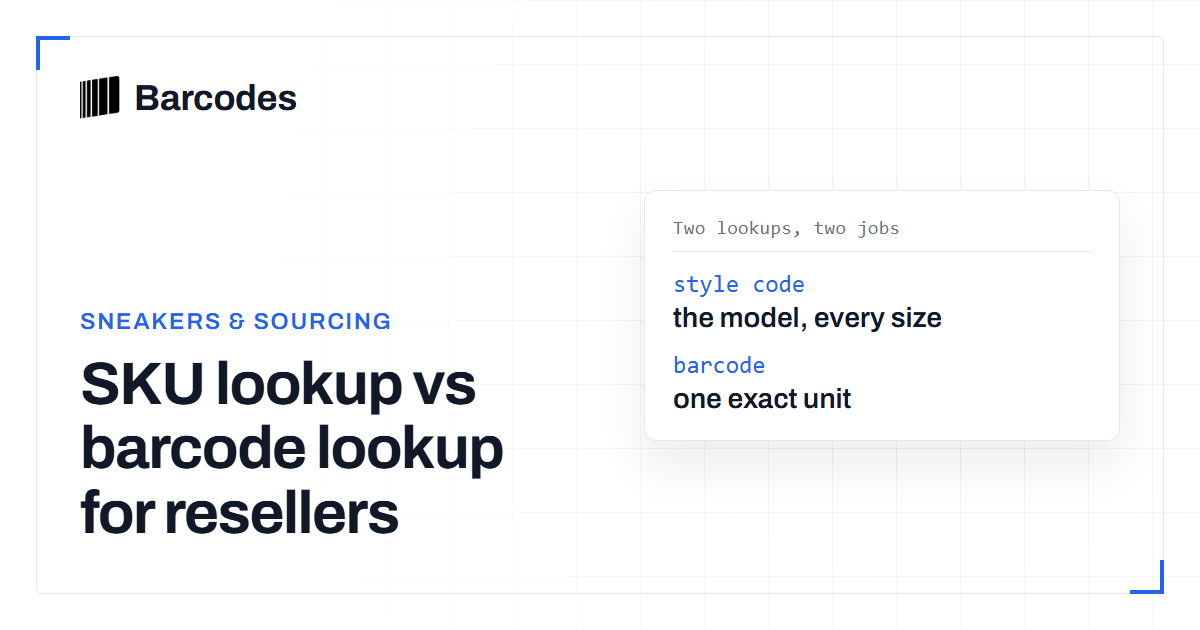
The difference between looking up a product by SKU or style number and by barcode, and when to use each one for sourcing.
How to validate a barcode: UPC, EAN & GTIN
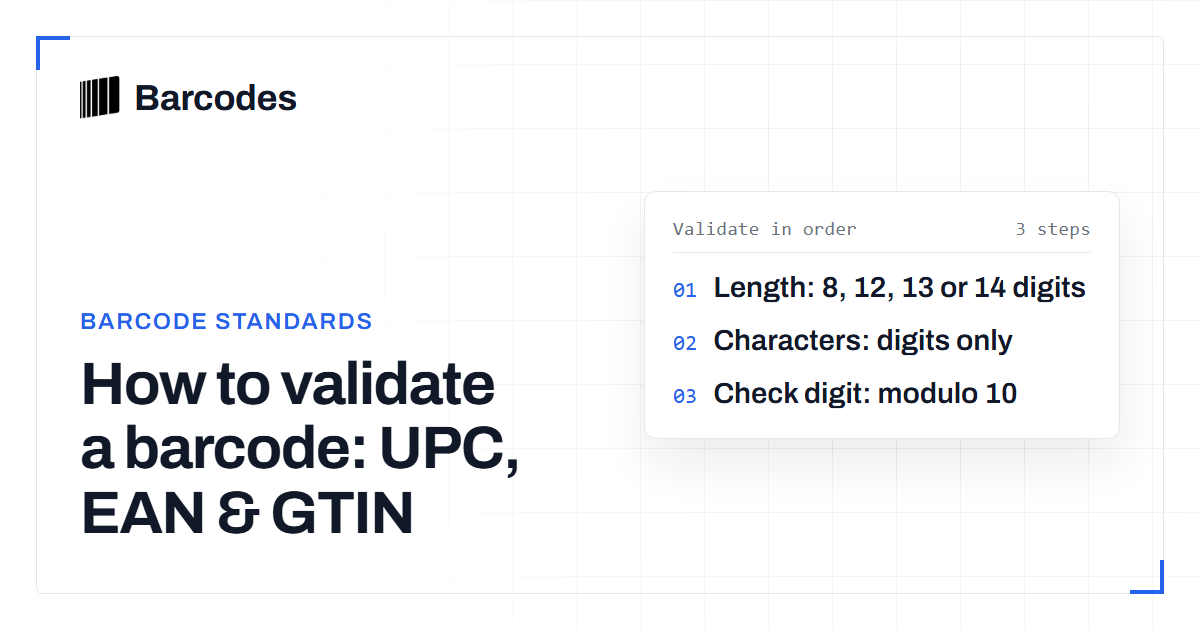
A practical guide to checking that a UPC, EAN, or GTIN is well formed before you trust it.
Resolving sneaker size variants in a style-code barcode lookup
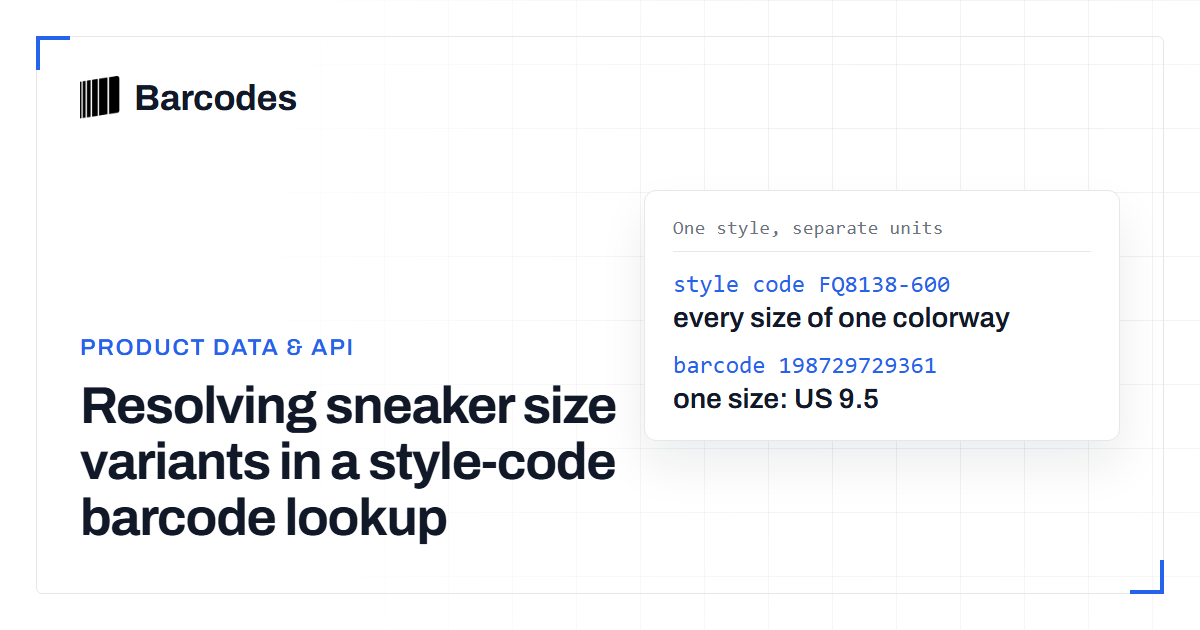
A style-code lookup can return many barcodes for one shoe. Learn how to read size and color variant data so you attach the right barcode to inventory.