
How to calculate a UPC/EAN check digit by hand
The check digit at the end of every UPC and EAN is pure arithmetic. Once you know the weighting rule you can compute or verify it in under a minute.
What the check digit is for
The final digit of a UPC-A or EAN-13 is not chosen by a manufacturer. It is calculated from all the digits before it using the GS1 modulo-10 formula. Its job is to catch errors. If a scanner misreads one digit or a person swaps two, the arithmetic no longer works and the number is rejected. That is why the same algorithm runs on UPC-A, EAN-13, EAN-8, and GTIN-14.
The check digit detects errors. It does not correct them. It tells you that something is wrong, but never which digit was wrong or what the right value was. A single wrong digit is always caught, and so are most swaps of two adjacent digits. A small number of double errors can cancel out and pass. That is an accepted trade for one extra digit, and it is why a passing check digit proves consistency, not truth.
The algorithm in four steps
The steps are the same for computing a missing check digit and for verifying a printed one. Use only the data digits, which is every digit except the check digit position.
- Line up the data digits and work from the right.
- Weight the digits alternately by 3 and 1. The rightmost data digit is always weighted by 3, the next by 1, then 3, then 1, and so on to the left.
- Multiply each digit by its weight and add all the products into a single sum.
- The check digit is (10 minus (sum modulo 10)) modulo 10. That is the smallest number you must add to the sum to reach the next multiple of 10. If the sum is already a multiple of 10, the check digit is 0.
That is the entire method. The one thing people get wrong is which end to start from. Remember this: the digit nearest the check digit gets weight 3.
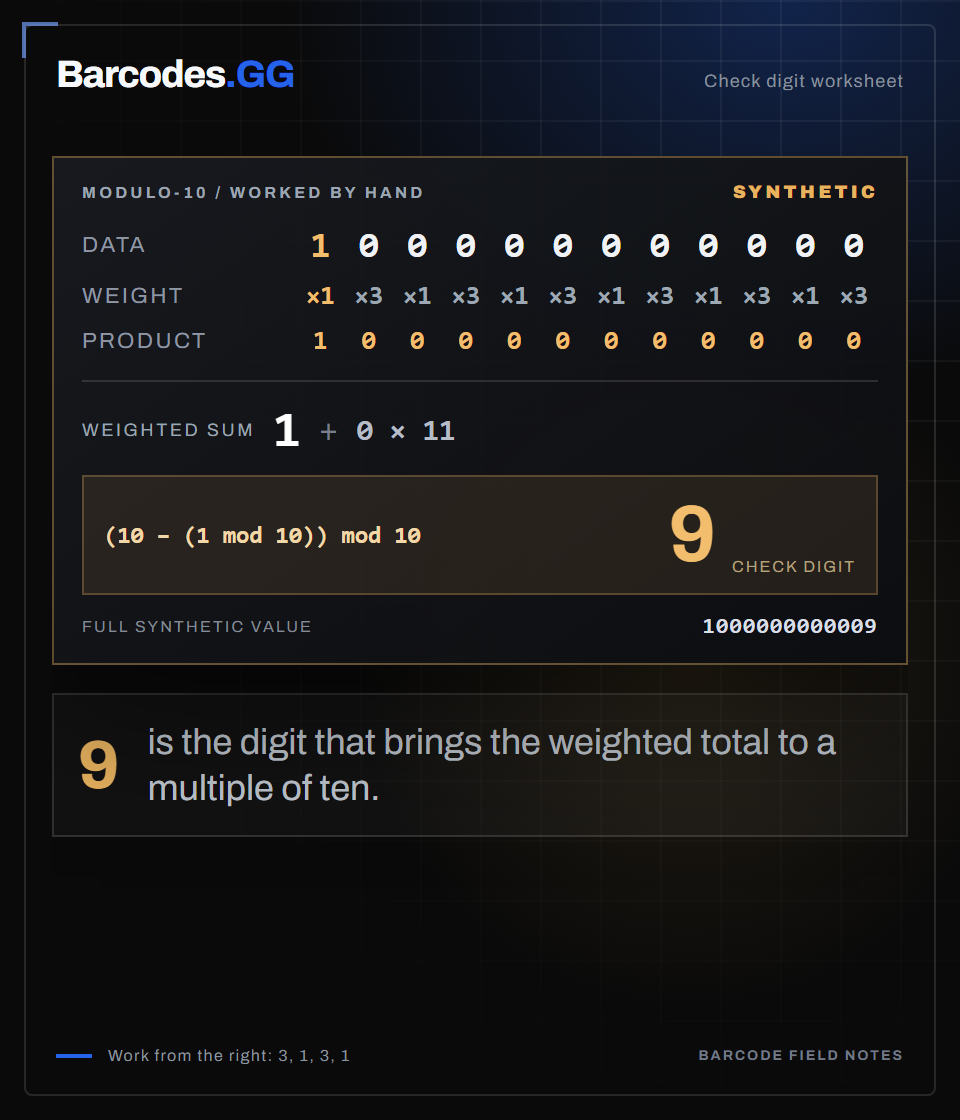
Text version
Synthetic data digits: 100000000000. From the left, weights for these twelve digits are 1 3 1 3 1 3 1 3 1 3 1 3. Products sum to 1. Check digit = (10 - (1 mod 10)) mod 10 = 9. Synthetic full value: 1000000000009.
Worked example: a UPC-A
Take the UPC-A base 03600029145, which is 11 data digits, and find the 12th digit. Reading from the right, the rightmost data digit 5 gets weight 3:
- 5x3=15, 4x1=4, 1x3=3, 9x1=9, 2x3=6, 0x1=0, 0x3=0, 0x1=0, 6x3=18, 3x1=3, 0x3=0.
- The sum is 15+4+3+9+6+0+0+0+18+3+0 = 58.
- 58 modulo 10 is 8. (10 minus 8) modulo 10 is 2.
digits  0 3 6 0 0 0 2 9 1 4 5
weight  3 1 3 1 3 1 3 1 3 1 3
sum 58  ->  10 - (58 mod 10) = check 2
The check digit is 2, so the full UPC-A is 036000291452. You can confirm it instantly with the UPC-A check digit calculator.
Worked example: an EAN-13
EAN-13 has 12 data digits. Take the base 590123412345 and find the 13th digit. From the right, the rightmost data digit 5 gets weight 3:
- 5x3=15, 4x1=4, 3x3=9, 2x1=2, 1x3=3, 4x1=4, 3x3=9, 2x1=2, 1x3=3, 0x1=0, 9x3=27, 5x1=5.
- The sum is 15+4+9+2+3+4+9+2+3+0+27+5 = 83.
- 83 modulo 10 is 3. (10 minus 3) modulo 10 is 7.
digits  5 9 0 1 2 3 4 1 2 3 4 5
weight  1 3 1 3 1 3 1 3 1 3 1 3
sum 83  ->  10 - (83 mod 10) = check 7
The check digit is 7, so the full EAN-13 is 5901234123457. The weighting pattern is the same as in the UPC-A example, extended by one more data digit. That is because a UPC-A is an EAN-13 with a leading zero.
Mistakes that throw off the math
Two errors account for most wrong answers. The first is starting from the wrong end and giving the leftmost digit weight 3 instead of the rightmost. The second is including the check digit in the sum. That only works if you are verifying with the alternate method, and it doubles your chance of error. Compute over the data digits only.
Also watch for stripped leading zeros. A spreadsheet that turns 012345678905 into 12345678905 changes the digit positions and therefore the weights, producing a wrong check digit. If your result never matches, read why a check digit does not match.
Weighting from the wrong end hides itself. Take an odd count of data digits, such as the 11 in a UPC-A base. Starting the 3-1-3-1 pattern from the left then gives the same weights as starting from the right, so a left-to-right habit looks correct. Then you hit a 12-digit EAN-13 base, the two directions disagree, and the answer is wrong. Always anchor weight 3 on the rightmost data digit and the mistake never appears.
When to reach for a calculator
Hand calculation is worth learning because it makes the failures obvious, but for real work use the tools. The EAN-13 check digit calculator and UPC-A check digit calculator return the digit in one click, and the barcode validation tool verifies a full number. For a broader view of the topic, start with how to validate a barcode.
Frequently asked questions
Which digit gets weighted by 3?
Working from the right, the rightmost data digit is weighted by 3, then the pattern alternates 1, 3, 1, 3 as you move left. For an EAN-13 base of 12 digits this means the leftmost digit ends up weighted by 1.
What if the sum is already a multiple of 10?
Then (10 minus (sum modulo 10)) modulo 10 equals 0, so the check digit is 0. The final modulo 10 is what turns a raw 10 into 0.
Is the UPC-A math different from EAN-13?
No. It is the same modulo-10 formula. UPC-A just has 11 data digits instead of 12 because it is an EAN-13 with an implied leading zero.
Try the tools
Related reading
How to validate a barcode: UPC, EAN & GTIN
A practical guide to checking that a UPC, EAN, or GTIN is well formed before you trust it.
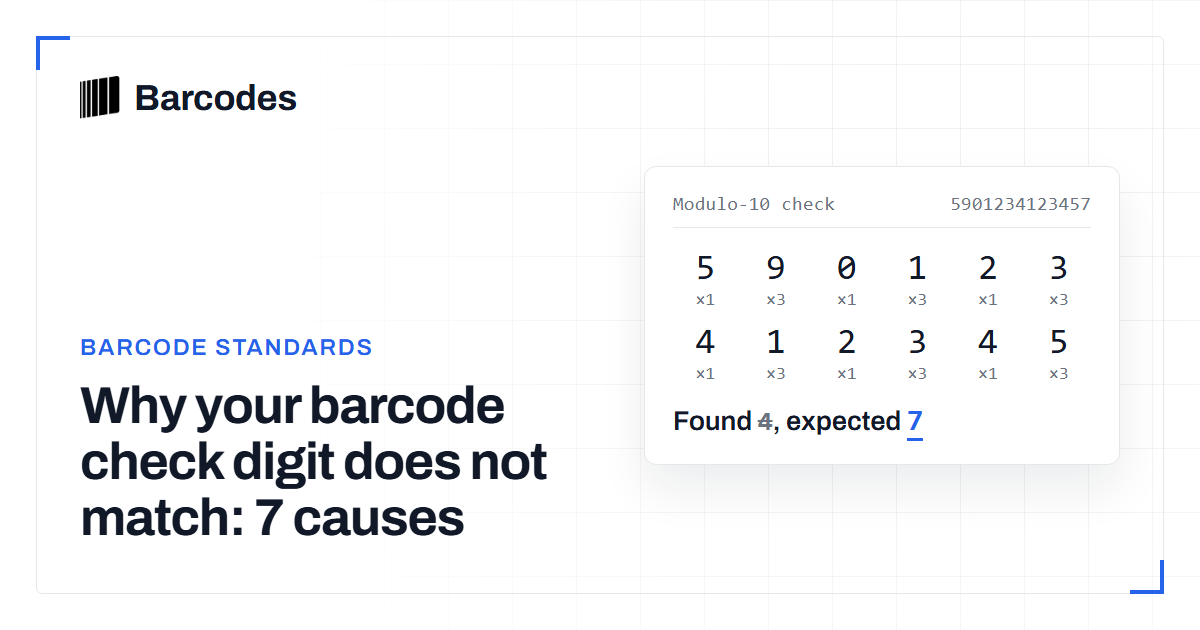
Why your barcode check digit does not match: 7 causes
The seven reasons a UPC or EAN check digit fails validation, and how to fix each one.
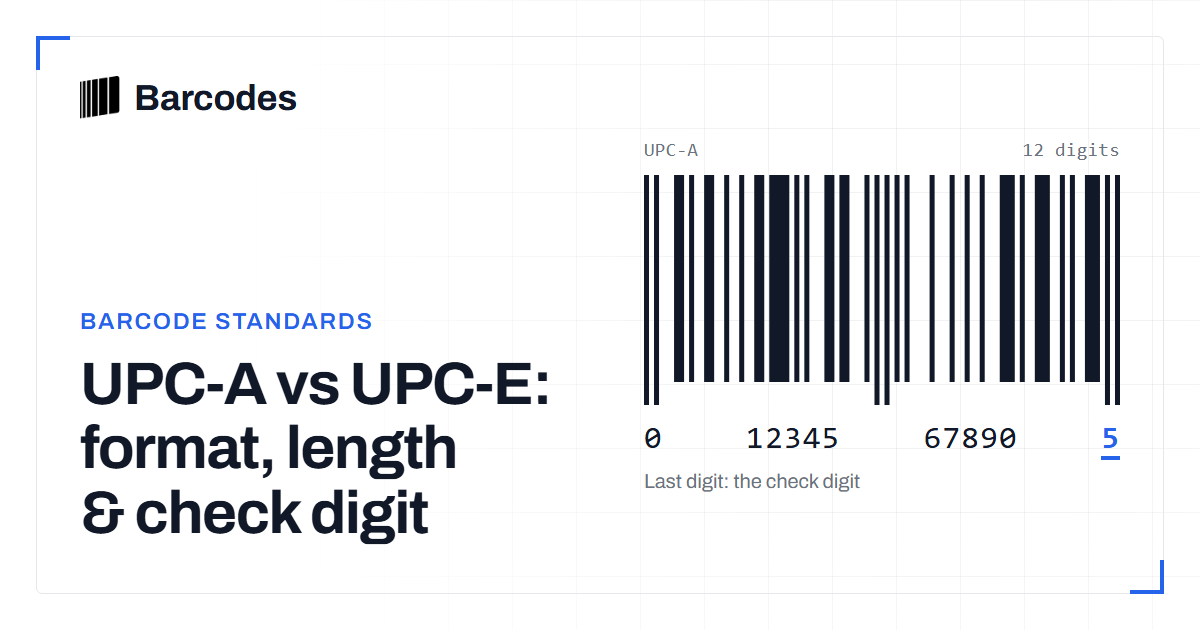
UPC-A vs UPC-E: format, length & check digit
How UPC-E compresses a 12-digit UPC-A into 8 digits, and why they share a check digit.