Resolving sneaker size variants in a style-code barcode lookup
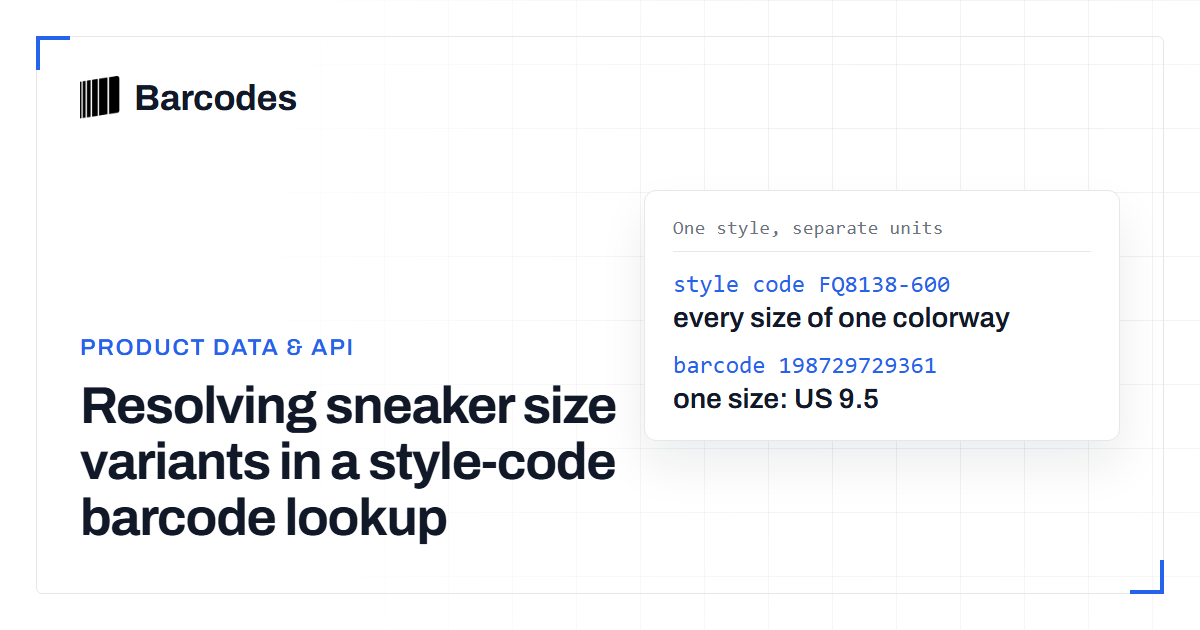
A style code is not a barcode, and one style code can map to many sellable units. This guide explains how to resolve the exact size and color variant from a style-code lookup response. It also shows how to keep that variant identity intact when you import inventory.
A style code is not a sellable-unit identifier
The confusion starts when a sourcing sheet has one style code and an import tool wants one barcode. A style code groups a model and colorway, while a barcode, usually a GTIN, identifies one sellable unit. Each product variation needs its own GTIN: each size, each colour, and each combination of size and colour. That means one style code can correctly map to many barcodes. Collapsing them into a single inventory row is how the wrong size gets attached to stock. See SKU Lookup vs Barcode Lookup for Resellers for the jobs each identifier performs.
Text version
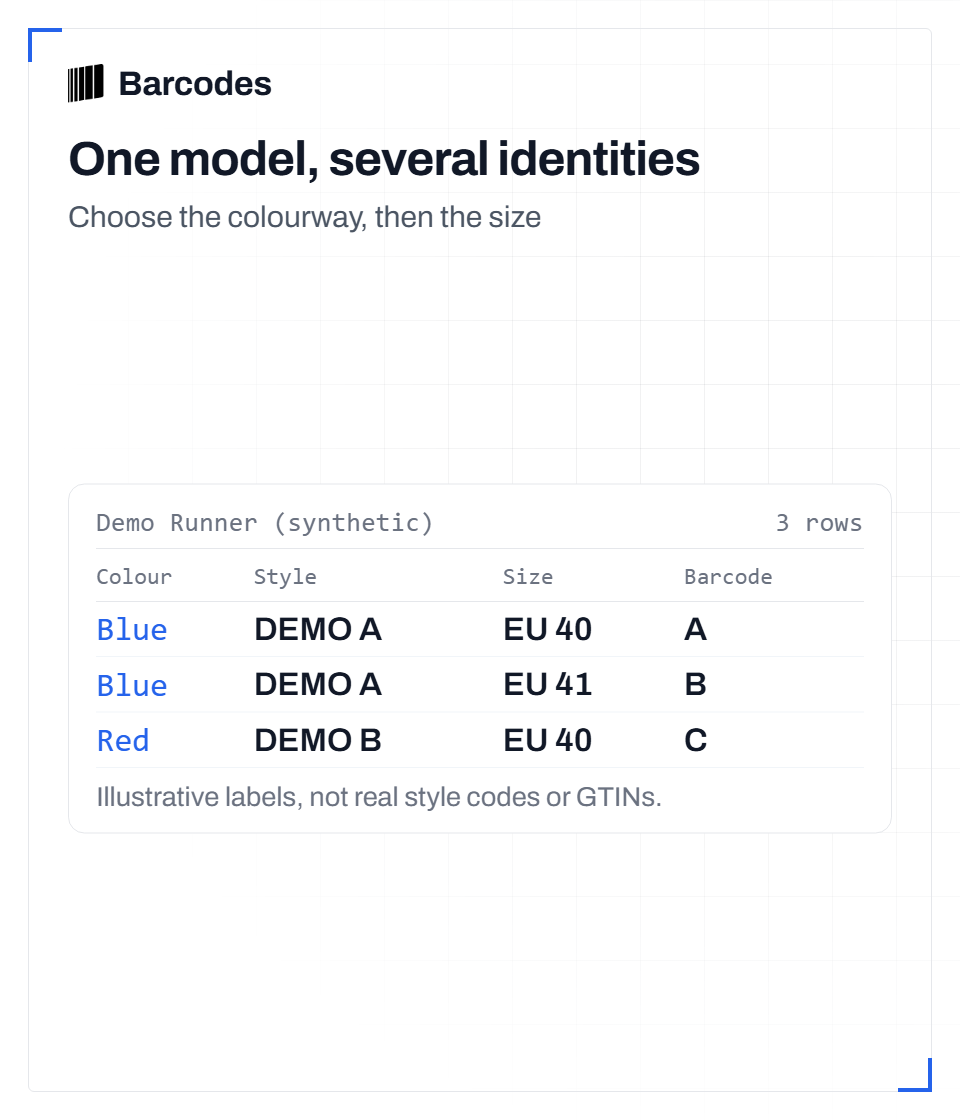
Synthetic model: Demo Runner. Blue colourway: style label DEMO A, size EU 40, barcode label A; style label DEMO A, size EU 41, barcode label B. Red colourway: style label DEMO B, size EU 40, barcode label C. Labels are illustrative, not real style codes or GTINs. A style lookup can group sizes; each size barcode remains attached to its own row.
What a style-code lookup returns
Use a style-code lookup when you need to list the barcodes tied to a model and colorway. The lookup response can return several barcode records for the same style code. Each record carries its own size data plus a barcode type and value. Some responses also show whether a barcode record is verified, not inferred. When you request a size-run view, the response groups records by numeric size and orders them. You can then see which sizes have a barcode and where a size is missing. Missing does not mean the size does not exist; it means the catalog does not currently hold that barcode.
Resolve the exact variant before writing inventory
Treat the style code as the parent and the barcode as the child. When you import, store style code, size, colorway if present, and the barcode value as separate fields. Do not assign the first barcode in a style-code response to every size. Instead, match the size on the incoming unit to the size field on the barcode record. If you need to compare or store identifiers across systems, normalize GTIN widths first. A GTIN converter helps prevent a 12-digit and 13-digit form being treated as different products. Validate each barcode before relying on it, as covered in How to Validate a Barcode.
- Start with the style code and request a size run when the lookup supports it.
- Read each returned barcode record's size value and verification marker.
- Match the unit's size to that size value instead of taking the first row.
- If two records describe the same size, prefer the verified record.
- If no size matches, flag the row for review rather than guessing.
Colorway and size need separate identity
Variant identity does not stop at size. If the same model comes in multiple colors, each color is a separate variation and needs its own GTIN. Product feeds also need a unique GTIN for each variant. For sneakers, that means a style-code lookup that returns many barcode rows may be giving you the size run for one colorway. A different colorway needs a different set of rows. Use the colorway field on the product record to confirm which variant set you are resolving. Do not assume every row under a style code belongs to the colorway you are holding.
A practical resolution workflow
This keeps one-to-many mappings from becoming many-to-one mistakes. It also makes later audits possible. If a barcode turns out to be missing, you can see whether the import guessed or whether the catalog lacked that variant. Barcode data confirms product identity. It does not prove authenticity. A missing size row is a coverage gap, not evidence that the shoe is fake.
- Store style code, size, colorway, and barcode in separate columns.
- Keep the lookup response's size value attached to the barcode value.
- Do not overwrite one size's barcode with another size's barcode.
- Normalize GTIN width before matching across systems.
- Validate the final barcode before syncing to inventory.
Try the tools
Related reading
SKU lookup vs barcode lookup for resellers
The difference between looking up a product by SKU or style number and by barcode, and when to use each one for sourcing.
Speeding up warehouse sneaker intake with barcode lookups
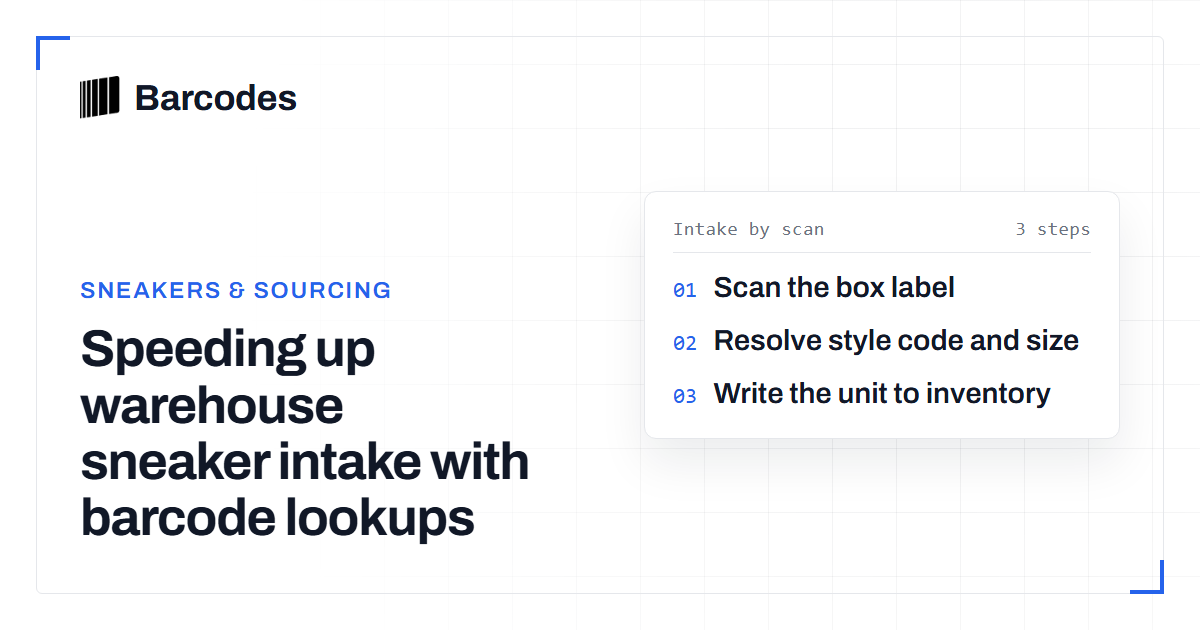
Identifying incoming sneakers by hand is slow and error-prone. A box barcode plus a lookup call turns intake into a scan that auto-fills name, style code, colorway and size.
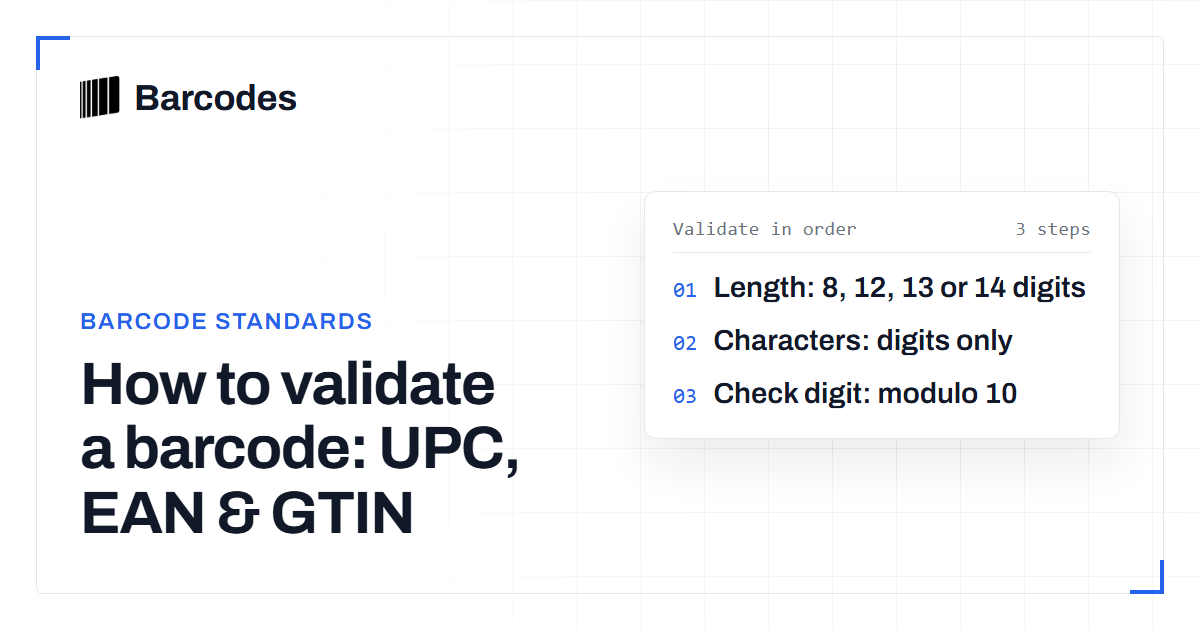
How to validate a barcode: UPC, EAN & GTIN
A practical guide to checking that a UPC, EAN, or GTIN is well formed before you trust it.