Invalid UPC-E prefix: why the first digit must be 0 or 1
The validator returns this error when you select UPC-E and submit eight digits starting with 2 through 9. Check whether the label actually uses UPC-E, GTIN-8, or a longer barcode that was cut short.
The error checks the first digit, not the check digit
“Invalid prefix for UPC-E. Number system must be 0 or 1.” means the submitted number failed the validator’s UPC-E first-digit check. In this validator, UPC-E must contain exactly eight digits, with either 0 or 1 in the first position.
The UPC-E validation path checks length and numeric characters first. It then reads the first digit as the number system. If that digit is 2 through 9, it returns the prefix error before expanding the number or checking its final digit.
Changing the final digit cannot fix this error. Adding a zero at the front cannot fix it either, because that would create nine digits. Keep the value printed on the label while you investigate the selected format.
The validation controller returns HTTP 422 for this failure, with valid set to false and the explanation in reasons. That response describes a validation failure, not a failed search for a product. This controller does not look up a catalogue record.
A first digit of 0 or 1 only clears this particular check. The number must still pass the UPC-E check-digit test after expansion to UPC-A. Passing validation does not prove a product match or show that an item is authentic.
Check why UPC-E was selected
An eight-digit input does not always take the UPC-E path. With Auto Detect selected, this validator treats eight digits starting with 0 or 1 as likely UPC-E. It sends other eight-digit inputs to GTIN-8 validation instead.
That means an eight-digit input starting with 2 through 9 should not produce this exact UPC-E prefix error under Auto Detect. Check whether your form or integration explicitly sends UPC-E as the type. The controller uses AUTO when no type is supplied.
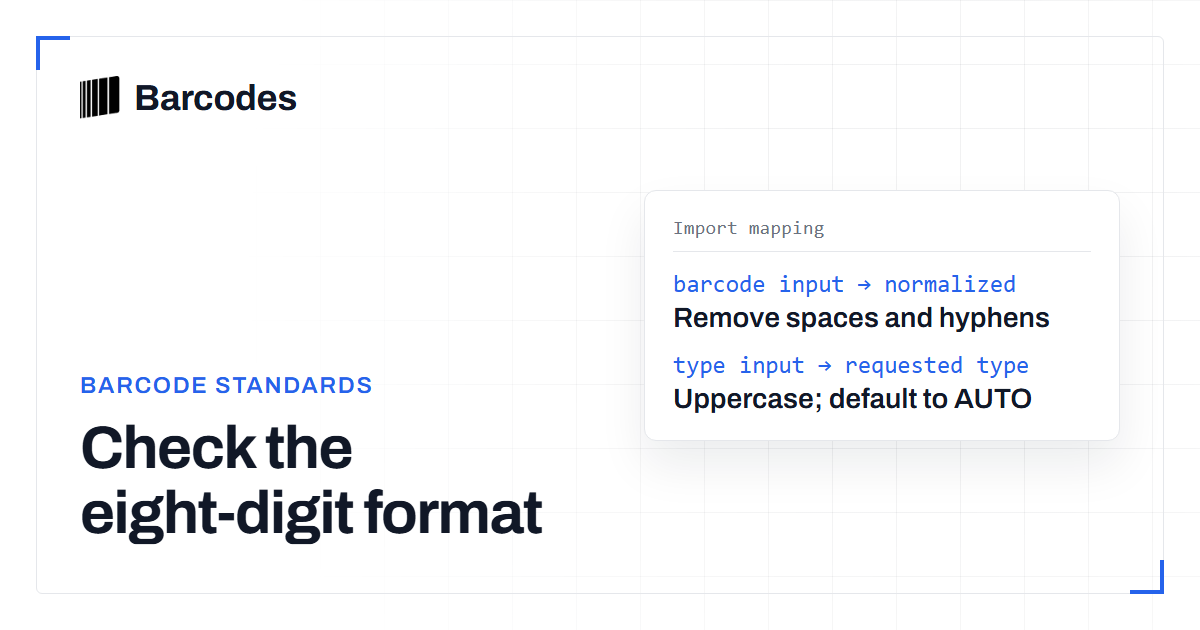
If the label identifies the barcode as GTIN-8 or EAN-8, select GTIN-8 and validate the unchanged digits. The GTIN-8 path checks eight-digit length, the check digit and the detected type. Changing the selection is a test, not permission to relabel an unknown barcode.
For an eight-digit input starting with 0 or 1, Auto Detect’s choice is a heuristic based on the first digit. It doesn't establish which format the label uses. Select GTIN-8 explicitly if reliable label or supplier information identifies that format.
UPC-E expansion is a separate operation from adding leading zeros. The validator expands UPC-E into UPC-A using its compression rules before calculating the expected check digit. See UPC-A vs UPC-E if you need to understand that relationship before storing an expanded value.
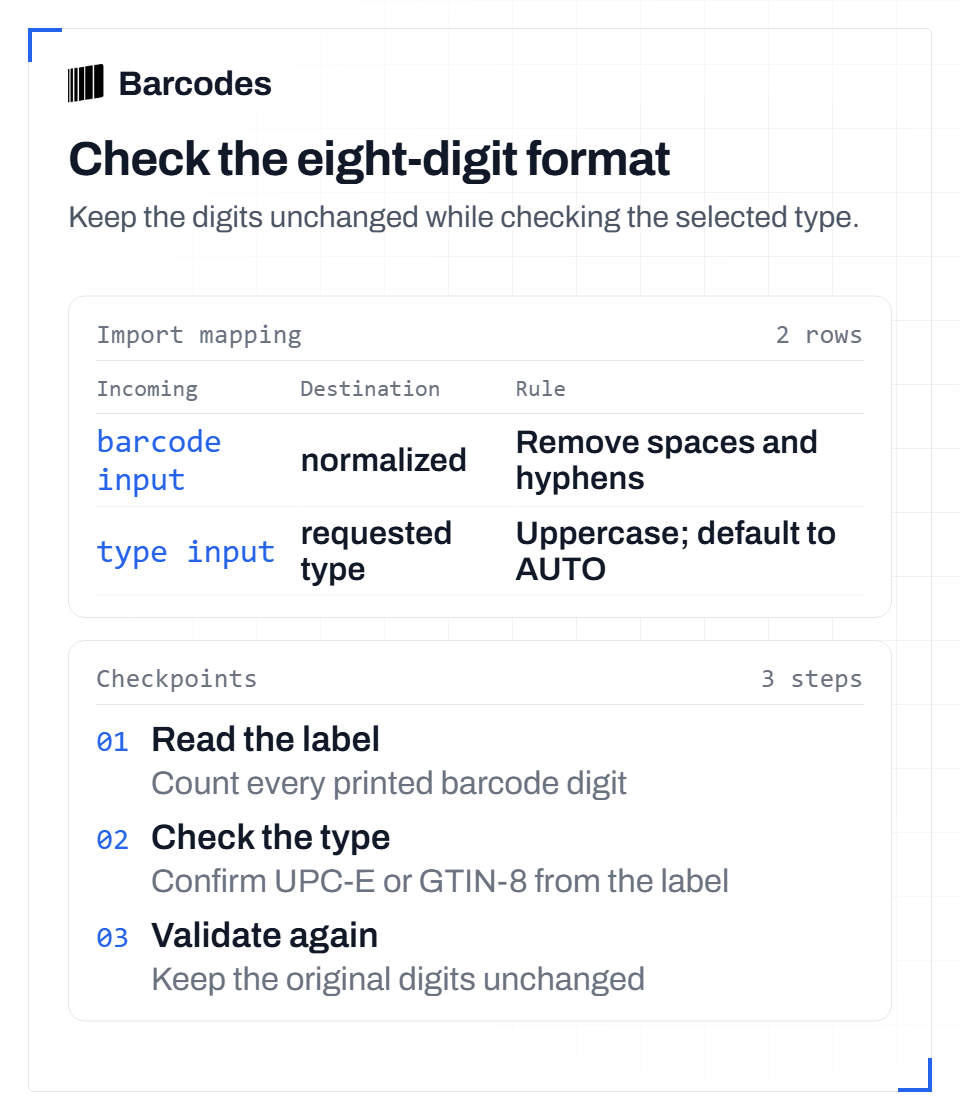
Text version
Check the eight-digit format Keep the digits unchanged while checking the selected type. Section: Check why UPC-E was selected Step 1: Read the label. Count every printed barcode digit Step 2: Check the type. Confirm UPC-E or GTIN-8 from the label Step 3: Validate again. Keep the original digits unchanged Import mappings: barcode input to normalized: Remove spaces and hyphens; type input to requested type: Uppercase; default to AUTO
Recheck the label before retrying
Compare the submitted value with every digit printed under the barcode, including digits outside the main bars. Count the full printed value before choosing a type. This validator expects 12 digits for UPC-A and 13 for EAN-13.
If the label has more digits than your input, return to the scan or import that produced the shorter value. Don't guess the missing digits. A truncated longer barcode needs its original value restored, not a different validation setting.
The controller removes ordinary spaces and hyphens, trims the input and converts letters to uppercase before validation. It does not restore missing digits or add leading zeros. Check the normalized value against the label when a copied input looks different.
Use the sequence below to keep format problems separate from transcription problems. If you still cannot establish the format, ask the supplier for the complete barcode value and format before changing your stored record.
- Compare the full printed barcode value with the submitted input and count its digits.
- Check the selected type. Use UPC-E only when the label or reliable supplier data supports that format.
- For a confirmed eight-digit GTIN-8, select GTIN-8 and retry without changing the digits.
- For a shortened UPC-A or EAN-13, recover the complete original value before validating again.
- Read the new validation reason. Resolve any remaining length, type or check-digit error before product lookup.
Related reading
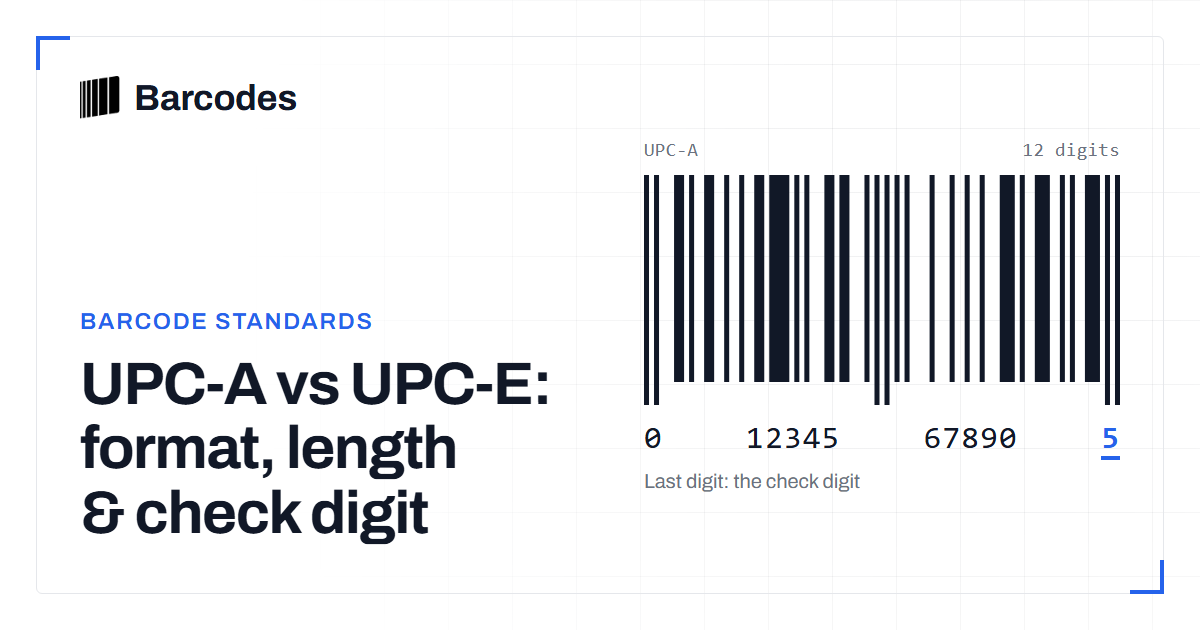
UPC-A vs UPC-E: format, length & check digit
How UPC-E compresses a 12-digit UPC-A into 8 digits, and why they share a check digit.
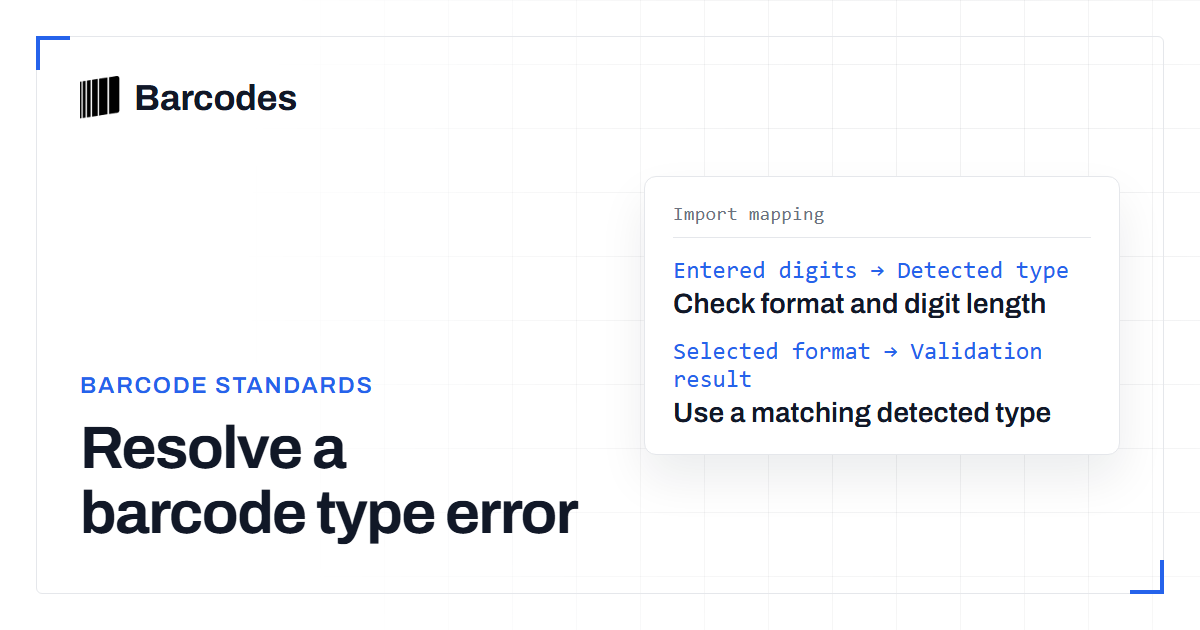
Why a barcode gets an “Invalid prefix/type combination” error
This validation error means the selected barcode type does not fit the prefix the validator detected. Check the format selection before recalculating the check digit.
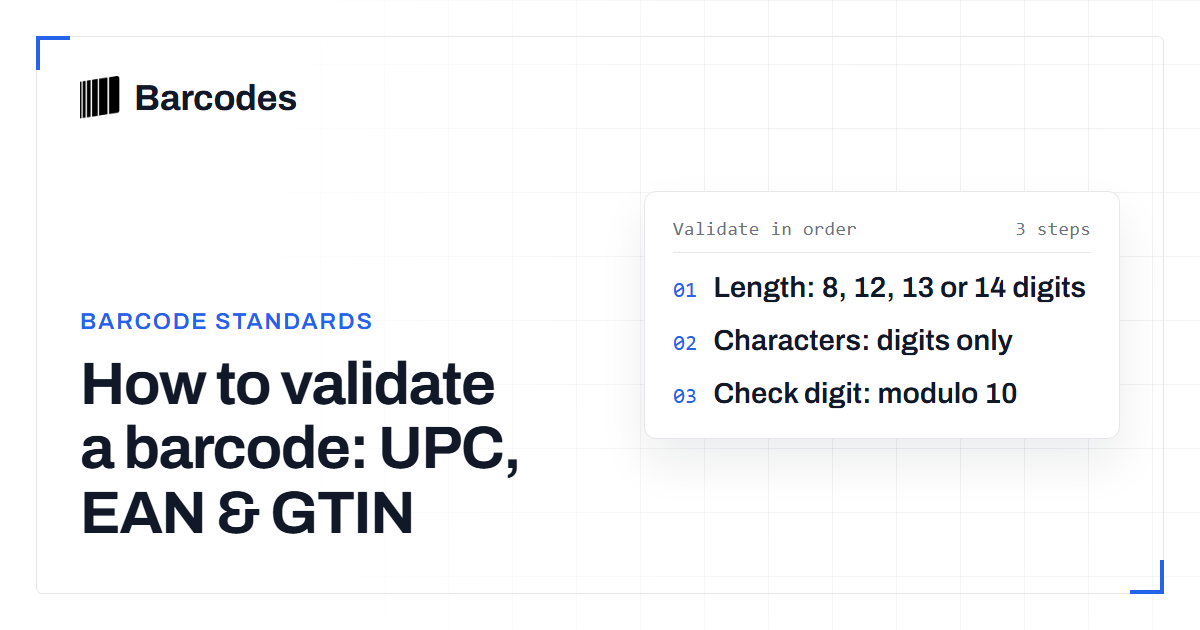
How to validate a barcode: UPC, EAN & GTIN
A practical guide to checking that a UPC, EAN, or GTIN is well formed before you trust it.