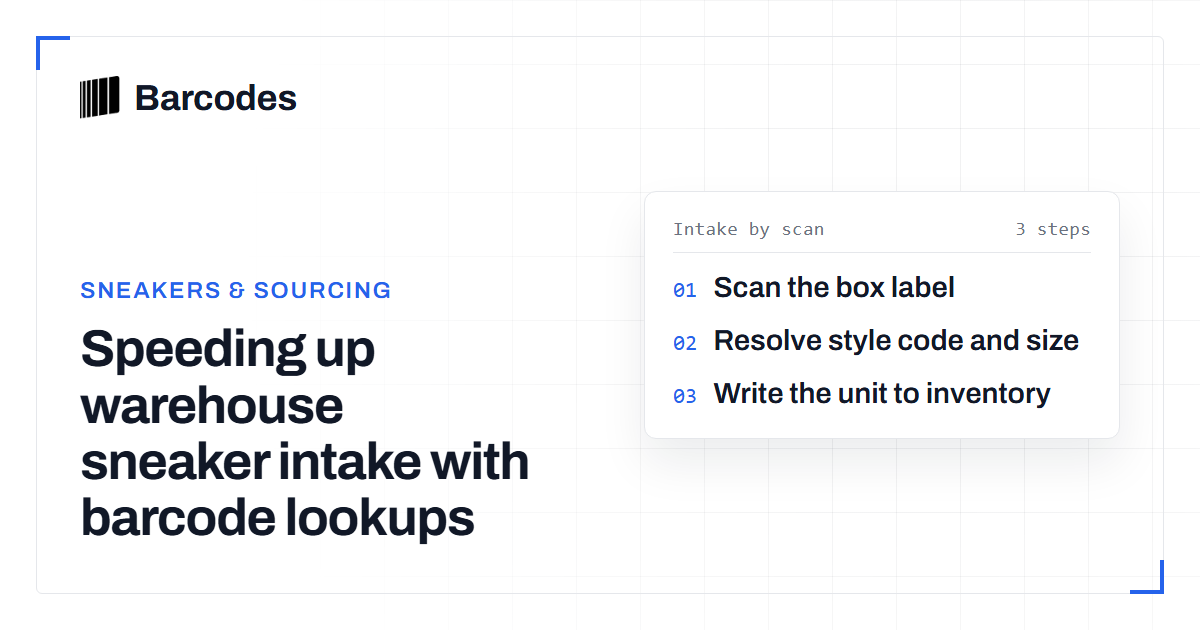
Speeding up warehouse sneaker intake with barcode lookups
A warehouse that handles footwear depends on identifying what just arrived quickly and accurately. This guide shows how a barcode lookup replaces manual data entry at intake and feeds clean records straight into inventory.
The intake bottleneck
Intake is where footwear operations lose the most time. Someone has to identify each incoming pair (brand, model, style code, colorway, size) and type it into a system. Manual identification is slow, and it needs product knowledge staff may not have. Every keystroke is a chance to enter a wrong style code or a swapped size that stays in the record.
The barcode on the box already encodes a unique product. What is missing is a fast, reliable way to turn that code into a full product record at the moment of scanning. The person handling the box then never has to know the catalog by heart.
Scan to identify
A single lookup call does the identification. Scan the box barcode and send it to the lookup-barcode endpoint. You receive the product it maps to: product_name, product_brand, product_style_code, product_colorway, product_release_date and sizing. You also get a product_image, so staff can confirm by eye that the box matches the shoe.
curl -H "Authorization: Bearer YOUR_TOKEN" \
  "https://barcodes.gg/api/v2/barcode/lookup/0198963114985?fields=*"
Intake becomes a physical action (point the scanner), not a research task. Before you build it in, you can preview what a lookup returns for a real code on the public product barcode lookup. The mechanics of reading a box code are covered in sneaker barcode lookup.
Wire it into inventory
The lookup is worth more when it feeds your inventory system directly and nobody retypes the result. On receipt, the scan resolves the product and the fields fill in the stock record. Title, brand, style code, colorway and size mapping arrive structured and consistent, so two people receiving the same shoe create the same record.
The RestocksAIO intake integration works this way: scan a pair, register it, and the verified product data is attached automatically. Every record is built from the same catalog, so your inventory stops collecting the spelling variants and mismatched style codes that manual entry produces. For the difference between resolving by box code and by internal SKU, see SKU lookup vs barcode lookup.
Accuracy at scale
A few habits keep the data clean at scale. Validate the code before the call, so a bad scan never becomes a lookup. A quick check with the barcode validation tool logic catches a misread on the spot. Normalize every code to one canonical GTIN length before you store or match it. The same product then cannot enter inventory twice under a padded and an unpadded value.
Plan for the real miss. A code that is not in the catalog returns HTTP 200 with "error": true, not a blank record. Send that pair to a short manual-review queue, and do not create an empty row. A barcode tells you which product a box claims to be. It identifies the product and does not test authenticity, as we explain in can a barcode tell if sneakers are real.
Frequently asked questions
Can a barcode lookup identify any sneaker at intake?
It identifies any pair whose box barcode is in the catalog, returning the name, brand, style code, colorway and sizing. A code that is not held returns HTTP 200 with "error": true, which you can route to manual review.
Does barcode identification confirm a sneaker is authentic?
No. A lookup tells you which product a barcode maps to, not whether the item in the box is genuine. It speeds up identification and data entry. Authentication is a separate process.
How does this connect to inventory software?
The lookup returns structured fields, so a scan at receipt can auto-populate a stock record instead of a person retyping it. The RestocksAIO intake integration uses this pattern to attach verified product data as items are registered.
Try the tools
Related reading
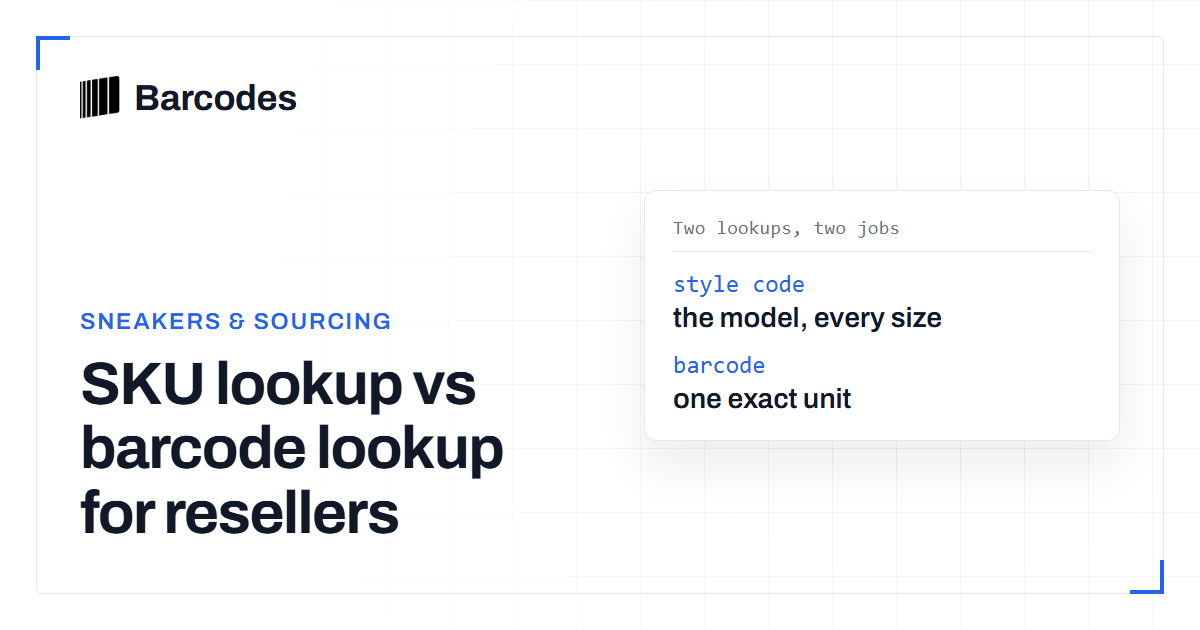
SKU lookup vs barcode lookup for resellers
The difference between looking up a product by SKU or style number and by barcode, and when to use each one for sourcing.
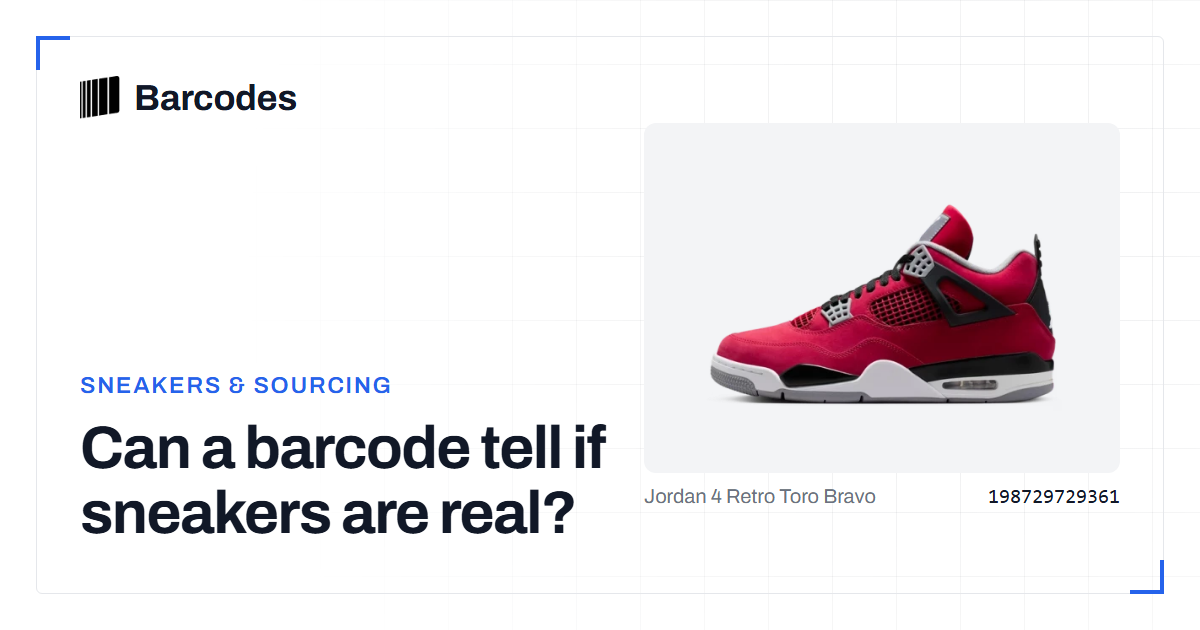
Can a barcode tell if sneakers are real?
What a barcode lookup can and cannot tell you about sneaker authenticity, and how to use it as one signal among several.