How to enrich a product catalogue CSV from style codes
A style code identifies a product and colourway; each size may have a different barcode. Here is how to prepare an input CSV, interpret the output, and avoid common import mistakes.
Prepare a style-code inventory file
Start with a UTF-8 CSV with a style_code column and one manufacturer style code per input row. A style code describes a product or colourway, not one stock-keeping size. Your own warehouse SKU is not interchangeable with the manufacturer code unless you already have a mapping. Keep your original row numbers so you can join the result to your catalogue afterwards.
You can download a sample input from the catalogue enrichment tool. It accepts up to 10,000 rows per file and gives an exact quote once it has read the input. It does not require you to build against the API first.
Read product rows and size–barcode pairs
One style code can produce many output rows: each available size–barcode pair receives its own row, with the product name, brand, category and other selected fields repeated. This makes it possible to import the CSV into systems that expect one variant per row. Preserve barcode values as text so leading zeros are not lost in a spreadsheet.
A matched product may have no barcode in the dataset, and an unmatched style code still gets a status row. Product-match coverage and barcode availability are separate numbers. Do not take one barcode from the first size and assign it to the entire style: that would mislabel the other variants. Check the documented output columns and sample CSV on the tool page before designing an import.
Check coverage before building an integration
Run a representative sample of your real style codes rather than extrapolating from example results. Review matched and unmatched counts, inspect the limited real preview, then choose whether to purchase a complete export. Where verification is available, the export labels barcode provenance rather than presenting every value as equally certain.
A CSV is useful for a one-off catalogue migration or a pilot. If you need frequent updates or higher volumes, consider the Barcodes.gg API instead. If you already have a specific barcode, a barcode lookup can help you check the corresponding product.
Frequently asked questions
Can I upload my own store SKUs?
Only if they are the manufacturer style codes. Internal retailer SKUs need a separate mapping first.
Why does one input code produce multiple rows?
Different sizes can have different UPC or EAN barcodes; each available pair is exported separately.
Try the tools
Related reading
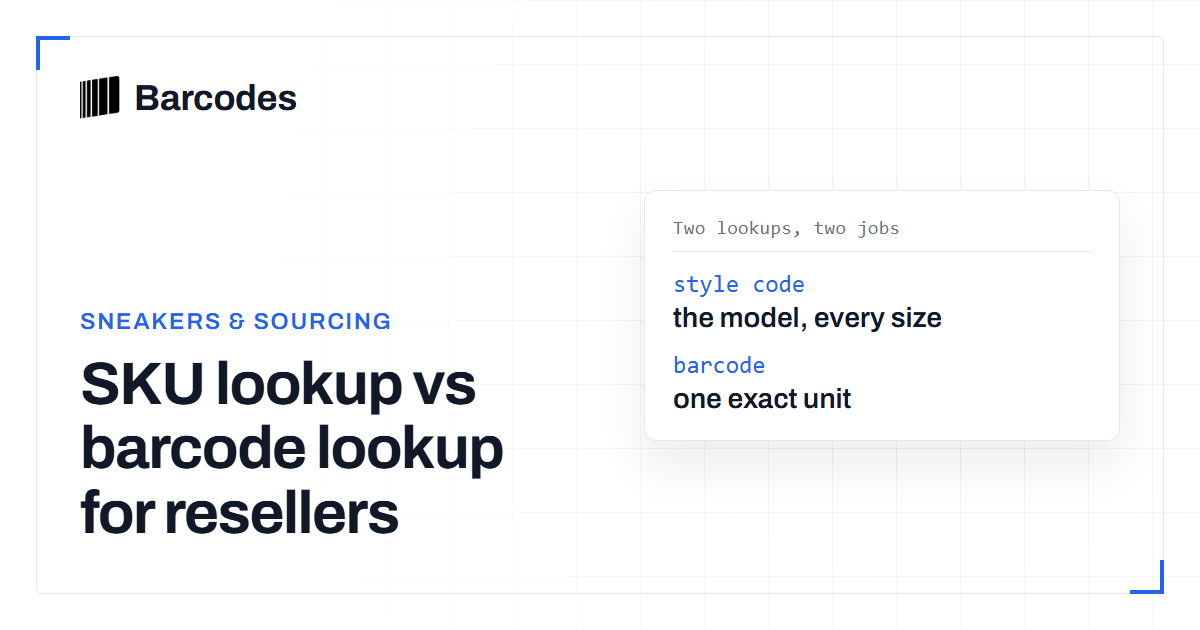
SKU lookup vs barcode lookup for resellers
The difference between looking up a product by SKU or style number and by barcode, and when to use each one for sourcing.
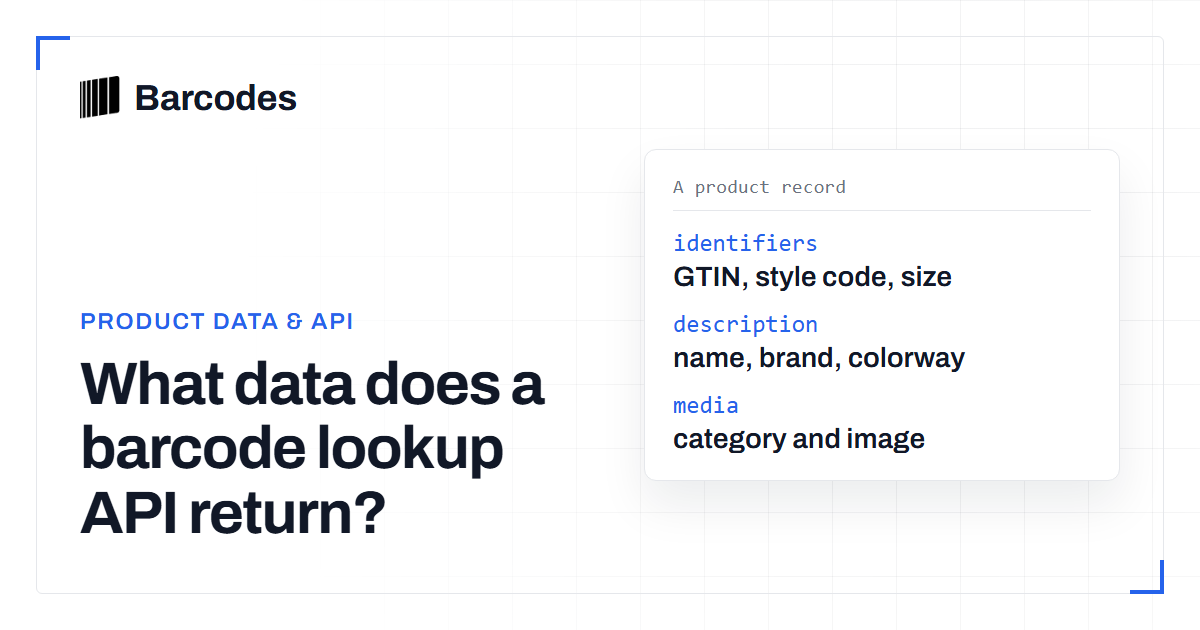
What data does a barcode lookup API return?
A field-by-field explanation of what you get back from a product-data barcode API and how to handle uneven results.