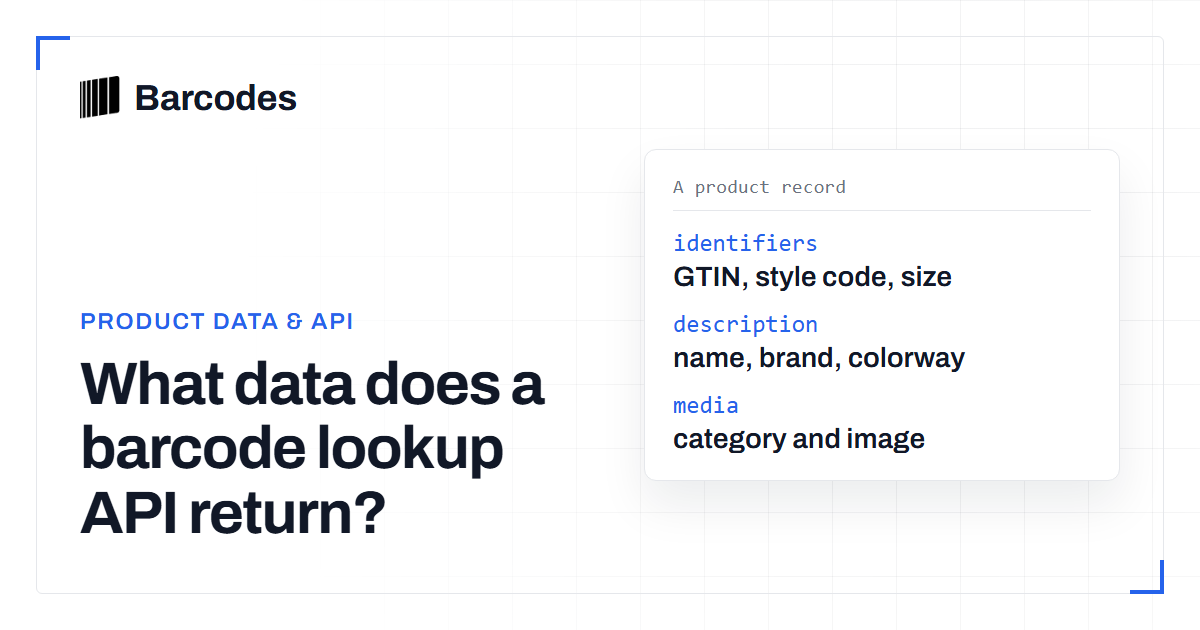
What data does a barcode lookup API return?
When you look up a GTIN, the API returns a structured product record. This guide explains the fields you can typically expect, why some are missing, and how to store the response so it stays useful.
What a product record looks like
A barcode lookup returns a structured record describing the product behind a GTIN. Exact field names and structure are documented in the API documentation, but the categories of data are consistent across product-data APIs. You can see a resolved record for a real number on an example page such as this lookup.
Think of the response in groups: identifiers, descriptive text, classification, and media. Not every group is populated for every product, so treat each field as optional.
| Field | What it means | May be empty when |
|---|---|---|
| GTIN | The canonical barcode number that identifies the item | Almost never - it is the lookup key |
| Title | The primary product name you display | The item is obscure or newly listed |
| Brand | The maker or label the product belongs to | The product is unbranded or generic |
| Category | The product type or department for filtering | The source classifies data poorly |
| Description | Longer free-text detail about the item | Frequently - descriptions vary the most |
| Attributes | Variant detail such as size and color | Outside fashion and footwear categories |
| Images | One or more product image references | The product is obscure or long-tail |
Identifiers
Identifier fields tie the record back to the physical product and to other systems.
- GTIN: the canonical barcode number, which may be represented as UPC-A, EAN-13, or GTIN-14 depending on the item.
- Brand or manufacturer identifiers: where available, these help you group products by maker.
- Model or style references: common in categories like apparel and footwear, where one style spans many barcodes.
Because the same product can carry multiple GTIN representations, normalize identifiers with the GTIN converter before you store or deduplicate them.
Descriptive fields
Descriptive fields are the human-readable content you most often display.
- Title or product name: the primary label for the item.
- Brand: the maker or label the product belongs to.
- Description: longer text, when present, which varies widely in completeness.
Descriptive text is the least consistent part of any product database, so design your UI to look good even when only a title is present.
Classification and media
Classification fields place the product in a taxonomy, while media fields provide images.
- Category: the product type or department, useful for filtering and analytics.
- Attributes: category-specific detail such as size or color, which is especially rich for sneakers and apparel.
- Images: one or more product image references, which may be absent for obscure items.
Two sources can also disagree on classification without either being wrong. One database may file a running shoe under Footwear while another places it under Sports and Outdoors. If you filter by category, map incoming values onto your own taxonomy and do not trust the raw string. Treat attributes the same way: the sizes US 10, UK 9, and EU 44 all describe the same physical shoe.
Normalize classification on the way in, not the way out. A thin mapping layer between the API response and your storage keeps analytics and filtering consistent as you add data sources.
Category depth is where sources differ most. For why fashion data is uneven across generic databases, see sneaker barcode lookup.
Why fields are missing and how to cope
No product database is complete. Records are assembled from many sources, and some products simply lack good public data. Do not treat gaps as failures. Design around them.
- Null-check every field before rendering, and hide empty fields cleanly.
- Prefer showing fewer, confident fields over padding with placeholders.
- Let users report or correct obviously wrong data if your product supports it.
Treat missing fields as the default state, not the exception. A record with only a GTIN and a title is still useful. A UI that renders cleanly around gaps feels more trustworthy than one padded with placeholder text or empty labels. Store what you receive, hide what you do not, and let confident data carry the display.
A not-found result for an entire barcode is a different case; handle it as a normal branch, as described in the barcode API guide.
Storing responses well
Store the response so it stays useful over time. Key each record by its normalized GTIN and keep a copy of the raw response for debugging. Record when you fetched it, so you can refresh stale entries later.
Before you store anything, validate the identifier with the barcode validation tool so a bad read never becomes a permanent bad record. For access tiers that fit your volume, compare options on the plans page.
Frequently asked questions
Will every lookup return an image?
No. Images are common but not guaranteed, especially for obscure products. Treat the image field as optional and provide a clean fallback in your UI.
Which fields are the most reliable?
Identifiers and the product title tend to be the most consistently present. Descriptions and images vary the most across products and sources.
Where do I find the exact field names?
The API documentation at /guide/docs/introduction/ is the authoritative reference for response structure and field names.
Try the tools
Related reading
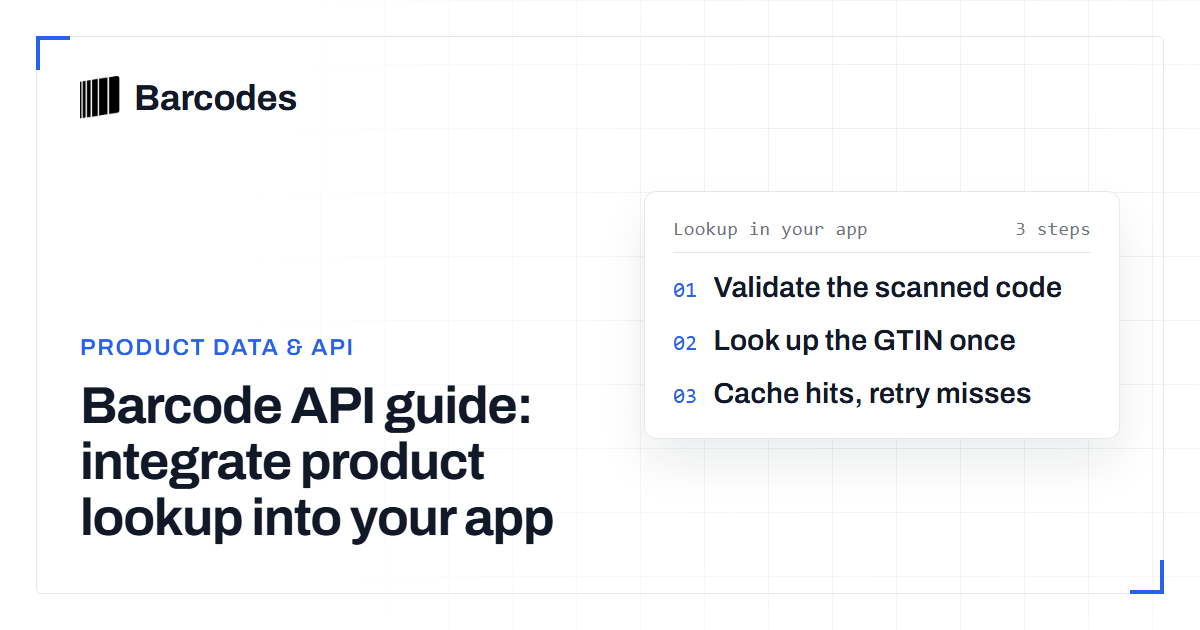
Barcode API guide: integrate product lookup into your app
A walkthrough for developers: how a barcode API turns a scanned GTIN into structured product data inside your application.
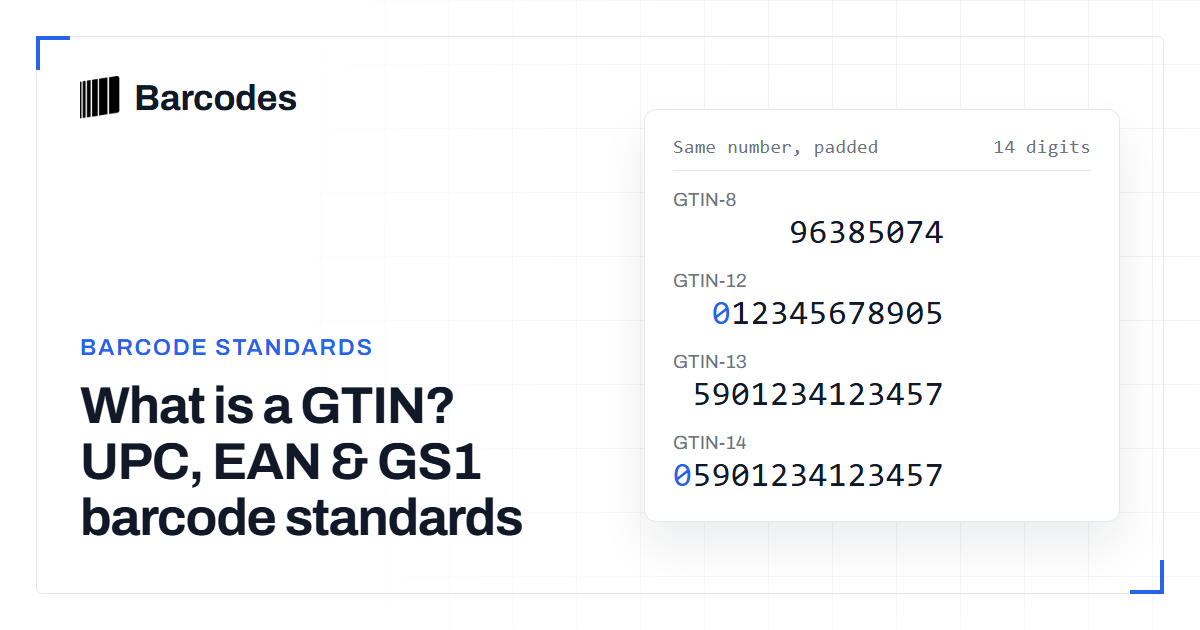
What is a GTIN? UPC, EAN & GS1 barcode standards
A GTIN is the GS1 Global Trade Item Number that sits above UPC, EAN and the 14-digit case code as one shared product identifier.
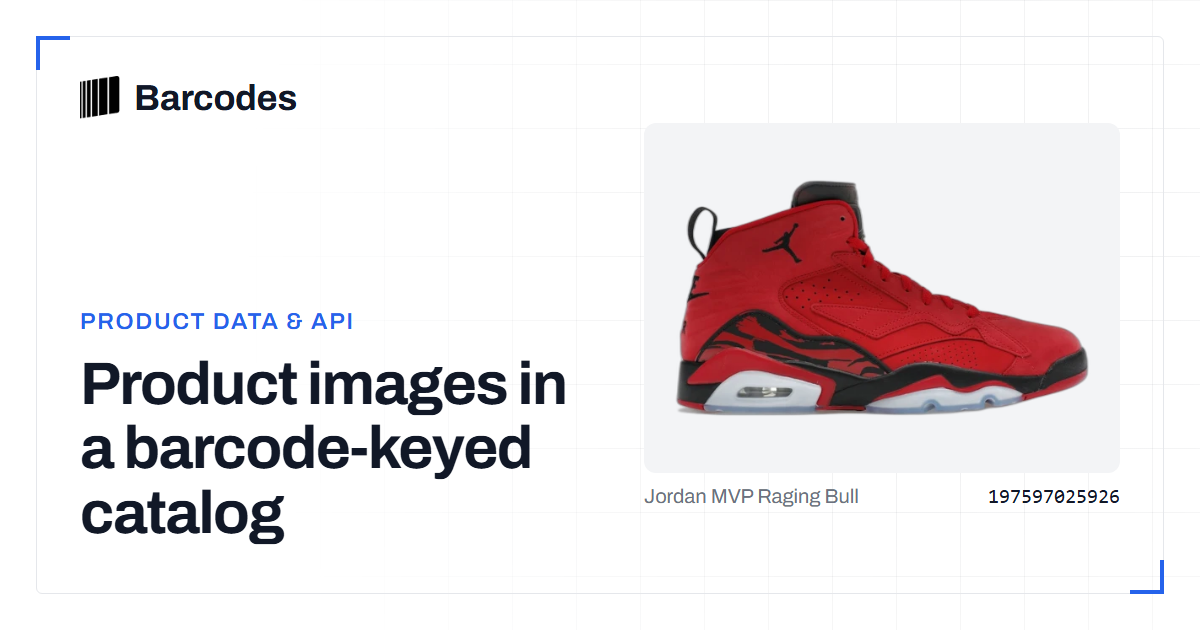
Product images in a barcode-keyed catalog
A catalog assembled from many sources inherits many pictures of the same item. Choosing one, and keeping it loading, is an identifier problem with a hosting problem attached.